What Goes into a Professional AI Image Editor for Family Portraits
A professional AI image editor makes it easy to clean up fall portraits by fixing shadows, framing, and distractions without changing the moment.

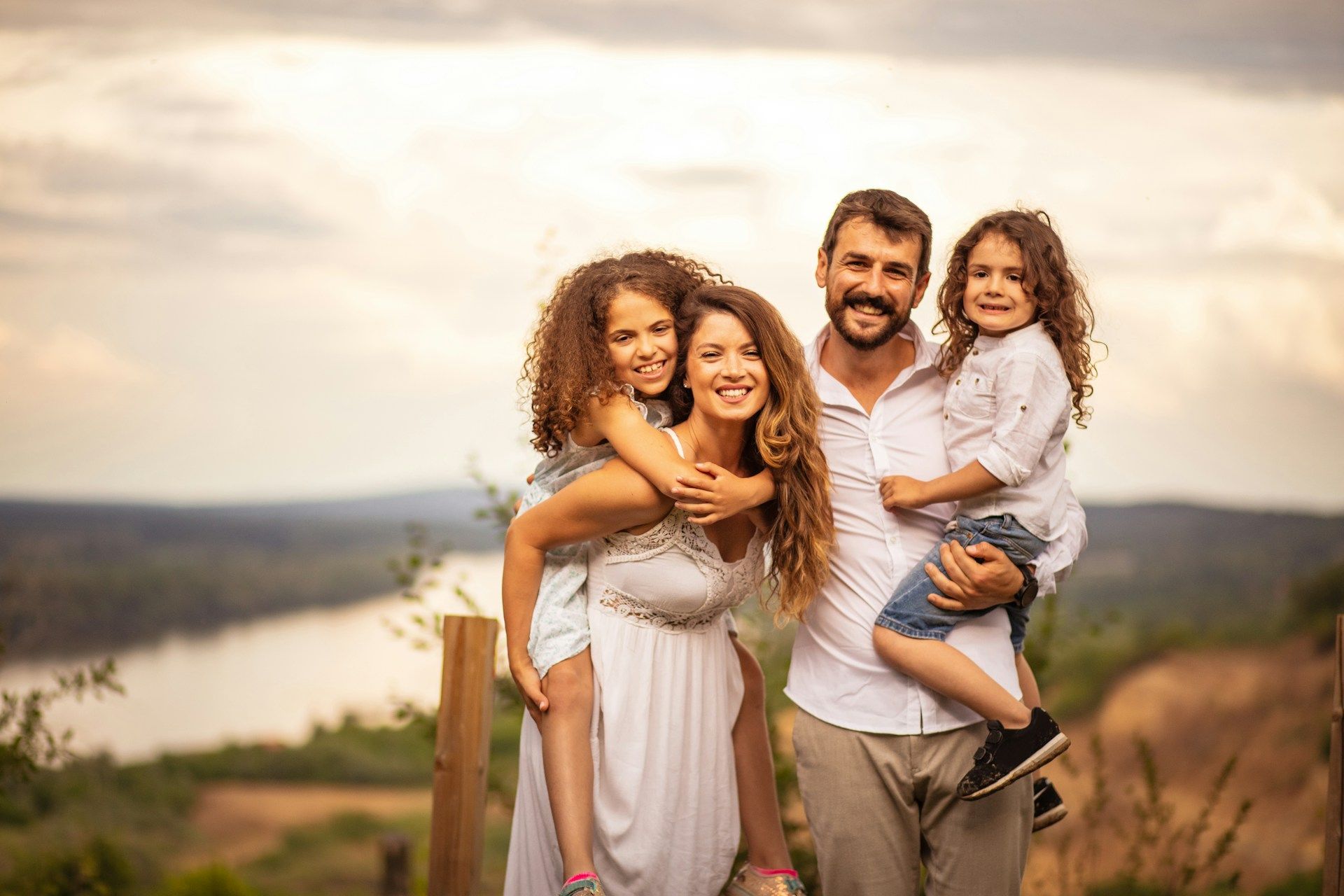
Family portraits are more than just pictures. They’re a way to hold on to the feeling of a certain time, a shared laugh, or the people we care most about gathered in one frame. But as much as we plan outfits or pick the perfect spot, photos don’t always come out how we want them to.
Stray shadows, crowded backgrounds, or tiny distractions can shift the focus away from what matters. That’s where having a professional AI image editor can make a big difference. It allows us to fine-tune the photo so it reflects not just what we saw, but how the moment actually felt. The goal isn’t to change the memory, but to help it show up clearly and naturally, just like we remember it.
Why Family Portraits Are Tricky to Get Just Right
Even with a good camera and careful timing, family portraits can be surprisingly hard to get spot-on. Kids move, adults blink, the light changes, or someone’s just a little out of place. These things happen in seconds but can shape the whole photo.
• Busy or messy backgrounds, like park crowds or backyard clutter, can sneak into the shot
• Shadows around faces or uneven lighting can make expressions harder to see
• A nice pose can be thrown off if someone shifts or looks away at the wrong moment
• Tight framing might cut off feet, hands, or that perfect fall tree in the corner
The photo can still hold the memory, but it might not feel ready to print or frame. That’s where subtle edits can bring everything into better focus.
What Makes Editing Feel Professional, Not Overdone
Good editing doesn’t make a photo look fake. It should clean up the small stuff while keeping everything honest. The people in the photo should still look like themselves.
• Gentle adjustments around edges, clothing, and hair keep the details soft and natural
• Color tweaks can brighten skin tones and clothing without adding a weird filter
• Shadows or grainy darkness can be softened so the photo feels more open
• Edits around lighting or contrast should fit the tone of the photo session, whether it was cozy, sunny, or indoor
When editing is done right, the picture feels smoother but not polished beyond recognition. It still feels like us, just slightly more together. We want the finished photo to feel calm and complete without taking away the personality that made it worth saving.
Key Features of a Professional AI Image Editor
The tools behind the scenes matter too. A professional AI image editor uses smart systems to help fix what didn’t go quite right, without overcorrecting or flattening the personality out of a photo.
• Adjusts lighting and balance across the photo so faces are clear and details match from edge to edge
• Keeps a natural focus on people while dialing back noise or distractions in the background
• Smart cropping can remove awkward edges without cutting anything important
• Border extension can gently fill out a photo that feels too tight or cut off
• Subtle changes to faces, clothing texture, or background blur can remove distractions without anyone even noticing the edit
These tools aren’t about filters or extreme changes. They’re more about smoothing the little things so the picture looks as finished as the moment felt when it happened.
MagicCanvas’s platform offers browser-based AI technology to adjust lighting, repair awkward borders, and remove minor background distractions quickly. Smart cropping and uncropping features allow you to frame each family member perfectly, making tight group portraits or outdoor scenes work for prints and gifts.
Why Fall Family Photos Often Need a Little Extra Help
Fall can be one of the best times of year for family portraits. The colors are warm, the sweaters are layered, and the setting often feels cozy and close. But fall photos come with their own stretch of challenges too.
• Leaves and branches can create strange patterns or shadows that land right on someone’s face
• Flannel shirts, scarves, and other textured fabrics can get lost in poor lighting
• The sun sits lower in the sky, making shadows longer and causing squinting or uneven brightness
• Park photos or fall event setups sometimes include clutter, signs, or other people in the background
The moment may still be wonderful, but those little details can stand out more than we expect later on. A professional AI image editor can help filter those distractions out and bring attention back to what really matters in the photo.
MagicCanvas’s tools help you process family portraits with simple auto-enhancement features and distraction removal, so your focus stays on the connections in every shot. You can fix underexposed backgrounds and balance each person in the frame for more cohesive holiday or seasonal images.
Picture-Ready Portraits You’ll Actually Want to Keep
Family portraits carry much more than poses or clothes. They give us something to hang onto. And often it’s just a bit of clean-up that brings a photo from “that’s okay” to “this actually feels right.”
Professional editing isn’t about turning a normal day into perfection. It’s about keeping the moment true while letting the best parts come forward. The right touch makes everyone feel included, keeps the color and light natural, and holds onto the warmth or quiet joy that made the photo worth taking.
When the goal is to frame a memory or send it in a holiday card, it helps to feel proud of how it turned out. The best edits are the ones no one notices, because they let the real moment do all the talking.
At MagicCanvas, we understand how much emotion is captured in every family photo. When a small adjustment helps a favorite picture become even more meaningful, it’s worth making the change with care. Using a professional AI image editor ensures the memory stays true while enhancing the full image. Whether you’re looking to improve a tight crop or remove a minor distraction, we’re here to help you bring your memories into sharper focus. Reach out to us to get started on your edits.