Modern
Explore clean-lined furniture, calm neutral colors, dark accents, and uncluttered surfaces for a crisp contemporary room.
The page could not load. Please refresh to try again.
This is taking longer than expected. You can keep waiting or refresh the page.
AI INTERIOR DESIGN
Upload a photo of your room and describe the space you want to see. MagicCanvas can generate interior design concepts for furniture, colors, materials, lighting, and decor—so you can explore a direction before committing to it in the real world.
Design a room with AI →Creates a visual concept in Create. AI results are not measured plans or construction drawings.
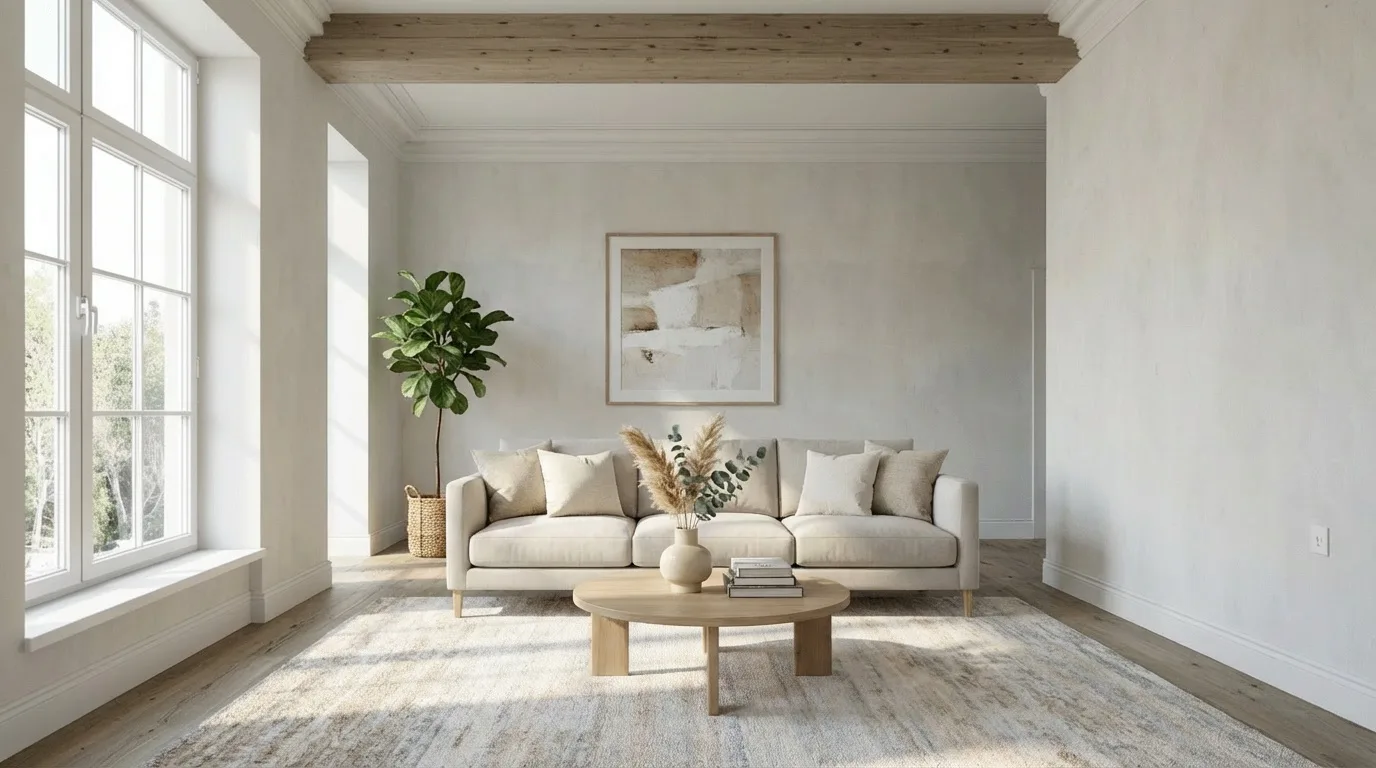
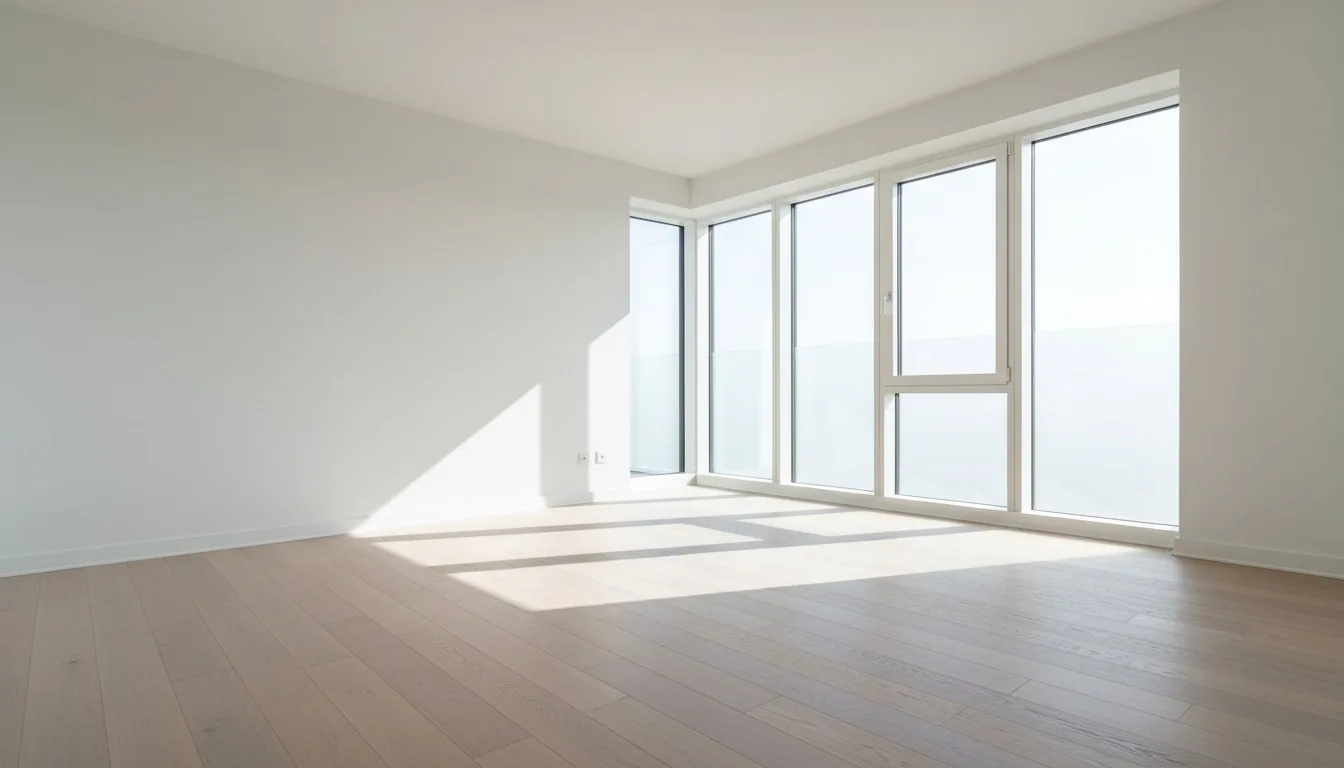 Room photoAI concept
TRY A DESIGN DIRECTION
Select a starting direction here. MagicCanvas will carry the complete design brief and style reference into Create.
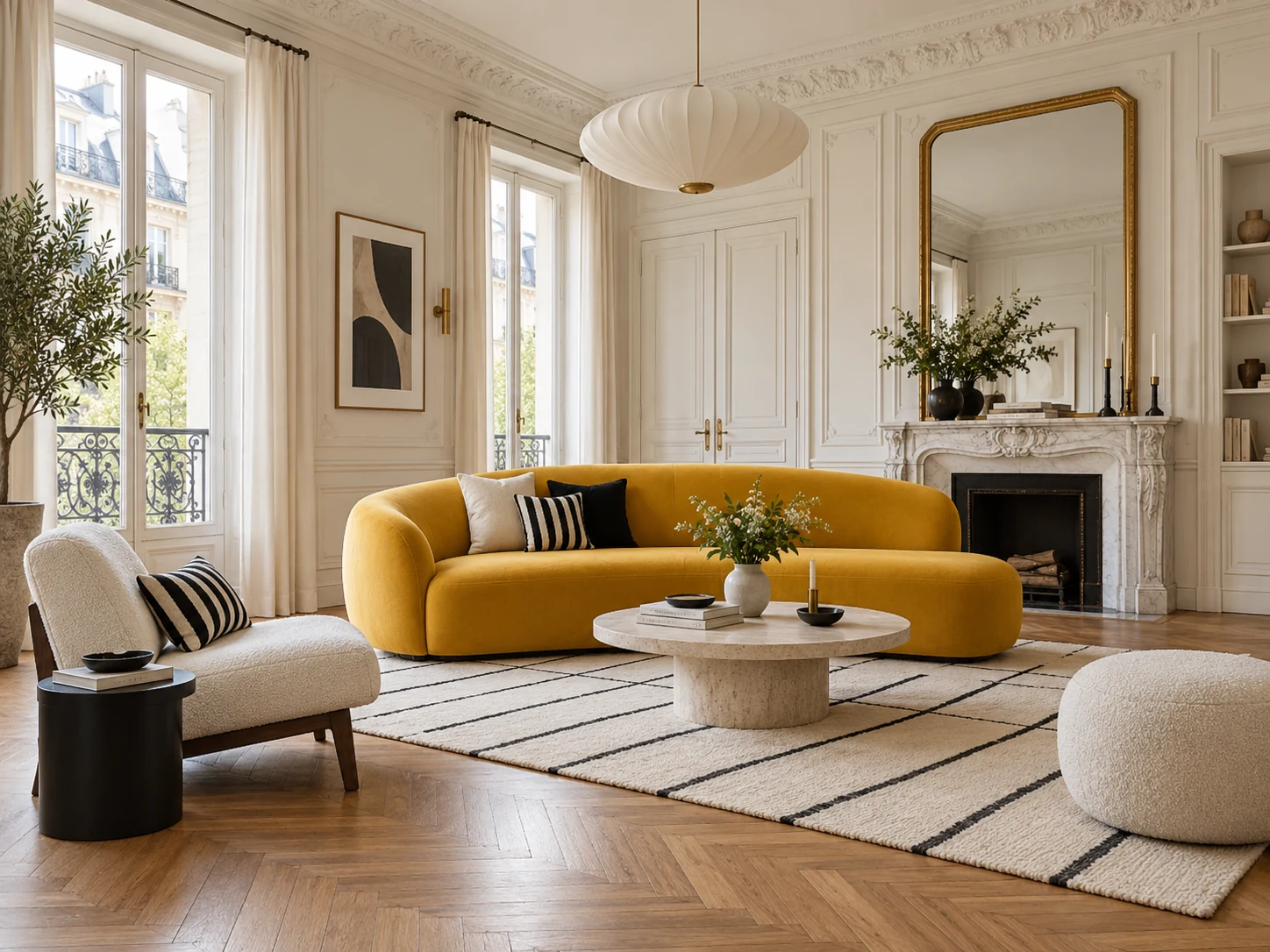
elegant wall moulding, an oak herringbone floor, sculptural seating, refined black-and-white accents, and soft natural window light
The style reference is added as image 1. Upload your own room as image 2.
SEE THE DIRECTION IN CONTEXT
Tap any reference to open it in AI image editing, then upload your own room. Each option carries a specific style brief so you can compare more than a generic style name.
 Parisian Gallery Living RoomUse this style →
 Soft Japandi Living RoomUse this style →
 Sunlit Neutral LoungeUse this style →
 Dark Panelled LoungeUse this style →
 Stone Island Open LivingUse this style →
 Burgundy & Bouclé LoungeUse this style →
 Open-Plan Garden LivingUse this style →
 Pale Oak Minimal HomeUse this style →
 Terracotta Stone LivingUse this style →
 Serene Modern BedroomUse this style →
 Walnut Glow BedroomUse this style →
 Sage Country KitchenUse this style →
 Burgundy Tile KitchenUse this style →
 Blush Galley KitchenUse this style →
 Window Nook Dining RoomUse this style →
 Walnut & Brass OfficeUse this style →
 Blush & Sage BathroomUse this style →
 Travertine Blush SpaUse this style →
 Verde Marble Powder RoomUse this style →
 Light Oak Dressing RoomUse this style →
 Warm Stripe Kids RoomUse this style →
HOW IT WORKS
The workflow uses image editing inside MagicCanvas Create. Your photo provides the visual context; your prompt explains the design direction and what should stay recognizable.
Choose a well-lit image that shows walls, windows, doors, floor edges, and the main furniture from a natural viewpoint.
Name the room, style, palette, materials, furniture, lighting mood, and architectural details the generation should preserve.
Inspect the result beside your source. Adjust the prompt when proportions, fixed features, or the overall design direction need another pass.
WRITE A USEFUL DESIGN BRIEF
Specific prompts usually make a concept easier to evaluate. Include the room type and desired style, then add a few concrete details about materials, colors, furniture, and lighting. Mention important constraints explicitly.
Try this interior design prompt →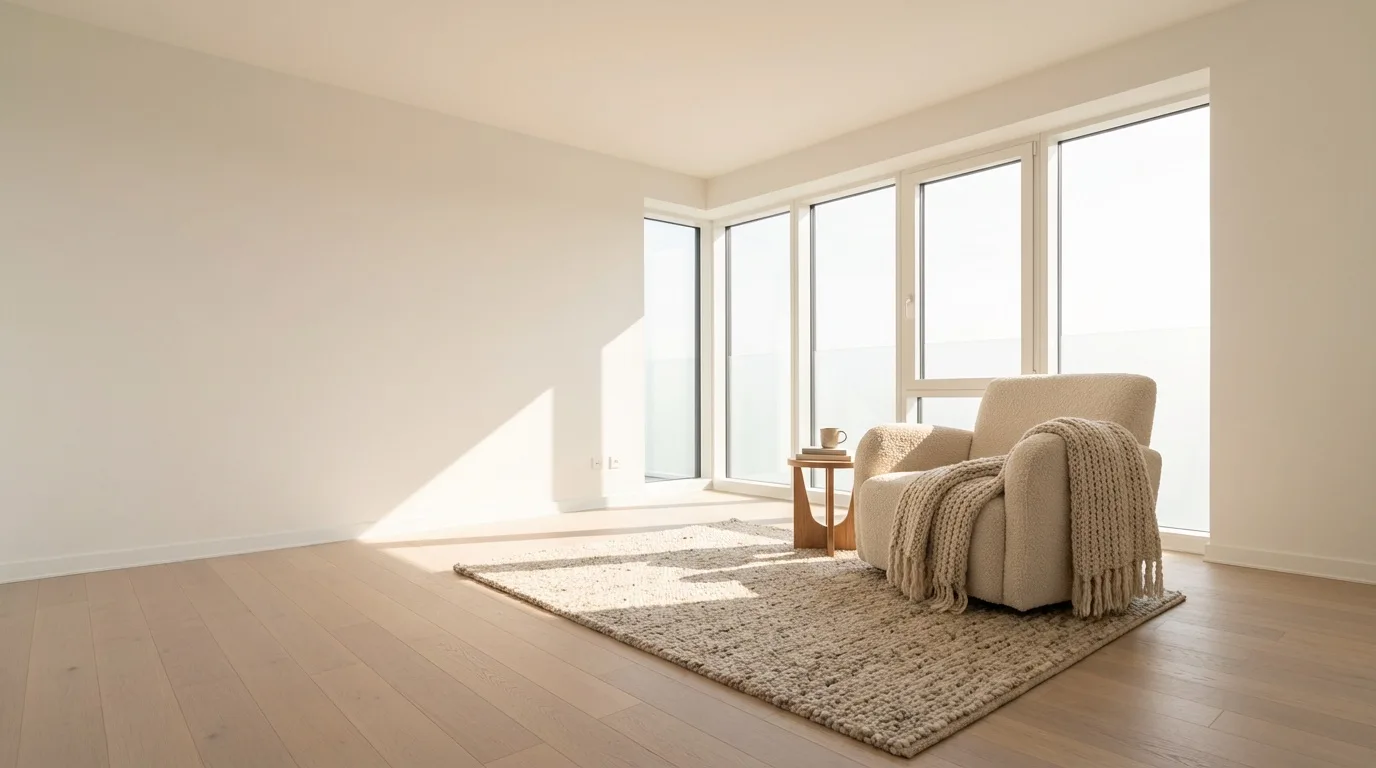 EXAMPLE PROMPT
Redesign this living room in a warm modern style with an oatmeal sofa, walnut furniture, a textured neutral rug, soft indirect lighting, and a few green plants. Preserve the windows, walls, floor, camera angle, and room proportions.
DESIGN DIRECTIONS TO TRY
You can request familiar interior styles or describe the atmosphere directly. The strongest prompt is the one that communicates your priorities without overloading the model with conflicting instructions.
Explore clean-lined furniture, calm neutral colors, dark accents, and uncluttered surfaces for a crisp contemporary room.
Reduce visual noise with a smaller furniture palette, open floor area, simple materials, and carefully chosen decor.
Combine modern proportions with natural wood, tactile fabrics, layered lighting, and warmer earth tones.
Visualize a more focused workspace with a desk, useful storage, task lighting, and a background suited to calls or content.
FROM INSPIRATION TO A CLEARER BRIEF
Treat every output as an exploration aid. Check measurements, availability, building requirements, and professional advice before turning any generated concept into a physical project.
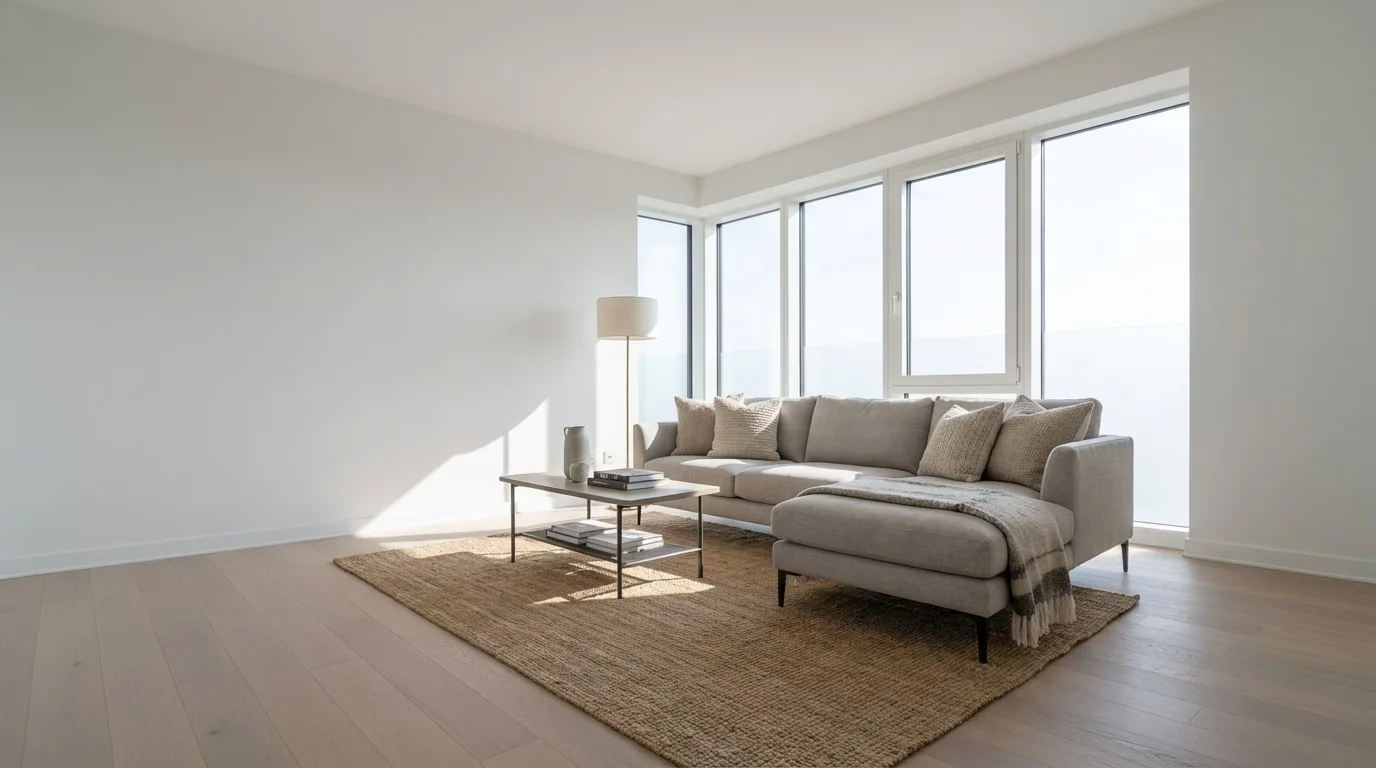
Compare broad style directions before buying paint, furniture, lighting, rugs, or decor. Use the result as a visual brief rather than an exact shopping list.
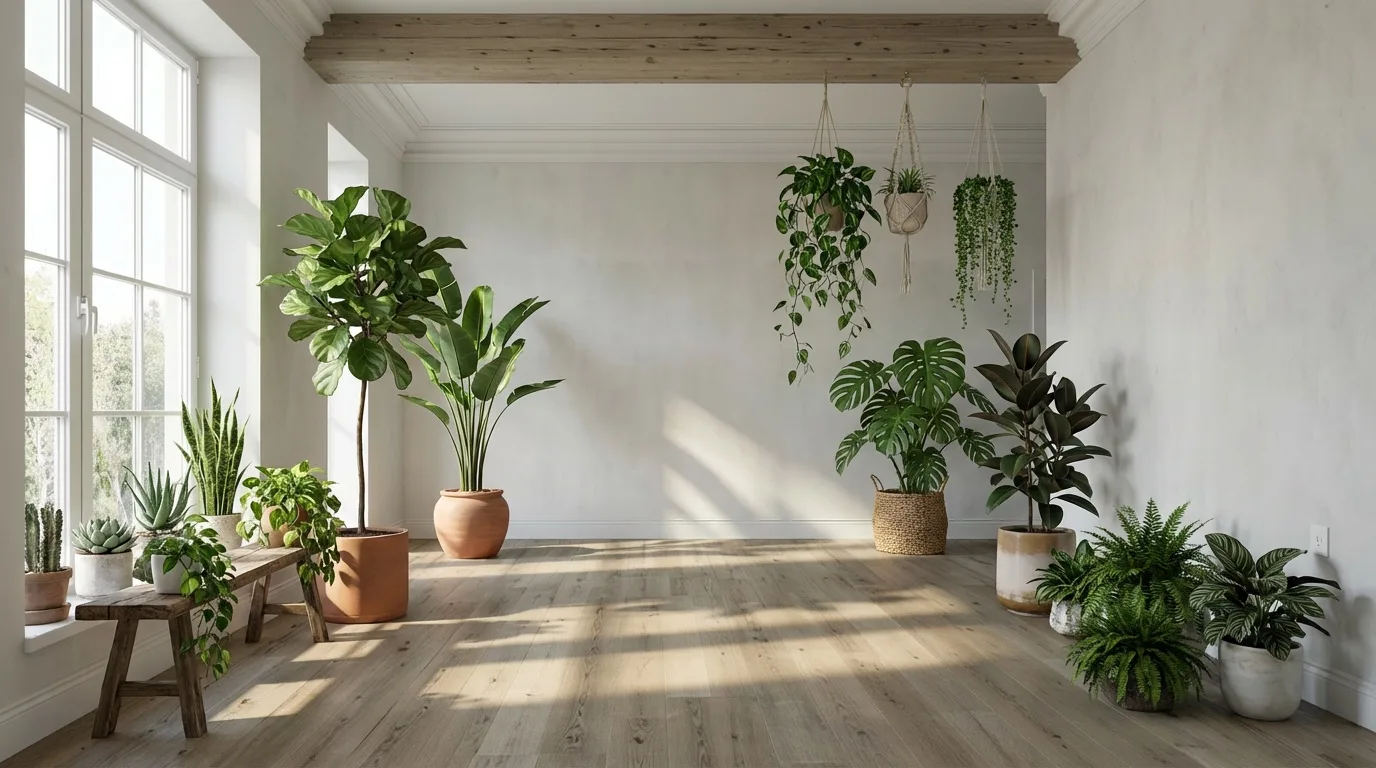
Turn an early idea into a visual conversation starter for an interior project. Generate several directions, then discuss what should be kept, changed, or measured.
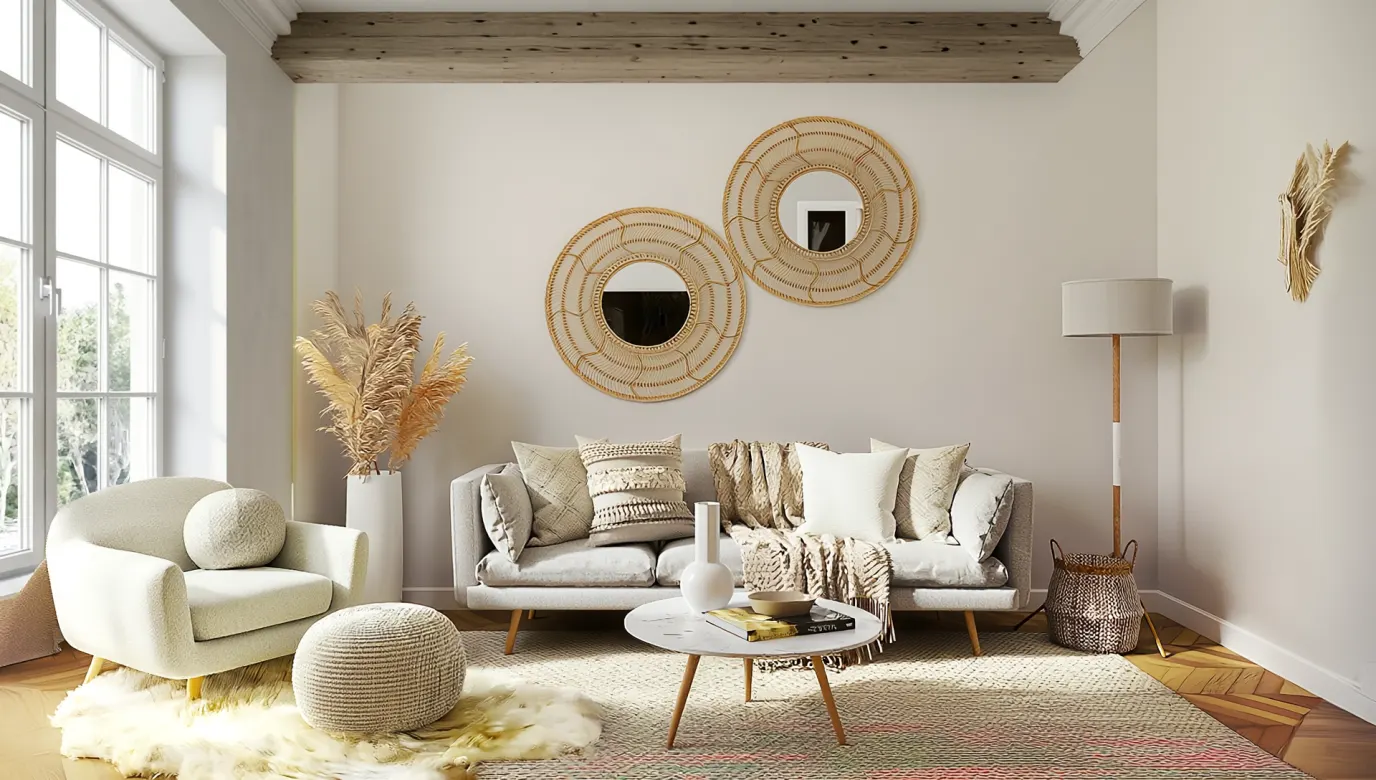
Add a plausible furniture and decor direction to an unfurnished room photo for inspiration, presentations, or a real-estate marketing concept.
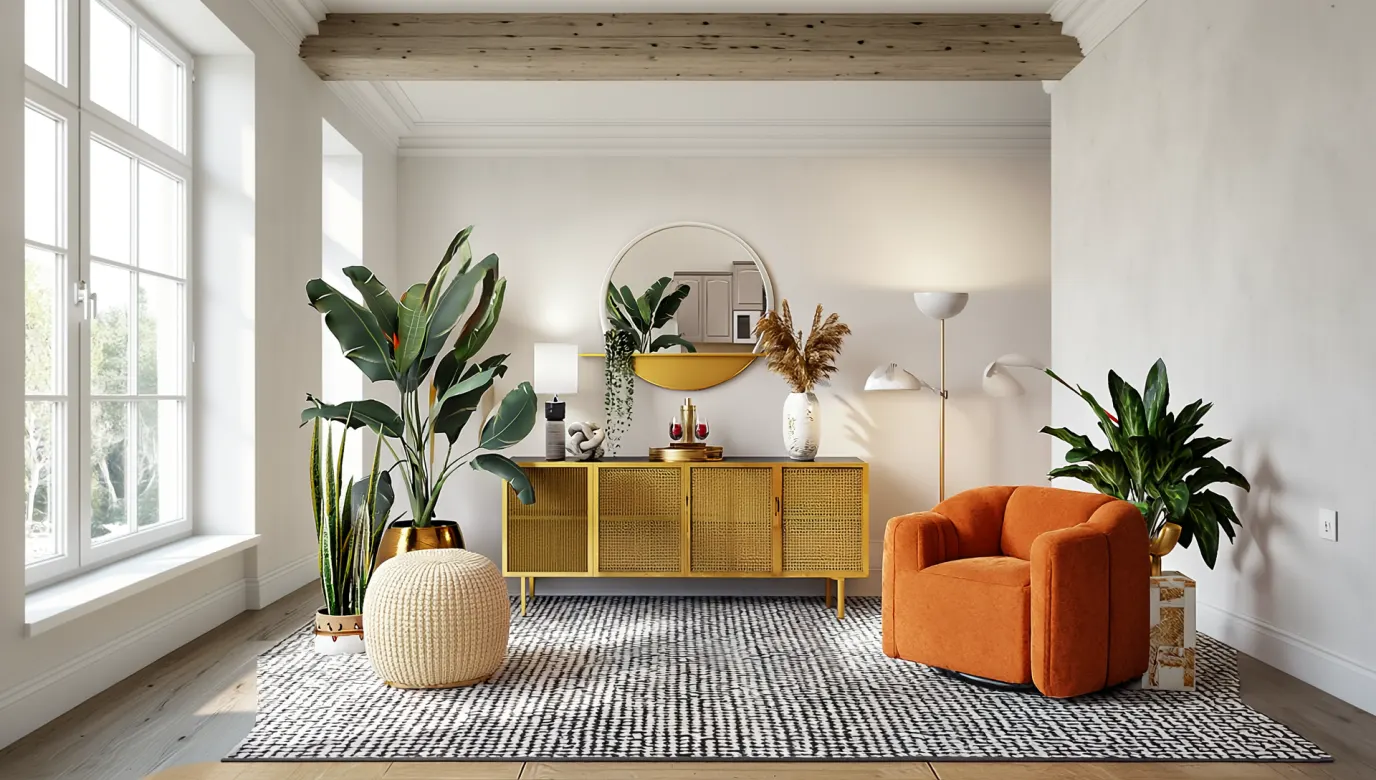
Explore color, material, and furniture combinations in the context of one room, then save the strongest concepts alongside real samples and dimensions.
VISUALIZE FIRST, VERIFY NEXT
Generative editing can change proportions, move architectural features, invent furniture, or create materials that are difficult to source. Use the image to communicate a direction—not as proof that every object fits or that the space can be built as shown.
Use another MagicCanvas tool when the next step is changing one area, extending the composition, or preparing a larger image.
AI interior design uses a room photo and a written direction to generate a new visual concept. It can help you explore furniture, colors, materials, lighting, and decor without manually compositing every element.
Open the tool, upload a clear photo of the room, and describe the room type and design direction you want. Add useful constraints such as the elements to preserve, preferred materials, color palette, and lighting mood, then generate and compare the result with the source.
Use a sharp, well-lit photo that shows most of the room from a natural viewpoint. Keep walls, windows, doors, floor edges, and major furniture visible. Heavy blur, extreme wide-angle distortion, people blocking the room, and very dark corners can make the generated layout less predictable.
Yes. Describe styles such as modern, minimalist, Scandinavian, industrial, mid-century, Japandi, coastal, or warm contemporary. You can also describe materials and atmosphere instead of relying on a style label alone.
Not necessarily. You can ask MagicCanvas to preserve walls, windows, doors, camera angle, and major architectural features, but generative editing may still alter proportions or invent details. Always compare the result with the source before using it for planning.
No. The output is a visual concept, not a measured plan, construction drawing, safety review, code check, or professional specification. Consult qualified professionals before structural, electrical, plumbing, accessibility, or other consequential work.
You can create a staging concept, but disclose material digital alterations where required and avoid presenting generated furniture, finishes, views, dimensions, or permanent features as physically present when they are not.
Tool access and generation cost depend on the current account and model configuration. Review the displayed credit cost in Create before submitting a generation.
READY TO REIMAGINE THE ROOM?
Upload one room photo, describe a design direction, and turn the strongest concept into a clearer plan for what comes next.
Design a room with AI →