

TL;DR
- Best overall free AI lip sync tool: MagicCanvas for turning real uploaded videos into talking clips with custom dialogue, fast results, and zero pretension.
- Best for polished business avatars: HeyGen.
- Best for voice-first narration and dubbing: DupDub.
- Best open-source playground: SadTalker.
- Best for quick social and meme edits: CapCut
I still remember the first time I tried to make a talking video the old way. Hours of keyframing mouths in After Effects, staring at waveforms, muttering “just move, you digital corpse.” Then AI lip sync showed up and quietly ruined every excuse I had for not shipping content.Suddenly you could upload a clip (or a still), feed it the words you actually wanted the person to say, and watch the mouth catch up like it had been rehearsing all along. No studio. No VFX budget. Just pure, slightly uncanny magic.The catch? Most “free” tools are free the way free samples at the mall are free—great until they ask for your credit card and a blood sample. So I spent the last few weeks testing the ones that actually let you start without payment info. Here’s the honest, slightly caffeinated ranking for 2026.
Quick Comparison
| Tool | Best For | Free Plan | Browser-Based | Standout Feature |
| MagicCanvas | Real video lip sync + creator speed | Yes | Yes | Upload your own video, rewrite the dialogue |
| HeyGen | Realistic avatar presentations | Yes | Yes | Multilingual polished faces |
| DupDub | Voice + lip sync narration | Yes | Yes | Strong AI voice tools |
| SadTalker | Open-source tinkering | Yes | Partial | Full local control |
| CapCut | Short-form social & memes | Yes | Yes | Editing suite + AI in one app |
What Actually Matters in an AI Lip Sync Tool
Mouth shapes are only half the battle. The tools that don’t make you cringe also nail eye blinks, subtle cheek movement, timing that doesn’t drift, and the ability to export without a giant watermark screaming “I couldn’t afford the upgrade.” Bonus points if the whole process doesn’t feel like solving a Rubik’s Cube blindfolded.
MagicCanvas – The One I Keep Coming Back To
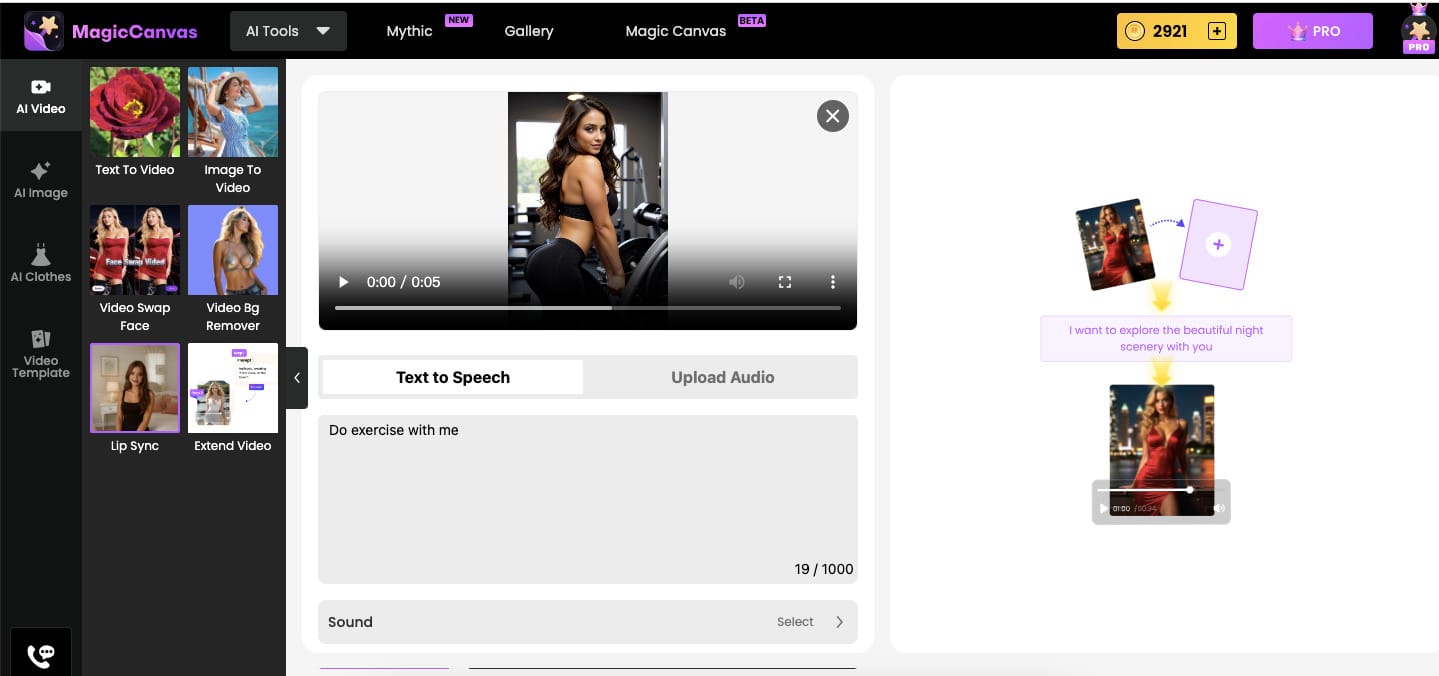
MagicCanvas is the tool that finally matched how my brain works. You upload a real video of a person (or yourself), type the exact lines you want them to say, and it generates a new clip where the mouth, jaw, and face move like they were always speaking those words. No stiff talking-head photos unless you want them. Actual footage. Actual dialogue rewrite.I tested it on a short clip of a friend looking mildly confused. Ten minutes later he was delivering a deadpan monologue about why pineapple belongs on pizza. The lip sync held up, the facial motion stayed consistent, and I didn’t have to open three other apps to finish the edit. That speed is addictive.What I love most is how little it pretends to be a research project. The interface feels built for people who just want the video done so they can move on with their lives (or post the meme). Talking-photo mode exists if you need it, but the real magic is the video-to-video lip sync. Upload, rewrite, export. Done.Pros
- Works on real uploaded videos, not just still images
- Fast, beginner-friendly flow
- Multiple AI tools living in the same place
- Free tier that actually lets you try the full workflow
Cons
- Coin-based system
Pricing starts free. Paid tiers unlock more minutes and higher quality once you’re hooked. For creators who live on short-form content and need to move fast, this is the one that feels least like work.
HeyGen – When You Need the Face to Look Like It Has a Real Job
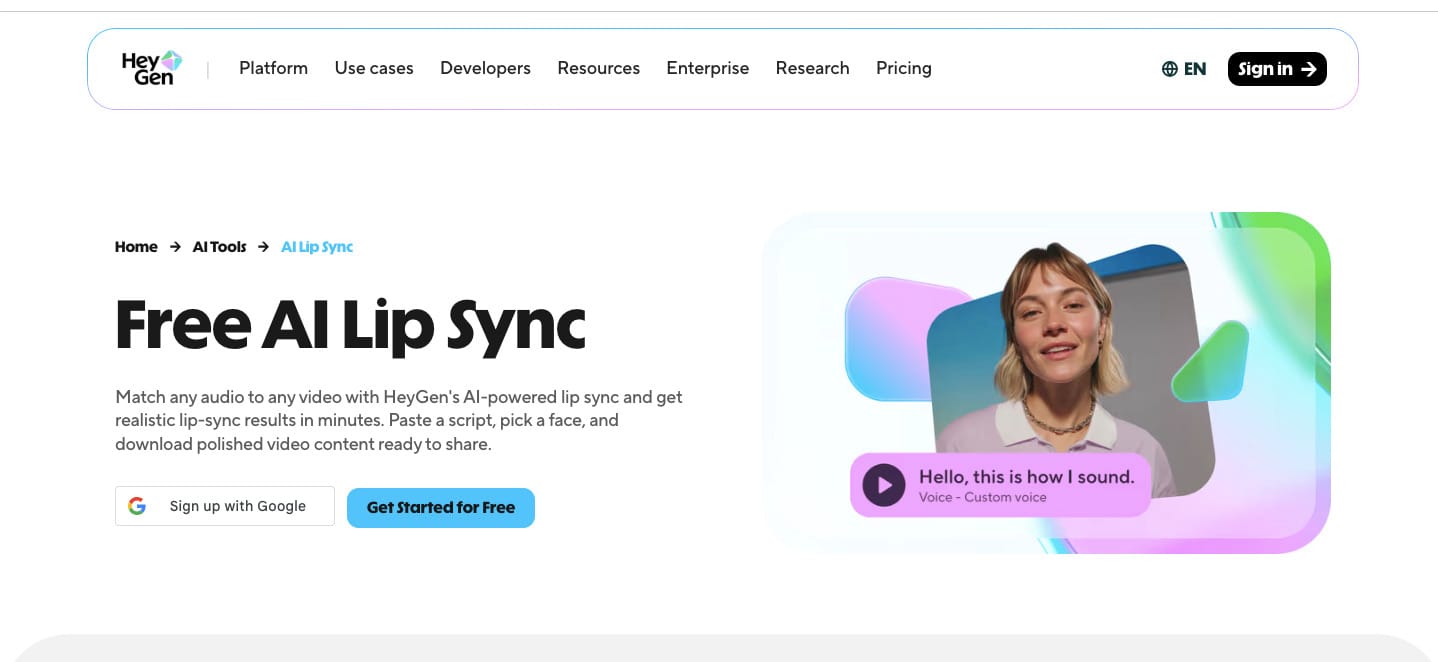
HeyGen is the grown-up in the room. It specializes in realistic digital presenters that don’t start melting after the thirty-second mark. Eye tracking, subtle expressions, cheek movement—the whole package looks like someone who has been briefed before the meeting.I used it for a fake product explainer and the avatar held eye contact better than half the humans I know. Multilingual dubbing is genuinely strong; the mouth keeps up when you switch languages without turning the face into a rubber mask.It’s less fun for chaotic meme energy and more useful when the video has to feel professional. Free tier exists and works, but the limits arrive faster than you’d like if you’re producing volume.Best for businesses, educators, and anyone who needs the talking head to look like it belongs in a boardroom instead of a group chat.
DupDub – Voice First, Face Second
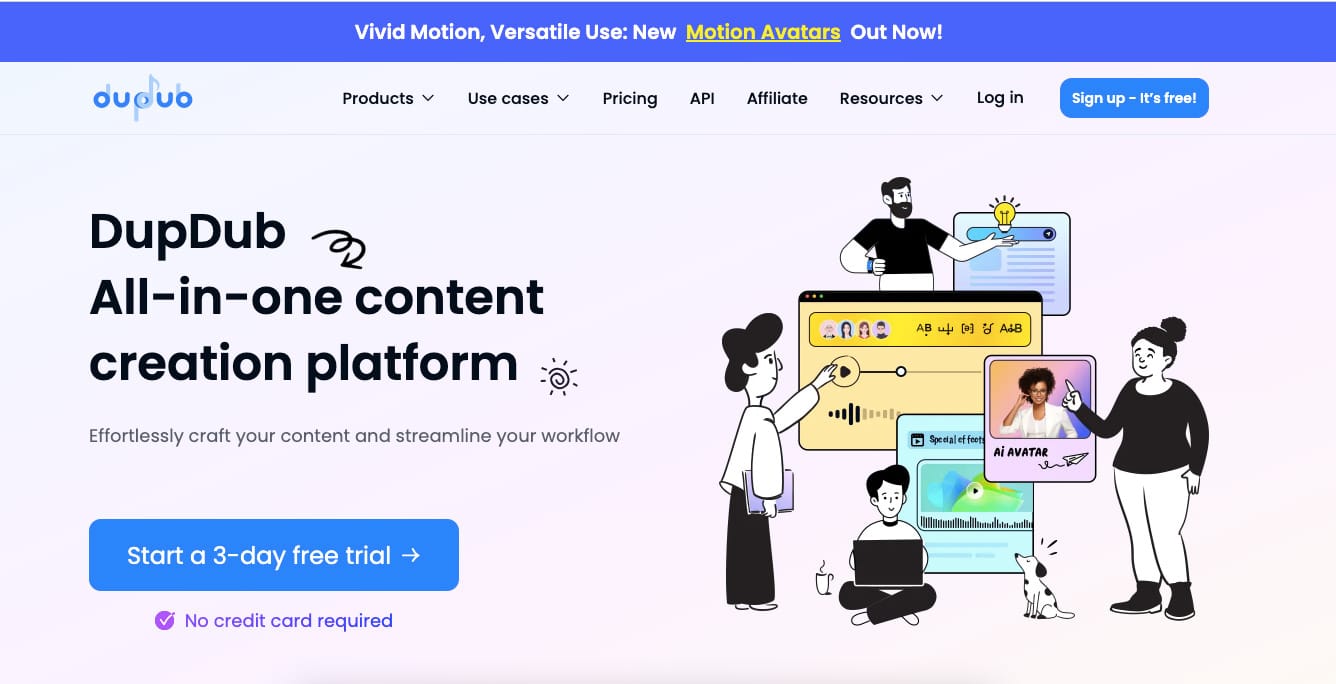
DupDub leans hard into the audio side of the equation. Strong AI voices, easy dubbing, and lip sync that follows the speech rather than fighting it. If your content is narration-heavy—explainers, faceless YouTube channels, educational shorts—this one feels natural.I generated a voiceover, dropped it onto a simple avatar, and the mouth moved with less drift than I expected. It’s not the most cinematic face on the planet, but the workflow is friendly and the voice tools are better than average.Free access gets you far enough to decide if the platform fits your style. Great for people who care more about what is being said than about perfect pore-level facial realism.
SadTalker – The Open-Source Wild Card
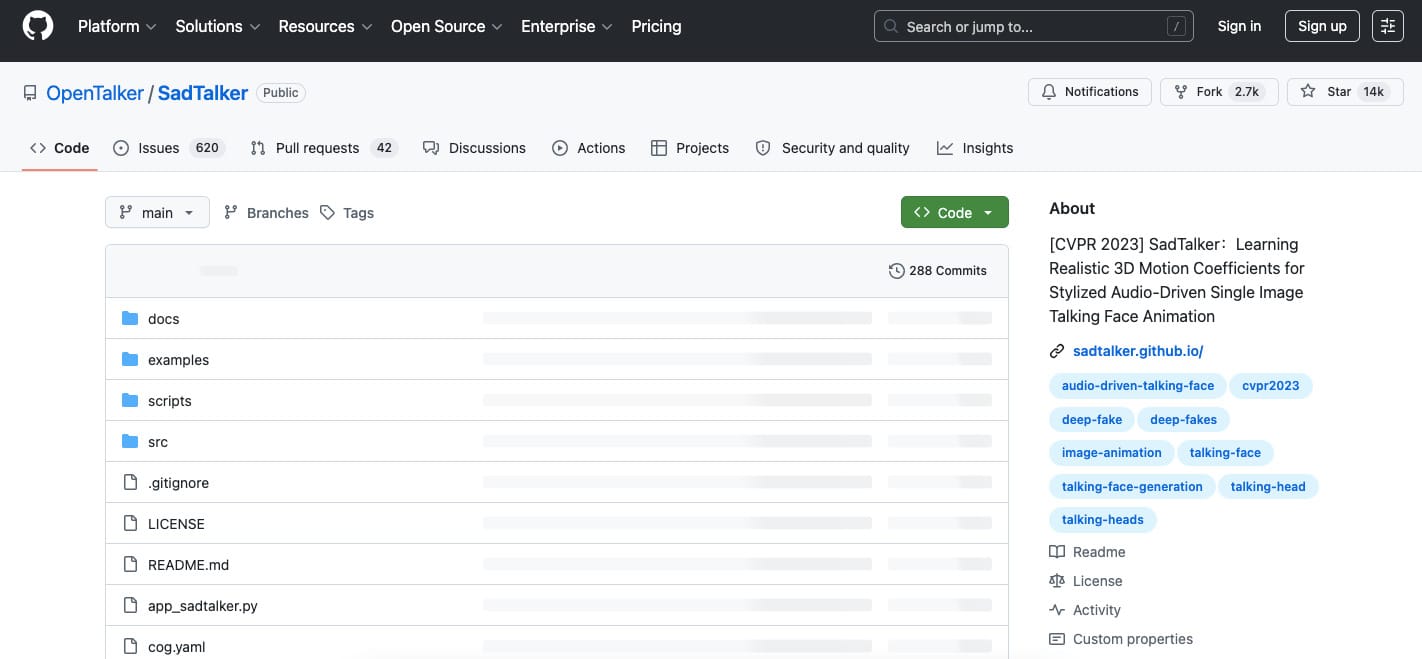
SadTalker is free in the purest sense: open-source, run it yourself, no subscription breathing down your neck. The community keeps improving it, and the lip sync quality can be surprisingly good when you dial in the settings.The downside is that “free” here means you pay with time and GPU heat. Setup is not beginner-friendly. Results vary depending on your hardware and how much you tinker. If you enjoy building custom pipelines and hate monthly bills, this is the playground. If you just want a video by lunch, look elsewhere.
CapCut – The Social Media Swiss Army Knife
CapCut doesn’t pretend to have the most realistic lip sync on Earth. What it does have is an entire editing suite wrapped around the AI tools. Subtitles, templates, effects, mobile editing—everything lives in one place.I use it when I need something finished in twenty minutes and posted before the algorithm forgets I exist. Meme edits, reaction clips, quick talking characters for TikTok—all of it happens without exporting and re-importing. Realism is average, speed and convenience are excellent.If your content lives and dies on short-form platforms, CapCut is still hard to beat for pure velocity.
A Workflow Most People Skip
The best results rarely come from one tool alone. Generate or clean an image, animate it, then finish with lip sync. Or take real footage, rewrite the dialogue in MagicCanvas, then polish timing and text in CapCut. The tools that play nicely with the rest of your stack win in the long run.
Free vs Paid – What Actually Changes
Core lip sync quality is often solid even on free tiers now. What you lose is length, resolution, rendering speed, and the absence of watermarks. Free is perfect for testing ideas and shipping the occasional clip. Once you’re making content every day, the friction starts to cost more than the subscription.
Which One Should You Actually Use?
- Want the fastest path from real video to custom dialogue? Start with MagicCanvas.
- Need corporate-looking avatars that don’t fall apart? HeyGen.
- Voice-driven narration and simple talking heads? DupDub.
- Love tinkering and hate subscriptions? SadTalker.
- Live on TikTok and memes? CapCut.
I used to think AI lip sync was a gimmick. Then I watched a clip of myself calmly explaining why I was late to a meeting using words I never said, and the mouth matched perfectly. Creepy? A little. Useful? Extremely.These tools finally let regular creators do what used to require a VFX team and a prayer. Pick the one that matches how you actually work, stay inside the free limits while you experiment, and upgrade only when the daily friction starts yelling louder than the content itself.Now go make someone say something ridiculous on camera. You’re welcome.