
Quick Answer: AI UGC ads are creator-style videos made with AI tools instead of hiring influencers or filming traditional user-generated content. They combine relatable storytelling, product demonstrations, natural-looking visuals, and conversational scripts to create ads that feel at home on TikTok. With tools like MagicCanvas, brands can turn product images and creative ideas into engaging video content, experiment with different ad concepts, and produce fresh variations without organizing a traditional video shoot.
What Are AI UGC Ads?
You've probably seen this type of video while scrolling through TikTok.
Someone is holding a skincare product in their bathroom, showing off a new gadget in their kitchen, or explaining how a product solved an annoying everyday problem. The video feels casual, almost like a recommendation from a friend rather than an advertisement.
That's the basic idea behind UGC-style advertising.
Understanding AI-Generated UGC Ads
UGC stands for User-Generated Content. Traditionally, it refers to content created by customers, fans, or independent creators who share their experiences with a product or brand.
AI UGC ads take inspiration from that format but use artificial intelligence to create some or all of the creative elements.
Depending on the workflow, AI can help generate:
- Advertising scripts and conversational dialogue
- Product visuals and lifestyle scenes
- Creator-style video footage
- Voiceovers and background audio
- Short-form promotional videos
- Multiple creative variations for testing
Instead of coordinating an influencer, arranging a filming location, and waiting for edited footage, brands can use AI tools to build video concepts and produce visual assets much faster.
One important distinction: AI-generated UGC-style content is not the same as genuine customer-generated content. If an AI character appears to recommend a product, don't present that as a real customer's personal experience. The goal is to borrow the storytelling style of UGC, not manufacture fake testimonials.
AI UGC Ads vs. Traditional UGC vs. Brand Ads
These three formats serve similar marketing goals, but their production processes are quite different.
| Format | How It Works | Main Advantage |
|---|---|---|
| Traditional UGC | Real customers create content about products | Genuine customer perspectives |
| Influencer UGC | Brands collaborate with creators to produce promotional videos | Creator personality and audience connection |
| AI UGC | AI tools help generate creator-style advertising content | Faster production and creative flexibility |
| Traditional Brand Ads | Professional teams produce polished advertisements | Consistent branding and controlled messaging |
Traditional UGC can be incredibly valuable, especially when real customer experiences matter. However, sourcing creators, negotiating rates, reviewing content, and managing revisions can take considerable time.
AI UGC offers another option for brands that need a steady supply of creative assets without arranging a new collaboration every time.
Why Are AI UGC Ads Becoming Popular on TikTok?
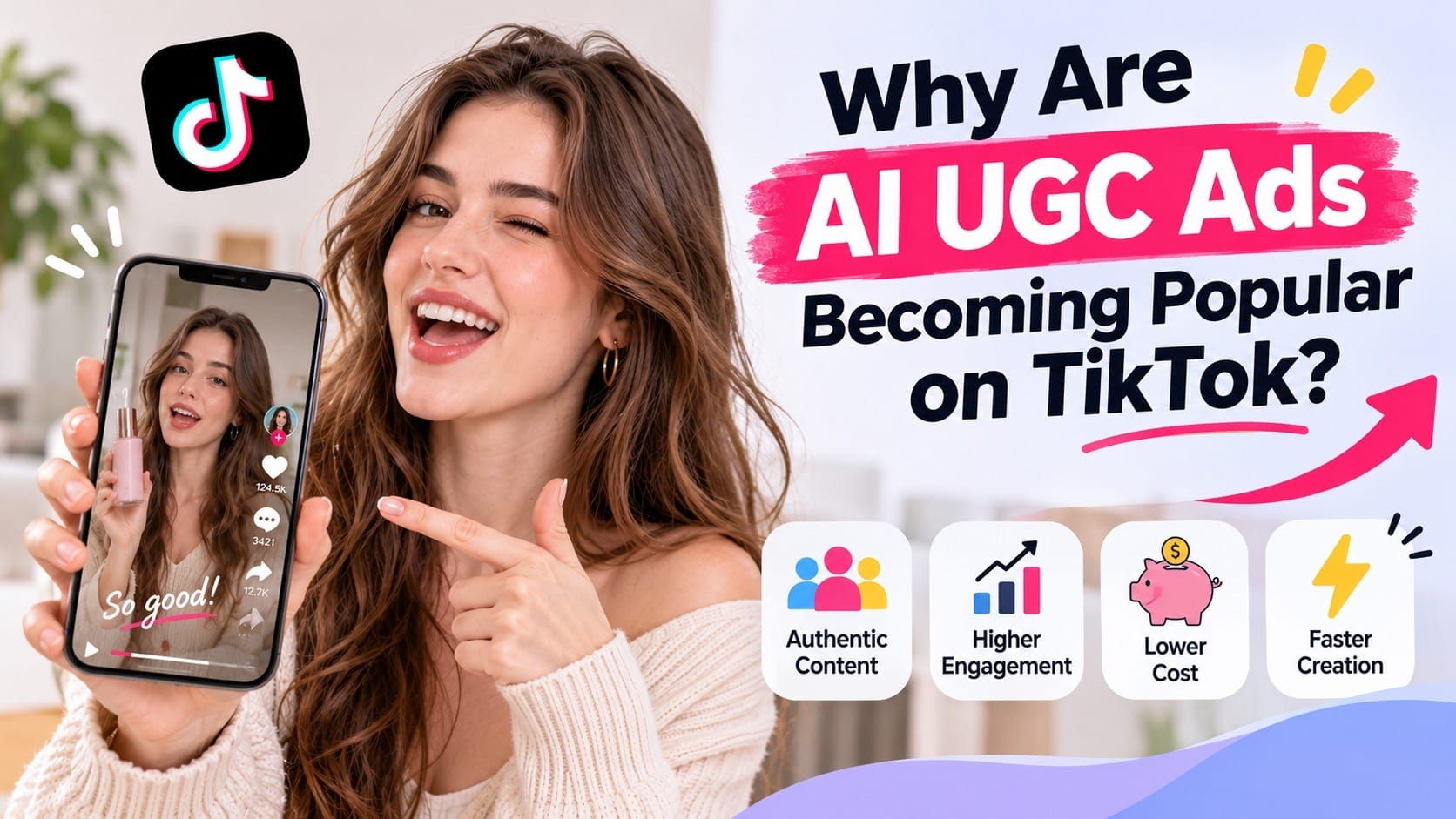
TikTok isn't exactly the place where people want to watch a five-minute corporate presentation about a water bottle.
People open the app for entertainment, useful discoveries, funny moments, and relatable content. Advertising that feels completely disconnected from that experience can struggle to hold attention.
That's where UGC-style creative comes in.
1. TikTok Users Prefer Content That Feels Native
A highly polished commercial might look great on a brand's website, but it doesn't necessarily fit naturally into someone's TikTok feed.
Creator-style videos tend to use everyday settings, conversational language, quick cuts, and straightforward product demonstrations.
TikTok's own Creative Best Practices recommend vertical video, sound, captions, and a DIY or not overly polished aesthetic to make advertising feel more native to the platform.
This doesn't mean every ad needs to look professionally terrible. It simply means that natural storytelling often matters more than expensive production.
2. You Can Produce More Creative Variations
Imagine you're selling a skincare product.
Your first video focuses on the product's ingredients. The second shows a morning skincare routine. The third highlights a common skincare frustration. The fourth demonstrates how the product fits into an everyday routine.
These are four different ways to introduce the same product.
With traditional creator collaborations, producing all four variations might require additional filming, editing, and coordination.
AI tools make it easier to experiment with different visual concepts, scenes, and messaging without starting every production process from scratch.
3. Lower Production Costs and Faster Creative Testing
Hiring creators isn't necessarily expensive for every brand, but costs can add up when you need multiple videos, different formats, usage rights, and frequent revisions.
AI-assisted production can reduce some of these expenses.
More importantly, it makes creative experimentation easier. Instead of investing heavily in one advertisement, you can develop several concepts, compare audience responses, and improve the next version.
Of course, lower production costs don't automatically mean better advertising results. The quality of the creative, the product itself, and the audience all matter.
4. Easier to Refresh Ads and Fight Creative Fatigue
Even a successful advertisement eventually becomes familiar.
When viewers repeatedly see the same opening, visuals, and messaging, they may become less interested.
AI-assisted production gives marketers more flexibility to refresh their creative library. You can try a new opening, introduce a different product scenario, or completely change the visual direction without organizing another full production shoot.
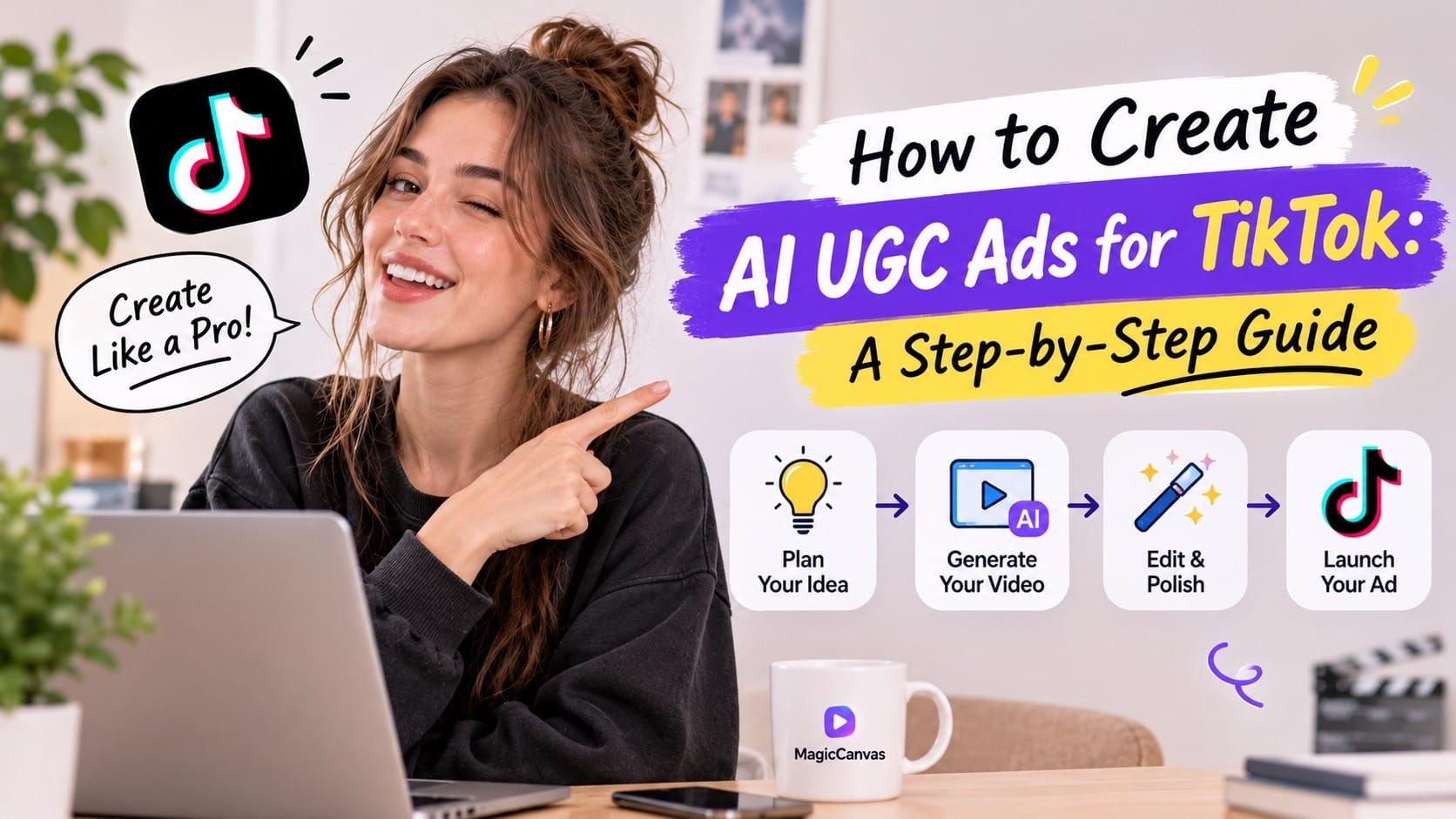
How to Create AI UGC Ads for TikTok: A Step-by-Step Guide
Now for the practical part.
You don't need a production studio or a team of professional videographers to get started. What you do need is a clear advertising angle, a good understanding of your product, and the right creative workflow.
Here's a simple process you can follow.
Step 1: Choose a Product and Define Your Target Audience
Before generating anything, figure out who you're trying to reach.
A common mistake is creating an advertisement that talks about every product feature without explaining why anyone should care.
Start with three questions:
- Who is most likely to buy this product?
- What problem does it solve?
- What would make someone stop scrolling and pay attention?
For example, imagine you're promoting a portable blender.
Your target audience might include gym enthusiasts, busy professionals, and people who enjoy making smoothies at home.
Each audience has a different motivation.
A gym enthusiast might care about preparing protein shakes after workouts. A busy professional might want something convenient for breakfast. Someone who loves cooking might simply enjoy experimenting with smoothie recipes.
These insights give you several potential advertising angles.
Pro tip: Don't try to squeeze every selling point into one video. Choose one primary benefit for each creative. A focused message is much easier to communicate in a short TikTok ad.
Step 2: Write a Script That Sounds Like a Real Person
The script is arguably one of the most important parts of an AI UGC ad.
You can have beautiful visuals and impressive AI-generated footage, but if the dialogue sounds like a corporate press release, viewers will probably notice.
Avoid phrases like:
"Introducing our revolutionary product, designed to transform your everyday lifestyle."
Nobody talks like that while casually scrolling TikTok.
Try something more conversational:
"I've been trying to make my mornings less chaotic, and this little blender has actually been pretty useful."
See the difference?
A good UGC-style script should sound natural, specific, and easy to understand.
A simple structure works well:
The Hook (0–3 seconds)
Start with something that makes people curious.
Examples:
- "Why did nobody tell me about this sooner?"
- "If you're always rushing in the morning, watch this."
- "I didn't realize how much easier this could make my routine."
The Body (3–20 seconds)
Introduce the product and demonstrate its most relevant benefit.
Show how it works, explain what makes it useful, and connect it to an everyday situation.
The Close (Final few seconds)
Finish with a natural call to action.
Examples:
- "Check it out if you've been looking for something like this."
- "You can find all the details through the link."
- "Take a look and see if it's right for you."
TikTok recommends introducing the main proposition early and using a clear hook, product benefits, and a closing CTA. You can explore its official Creative Best Practices for additional guidance.
Step 3: Create Your Product Visuals with AI
Once your script is ready, it's time to create the visuals.
This is where AI video generation becomes particularly useful.
You might already have product photos from your online store. Instead of arranging another photoshoot, you can use those images as the starting point for video content.
For example, imagine you're advertising a pair of wireless headphones.
You could create several scenes:
- A close-up shot showing the headphones' design.
- A lifestyle scene featuring someone wearing them during a morning walk.
- A desk setup showing how they fit into a work-from-home routine.
- A cinematic product shot highlighting their appearance.
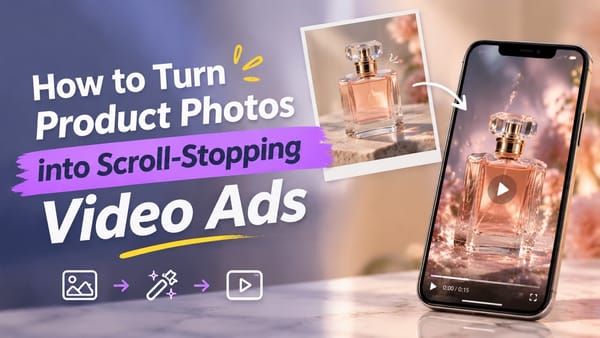
With MagicCanvas, you can use Image to Video to transform static images into dynamic video clips.
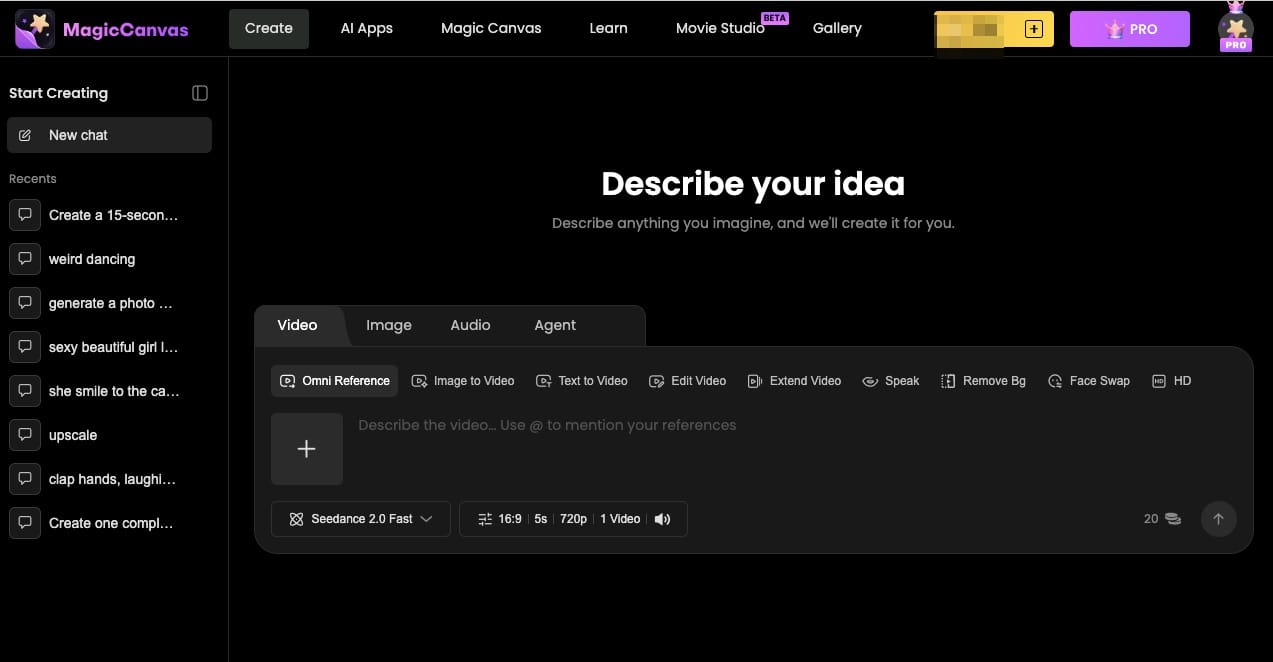
Upload a product image, describe the movement or scene you want, and let AI help bring the image to life.
For example, you could use a prompt like:
"Create a natural lifestyle product video featuring these wireless headphones. Show a young adult wearing them while walking through a sunny city street. Use subtle camera movement, realistic lighting, and a casual everyday atmosphere. Keep the headphones consistent with the original reference image."
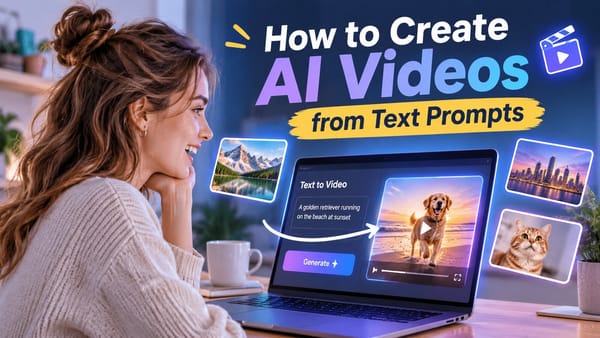
You can also use MagicCanvas Text to Video when you want to create a scene from a written description rather than starting with an existing image.
This is useful when you need additional lifestyle footage, product-related backgrounds, or visual concepts that don't exist in your original product photography.
The key is to create visuals that support your script rather than simply generating random attractive scenes.
Step 4: Make Your Video Feel Like TikTok Content
Here's something worth remembering: AI-generated doesn't automatically mean TikTok-ready.
A beautiful cinematic video with slow camera movements might work perfectly for a brand presentation, but it may not be the best choice for a casual UGC-style advertisement.
Think about how people actually consume TikTok videos.
They scroll quickly, watch on their phones, and often decide within seconds whether something is worth their attention.
A few production details make a big difference:
Use a vertical 9:16 format.
Design your video for a full-screen mobile experience. Make sure the product and important visual elements remain visible.
Keep the opening interesting.
Don't start with a company logo or a long introduction. Show the product, introduce a relatable problem, or use an unexpected visual.
Use natural-looking scenes.
Everyday environments such as kitchens, bedrooms, offices, and outdoor spaces often work better for UGC-style storytelling than overly elaborate studio settings.
Add captions and text overlays.
Some viewers watch without sound. Captions help communicate your message even when the audio is turned off.
Avoid overly complicated transitions.
Simple cuts, close-ups, and subtle movement are often enough. The goal is to keep the story moving, not show off every editing effect available.
TikTok's Video Advertising Guide provides additional recommendations on vertical formats, sound, pacing, and creative structure.
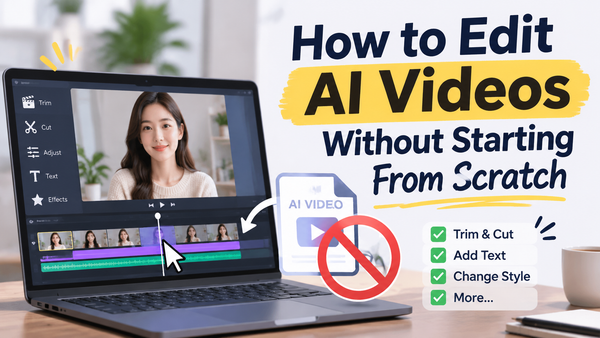
Step 5: Edit and Polish Your AI-Generated Footage
Once you've generated your clips, you can bring them together into a complete advertisement.
This is also where MagicCanvas's MagicEdit can become useful.
Rather than accepting every generated result as final, review your footage and identify what needs improvement.
You might want to:
- Adjust visual details that distract from the product.
- Improve the overall appearance of a scene.
- Make the visuals fit your intended advertising concept.
- Refine individual shots before putting everything together.
You can then assemble the clips into a short video, add voiceovers, background music, captions, and a CTA.
Don't forget to check that the product looks consistent throughout the video. If the packaging, colors, or product shape change between scenes, viewers may notice.
One practical tip: Keep your editing relatively simple. A UGC-style advertisement should feel like a piece of social content, not a television commercial squeezed into a vertical screen.
Step 6: Create Multiple Versions and Test Them
Here's where AI can really change the way you approach advertising.
Instead of creating one video and hoping it works, build a small collection of creative variations.
For example, you could create three advertisements for the same product:
| Version | Creative Angle | Opening Hook |
|---|---|---|
| A | Problem-solving | "Still struggling with this every morning?" |
| B | Product demonstration | "Here's what this little gadget can actually do." |
| C | Lifestyle | "A small upgrade to my daily routine." |
The product stays the same, but the storytelling changes.
You can also experiment with different backgrounds, camera angles, visual styles, and product demonstrations.
When launching your ads, compare metrics such as:
- Hook rate: How effectively does the opening capture attention?
- Average watch time: How long are people watching?
- Click-through rate (CTR): Are viewers interested enough to click?
- Conversion rate: Are those clicks turning into purchases or other desired actions?
Don't judge every video based on views alone. A video that gets fewer views but generates more qualified clicks or purchases may be more valuable to your business.
Use the results to understand what resonates with your audience, then create the next round of variations accordingly.
How MagicCanvas Helps You Create AI UGC Ads
Creating UGC-style advertising involves several different tasks: developing visual concepts, generating footage, editing scenes, and preparing multiple creative versions.
MagicCanvas brings AI-powered video creation tools into this workflow, making it easier to turn ideas and existing images into video content.
Here are three features worth exploring.
1. Image to Video: Turn Product Photos into Dynamic Scenes
Product photography is often the starting point for e-commerce advertising.
But static images can only show so much.
With MagicCanvas Image to Video, you can use existing images as visual references and create dynamic video clips around them.
For example, a clothing brand could turn a model photo into a lifestyle-style fashion clip, while a beauty brand could create moving product shots from its existing product photography.
This gives marketers more creative possibilities without needing to arrange a new photoshoot for every concept.
2. Text to Video: Bring Advertising Ideas to Life
Sometimes you have an advertising idea but don't have the footage to support it.
That's where Text to Video comes in.
Instead of searching through stock footage or organizing a filming session, you can describe the scene you want and use AI to generate a video based on your prompt.
For example, a coffee brand might want a cozy morning kitchen scene, while a fitness brand might need a dynamic workout environment.
MagicCanvas helps turn these written ideas into visual content that can become part of a larger advertising campaign.
3. MagicEdit: Refine Your Creative Assets
Generating the first version of a video is only part of the process.
You may still need to adjust scenes, improve visual details, or make the footage fit your overall creative direction.
MagicCanvas MagicEdit provides an additional way to refine your visual assets and improve the final result.
For marketers who regularly produce social media content, having more flexibility during the editing process can make creative experimentation much easier.
The bigger picture: MagicCanvas isn't a replacement for genuine customer feedback or every creator collaboration. It's another option for brands that want to produce visual content more efficiently, test new ideas, and keep their advertising creative pipeline moving.
Common Mistakes to Avoid When Creating AI UGC Ads
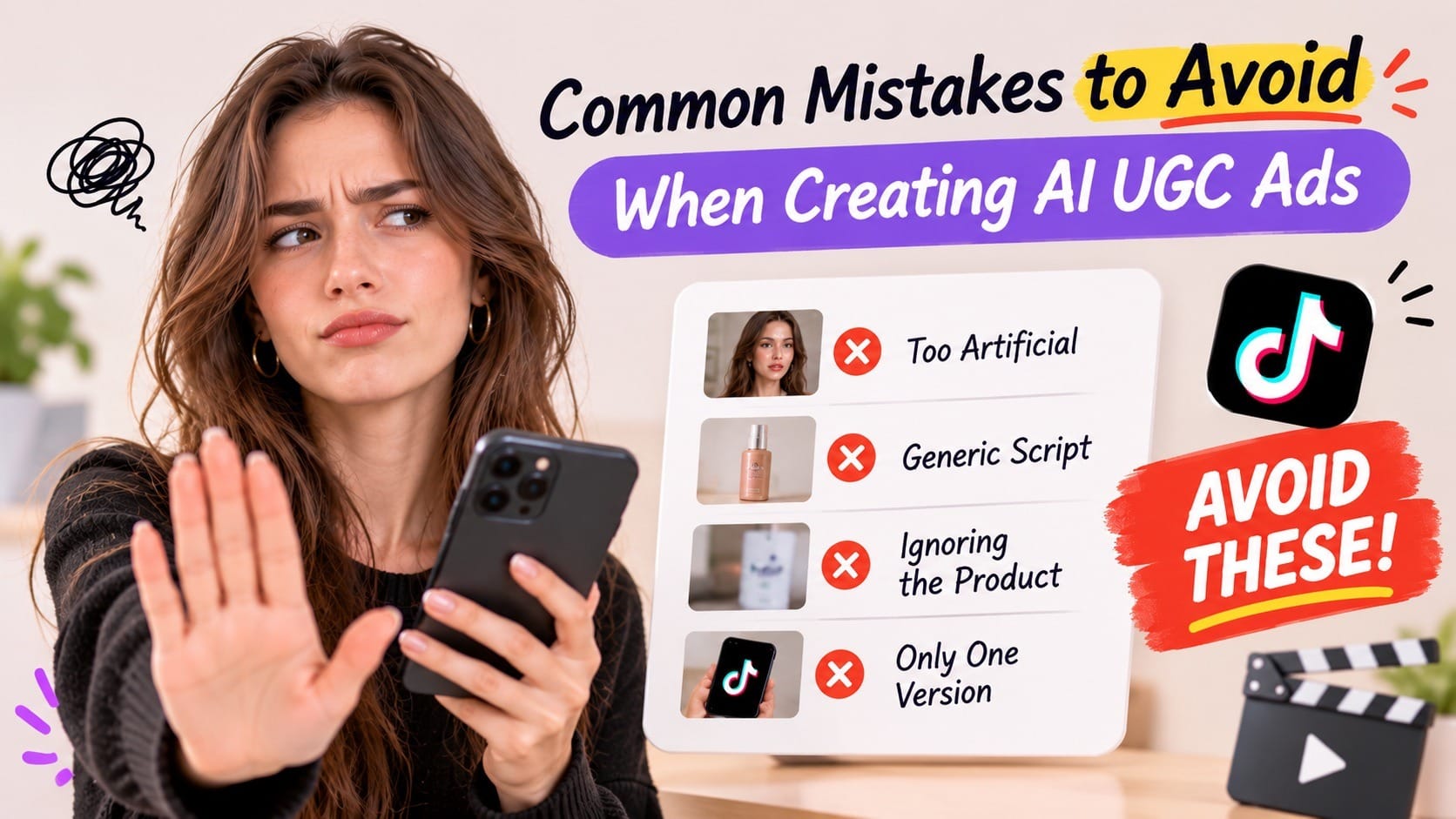
AI makes video production easier, but it doesn't automatically make an advertisement good.
Here are a few mistakes worth avoiding.
Making AI Content Look Too Artificial
Unnatural facial expressions, strange hand movements, inconsistent products, and unrealistic environments can quickly break the illusion.
Review every generated clip before using it in an advertisement. If something looks noticeably wrong, regenerate or edit it.
Using Generic Scripts
A script that could advertise almost any product probably isn't specific enough.
Focus on real product benefits, recognizable situations, and concrete details. Avoid making claims that you cannot support.
Forgetting About the Product
Sometimes AI-generated scenes look impressive, but the product barely appears.
Remember why you're creating the video in the first place. Make sure viewers can clearly understand what you're promoting and how it fits into their lives.
Creating Only One Ad Variation
Don't assume your first creative concept will be the best one.
Experiment with different hooks, storylines, and visual approaches. Testing helps you discover what actually connects with your audience.
Ignoring Advertising Disclosure and Platform Rules
AI-generated content and commercial promotions may be subject to platform disclosure requirements.
Check TikTok's latest rules for AI-generated content, branded content, and advertising before publishing. Never use an AI-generated character to impersonate a real creator or present fictional product experiences as genuine customer testimonials.
Final Thoughts: Is AI UGC Worth Trying for TikTok Advertising?
Creating TikTok advertisements doesn't always require expensive equipment, professional studios, or a long list of creator partnerships.
AI UGC offers brands another way to develop creator-style advertising, experiment with different concepts, and produce video content more efficiently.
The important thing is to remember that the tool itself isn't the strategy.
A good advertisement still needs a compelling opening, a clear message, useful product visuals, and a reason for viewers to take action.
Start with one product. Develop a few different creative angles. Use AI tools like MagicCanvas to bring your visual ideas to life, then test your videos and learn from the results.
You don't need to create the perfect advertisement on your first attempt. You need a creative process that makes it easier to keep improving.
And that's where AI-assisted video creation can make a real difference.
Frequently Asked Questions
Can I create UGC-style TikTok ads without hiring influencers?
Yes. You can use AI tools to create scripts, product visuals, video clips, and other advertising assets in a creator-inspired style. However, AI-generated content should not be misrepresented as genuine customer testimonials or real creator endorsements.
What is the best format for AI UGC TikTok ads?
Vertical 9:16 video is a good starting point because it fills the mobile screen. Use clear visuals, captions, natural-sounding dialogue, and a compelling opening.
How long should an AI UGC TikTok ad be?
There isn't one perfect length for every campaign. Start with a concise video that communicates its main benefit quickly. Test different lengths to see what works best for your product and audience.
Can I turn product photos into TikTok video ads with AI?
Yes. Image-to-video tools can transform static product photos into dynamic scenes. With MagicCanvas Image to Video, you can use existing images as references and create additional visual content for your advertising campaigns.
Do AI UGC ads perform better than traditional UGC?
Not necessarily. Performance depends on the product, creative quality, audience, and campaign strategy. Traditional UGC offers genuine customer experiences, while AI UGC provides more flexibility for creative production and testing. Both can have a place in a marketing strategy.