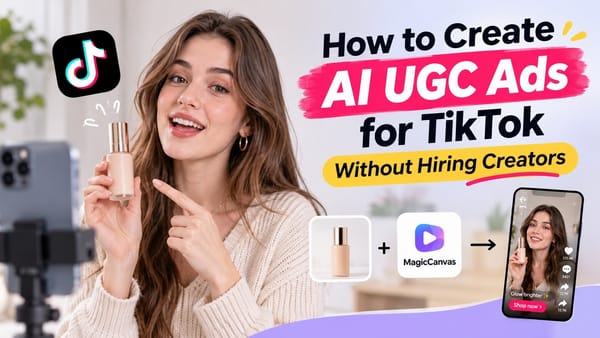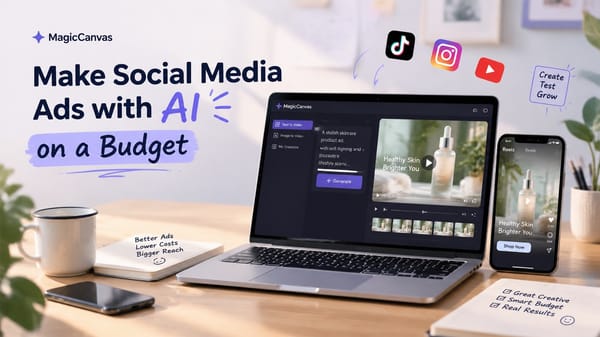

Creating video ads used to mean dealing with cameras, lighting equipment, actors, editing software, and a production budget that could make a small business owner cry.
Thankfully, things have changed.
In 2026, you can turn a simple product photo, a written idea, or even a rough advertising concept into a short video ad with AI. You don't necessarily need a professional production team or a studio. You need a clear idea, a little creativity, and the right tools.
This is especially useful for businesses advertising on TikTok and Instagram. Both platforms are built around short-form video, where people scroll quickly and decide within seconds whether something deserves their attention.
But here's the catch: creating an AI video is easy. Creating an AI video that actually makes someone stop scrolling is another story.
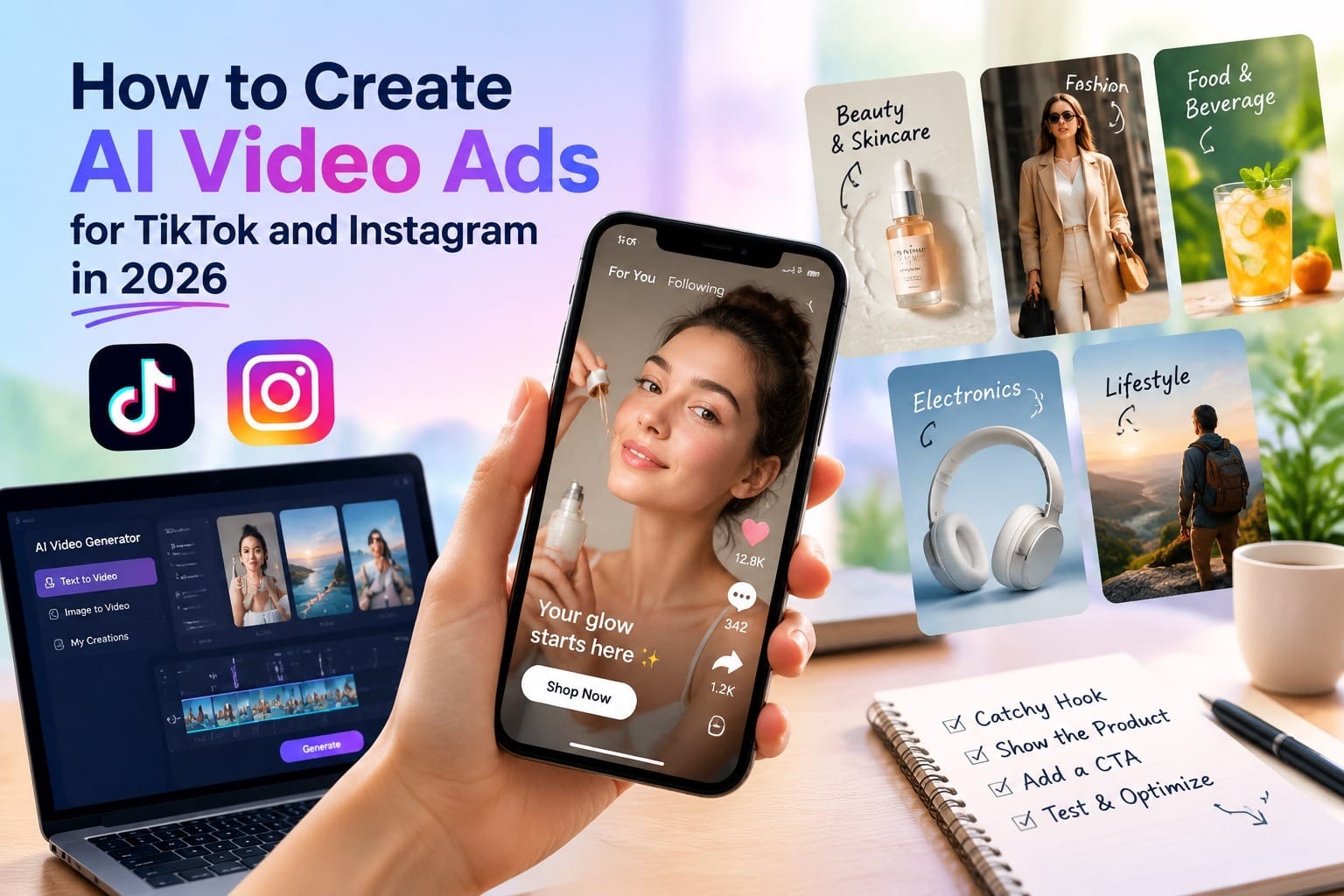
In this guide, we'll walk through how to create AI video ads for TikTok and Instagram, from choosing an advertising concept to generating visuals, editing your video, and testing different versions. We'll also look at how tools like MagicCanvas can make the process faster and more accessible.
Why Use AI to Create Video Ads in 2026?
Let's start with a simple question: why bother using AI when you can just film an advertisement with your phone?
Well, you absolutely can. And sometimes, you should.
But traditional video production has limitations, especially when you're running a small business or managing multiple advertising campaigns.
Imagine you're selling skincare products. You want to create five different ads targeting different audiences:
- A skincare routine video for busy professionals.
- A product demonstration for people with sensitive skin.
- A lifestyle video showing someone using the product in the morning.
- A close-up video highlighting the product's texture.
- A promotional video introducing a new product.
Traditionally, you might need several filming setups, different models, and hours of editing.
With AI video tools, you can generate many of these scenes from text prompts or existing product images.
Here are some practical advantages.
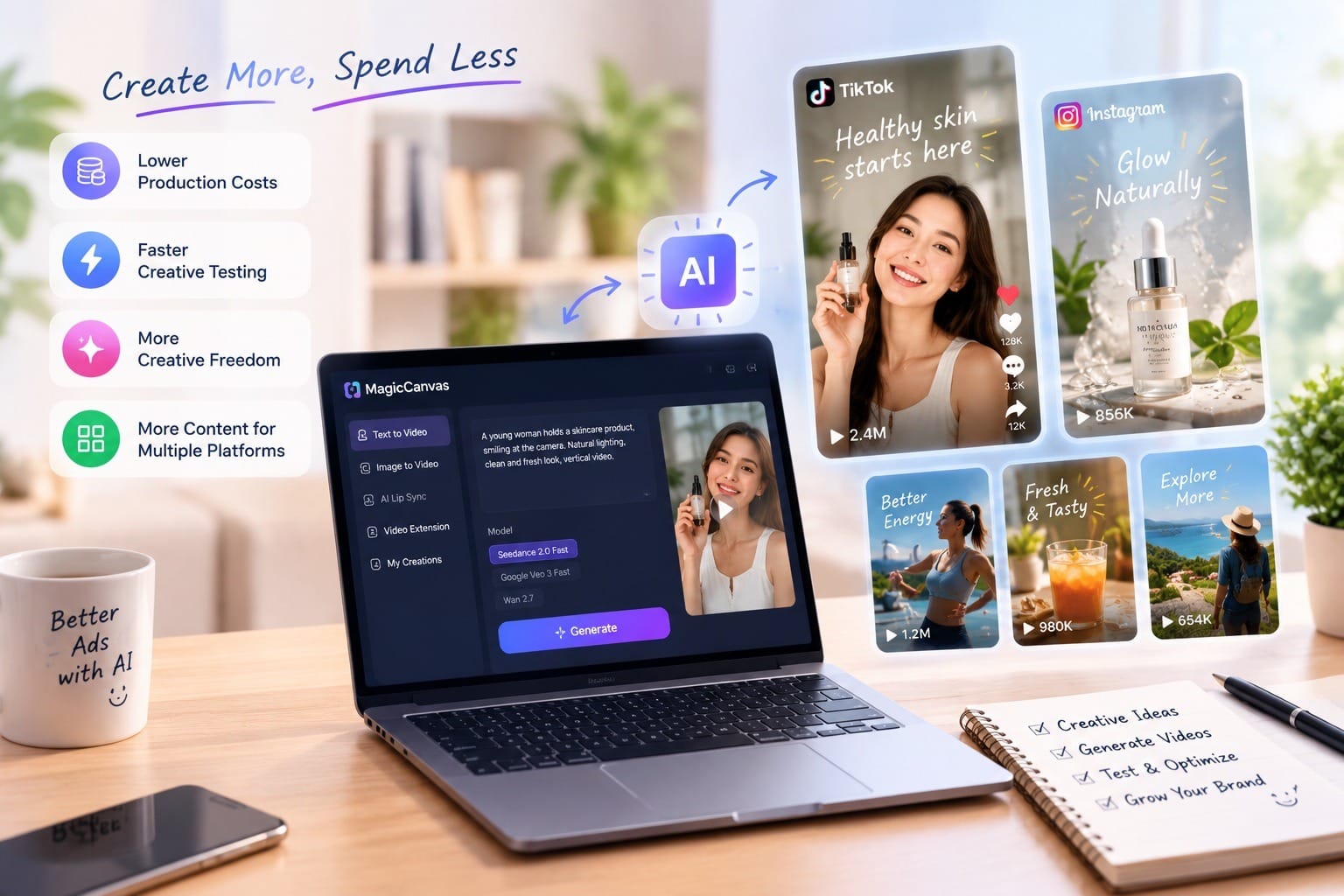
1. Lower Production Costs
You don't always need to hire actors, rent a studio, or arrange a complicated filming setup.
AI video generators can help you create visual scenes, product backgrounds, lifestyle shots, and promotional concepts without organizing a full production.
This doesn't mean every AI-generated video is free. Most platforms have usage limits or paid plans. However, AI can reduce the amount of traditional production work required.
2. Faster Creative Testing
One of the biggest advantages of AI video advertising is the ability to experiment.
Instead of spending an entire afternoon filming one advertisement, you can generate several creative variations:
- Different opening scenes.
- Different product presentation styles.
- Different backgrounds.
- Different visual moods.
- Different advertising messages.
You can then test these versions and see which ones attract more attention.
3. More Creative Freedom
Sometimes you have an advertising idea that's difficult or expensive to film.
Maybe you want a giant perfume bottle floating above a city, a futuristic skincare commercial, or a pair of sneakers appearing in a dramatic cinematic environment.
AI video generation makes these concepts easier to explore.
You can experiment with unusual visuals without needing to build the entire scene in real life.
4. More Content for Multiple Platforms
A single advertising concept can become several different videos.
For example, you could create a product demonstration for Instagram Reels, a faster version with a stronger opening for TikTok, and another version focusing on product benefits.
You still need to adapt each video to its platform, but AI makes it easier to produce the raw creative material.
What Makes a Good TikTok or Instagram Video Ad?
Before opening an AI video generator, let's talk about something more important: the advertisement itself.
A beautiful video doesn't automatically make a good advertisement.
You could generate the most cinematic product video in the world, but if viewers don't understand what you're selling or why they should care, it probably won't achieve much.
The best short-form ads usually have a few things in common.
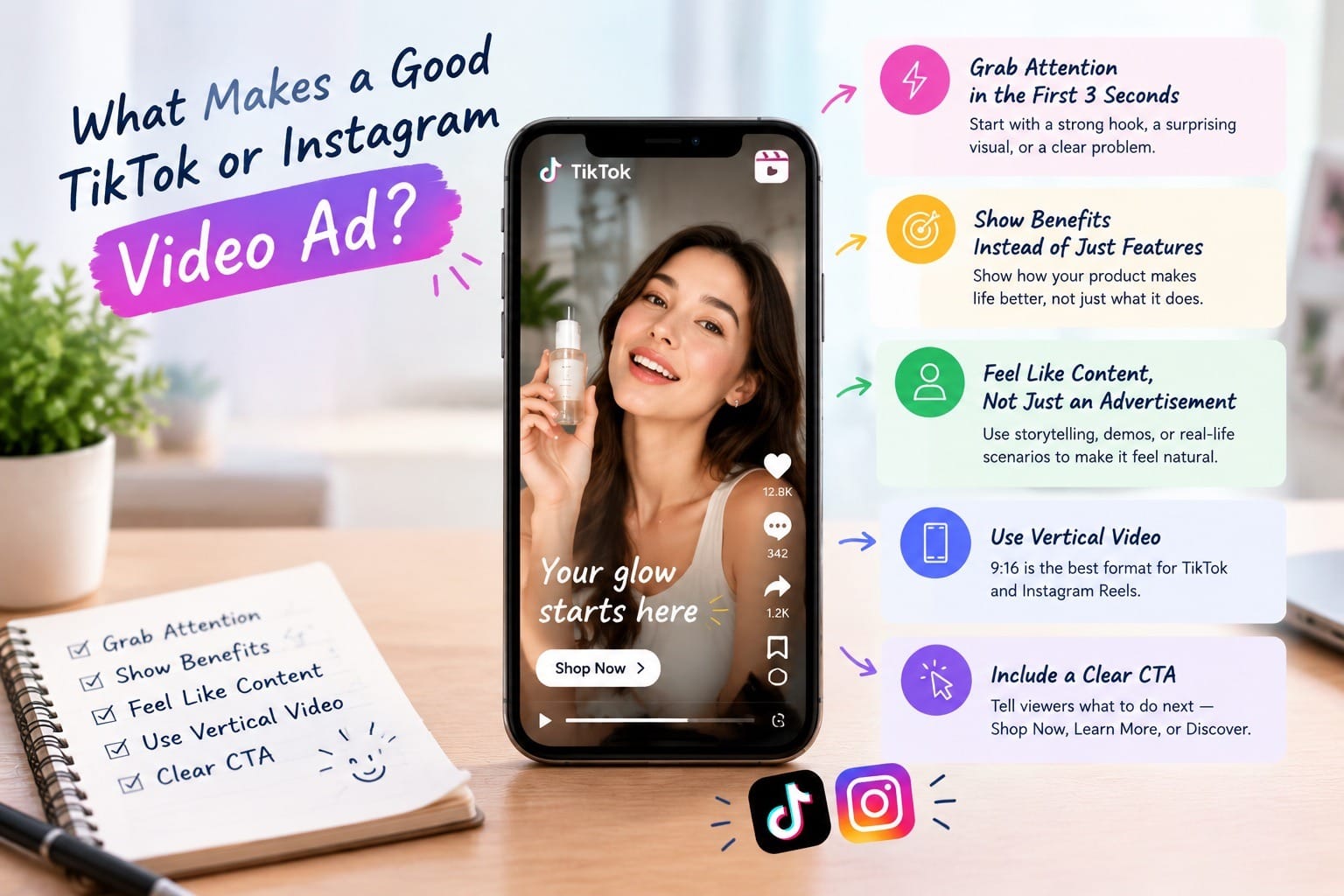
Grab Attention in the First Three Seconds
People aren't waiting for your brand introduction.
They are scrolling through dozens of videos, and you have very little time to convince them to stop.
Instead of opening with:
"Hello, we're ABC Skincare, and today we'd like to introduce our new moisturizer."
Try something more interesting:
- "Your skincare routine might be missing this."
- "I didn't expect this product to make such a difference."
- "What if your morning routine took only 30 seconds?"
You can also start with a visually surprising scene, a quick transformation, or a close-up of the product.
TikTok's advertising guidance recommends getting to the point quickly, using a strong opening, and showing the product in action rather than simply listing features. TikTok's video advertising guide is a useful reference when planning your creative.
Show Benefits Instead of Just Features
Let's say you're advertising a portable coffee machine.
You could list its features:
- Compact design.
- Rechargeable battery.
- Lightweight construction.
Or you could show someone making coffee during a camping trip, enjoying a fresh cup while watching the sunrise.
Which one is more interesting?
The second one gives viewers a reason to imagine using the product themselves.
Features explain what a product has. Benefits explain why someone might want it.
Make It Feel Like Content, Not Just an Advertisement
This is particularly important on TikTok and Instagram.
People open these apps to watch entertaining, interesting, or useful content. They don't necessarily want to watch another overly polished commercial.
Consider using formats such as:
- Product demonstrations.
- Before-and-after videos.
- Short storytelling videos.
- POV scenarios.
- Creator-style product reviews.
- Quick tips and tutorials.
- Problem-and-solution videos.
AI can help create the visuals, but the concept should still feel natural to the audience.
Use Vertical Video
For TikTok and Instagram Reels, vertical video is the natural starting point.
A 9:16 aspect ratio is a practical choice for full-screen mobile viewing. A common export size is 1080 × 1920 pixels.
Also, keep important text, product details, and logos away from the edges where platform interface elements might cover them.
And don't forget sound. Music, voiceovers, sound effects, and captions can all help make your video easier to follow.
How to Create AI Video Ads Step by Step
Now let's get practical.
You don't need to start with a complicated advertising campaign. We'll use a fictional skincare brand as an example to demonstrate the process.
The goal is to create a short vertical advertisement for a new hydrating serum.
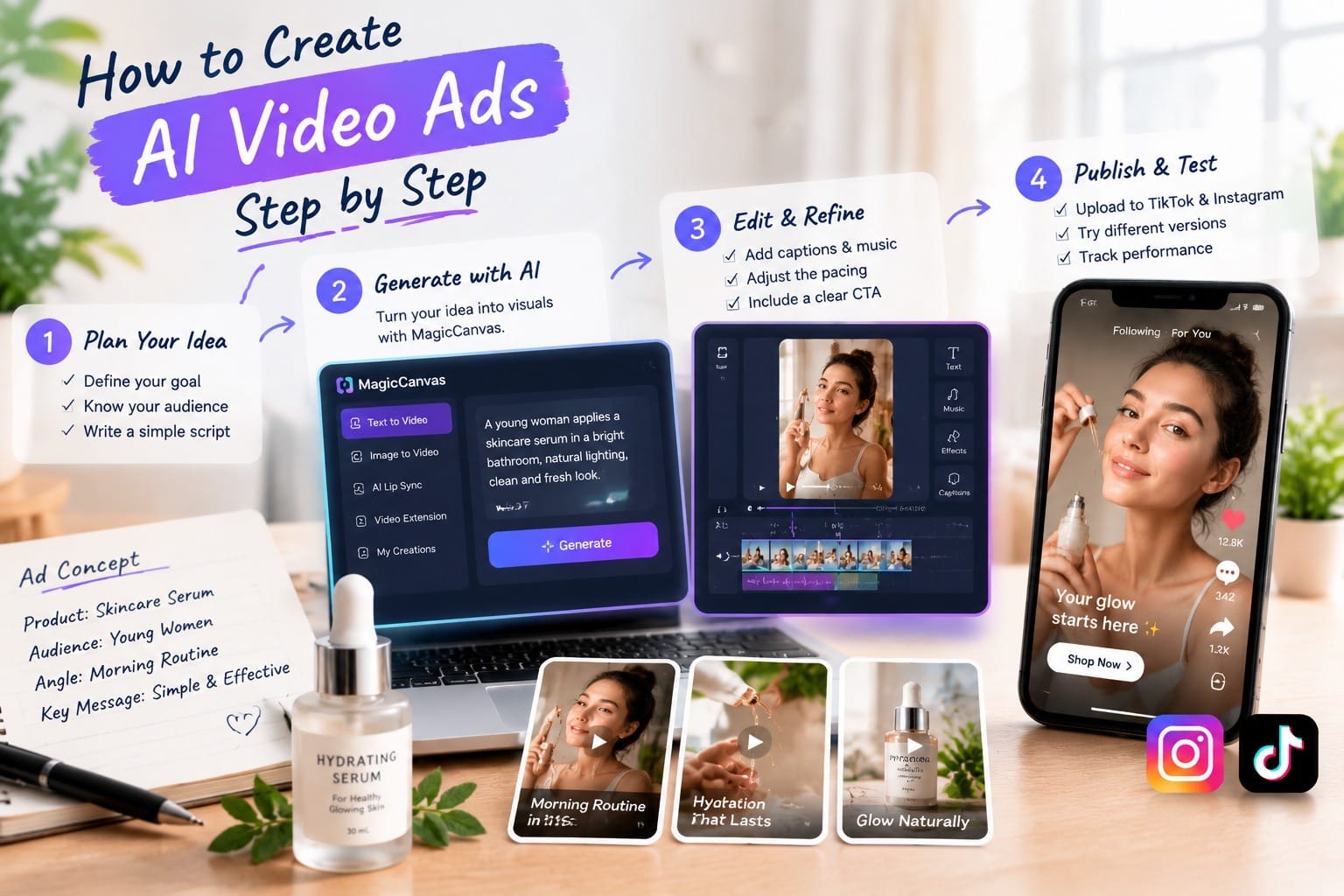
Step 1: Choose Your Advertising Concept
Start with the message you want people to remember.
Don't immediately jump into writing AI prompts. First, decide what problem you're solving and who you're talking to.
For our skincare example:
Product: Hydrating facial serum.
Target audience: People interested in simple skincare routines.
Main benefit: An easy addition to a daily skincare routine.
Advertising angle: A quick morning skincare routine.
Now you have a clear direction.
You can build a simple storyline:
- A woman wakes up and looks at her morning skincare products.
- She picks up the hydrating serum.
- A close-up shows the serum being applied.
- The video ends with a clean product shot and a call to action.
That's already a workable advertising concept.
You don't need a complicated story. For a short advertisement, one clear idea is often enough.
Step 2: Write a Script and Plan Your Scenes
A short video ad should have a simple structure.
Here's an example for our skincare product:
Scene 1 — The Hook (0–3 seconds)
Visual: A woman standing in front of her bathroom mirror, holding a skincare product.
On-screen text:
"Your morning skincare routine doesn't need to be complicated."
Scene 2 — The Product (3–8 seconds)
Visual: A close-up of the serum bottle, followed by a shot of the product being applied.
Voiceover:
"Meet your new everyday skincare essential."
Scene 3 — The Experience (8–13 seconds)
Visual: The woman finishes her routine and gets ready for the day.
Voiceover:
"An easy step to add to your daily routine."
Scene 4 — The Call to Action (13–17 seconds)
Visual: A clean product shot with the brand name.
On-screen text:
"Make your routine a little easier. Discover it today."
This gives you a 17-second advertisement with a beginning, middle, and end.
You can adjust the length depending on your campaign goals. The important thing is to avoid adding unnecessary scenes just to make the video longer.
Step 3: Generate Your Video with AI
This is where AI video generators become useful.
Instead of filming every scene yourself, you can use text prompts or reference images to generate video footage.
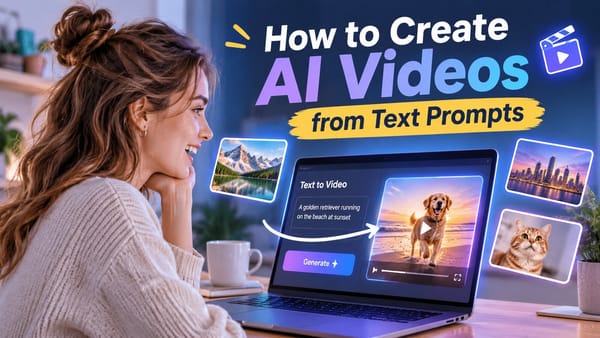
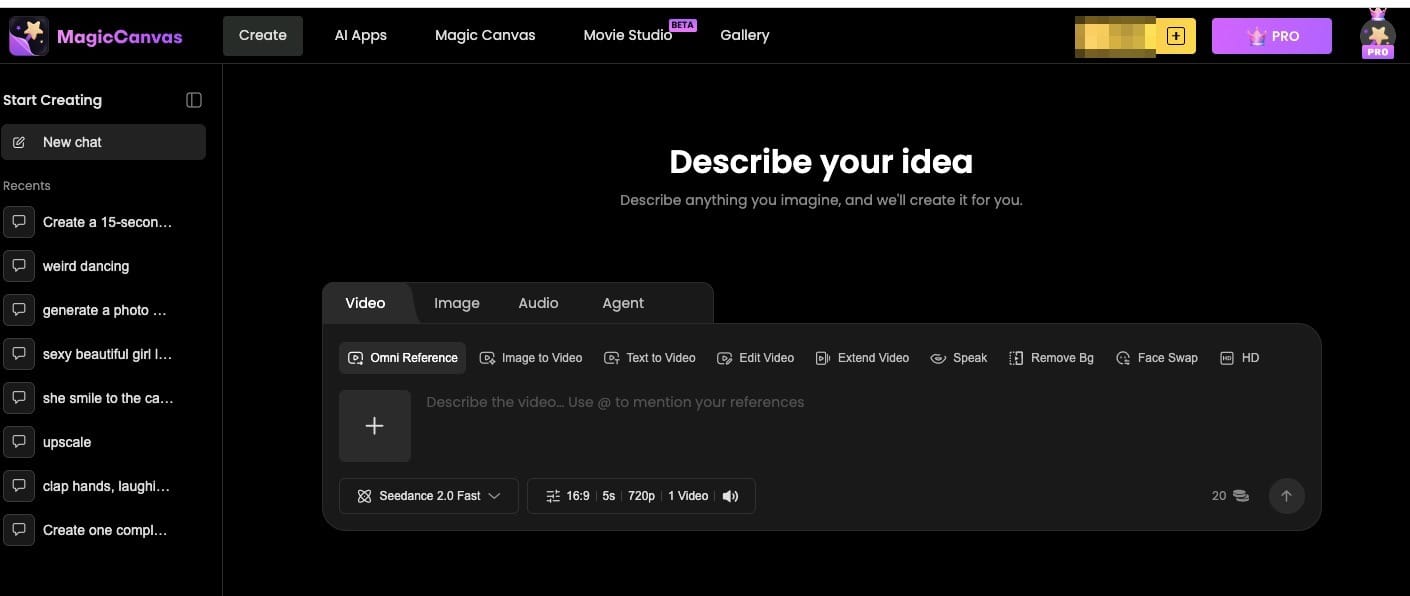
For example, MagicCanvas offers both Text to Video and Image to Video workflows, giving you different ways to create advertising visuals.
Option A: Text to Video
Text to Video is useful when you have a concept but don't have the footage yet.
You describe the scene, visual style, camera movement, and atmosphere, and the AI generates a video based on your prompt.
For our skincare advertisement, you could try:
Example AI Video Prompt:
"A cinematic close-up of an elegant skincare serum bottle placed on a clean marble bathroom counter. Soft morning sunlight enters through a large window, creating natural reflections on the glass bottle. Minimalist luxury skincare advertising style, warm neutral colors, gentle camera push-in, realistic product photography, premium commercial aesthetic, vertical 9:16 composition."
This prompt gives the AI a clear idea of what the scene should look like.
Notice that it includes several important elements:
- Subject: A skincare serum bottle.
- Environment: A minimalist bathroom.
- Lighting: Soft morning sunlight.
- Camera movement: Gentle push-in.
- Visual style: Premium skincare commercial.
- Composition: Vertical video.
The more clearly you describe the scene, the easier it is to communicate your creative direction.
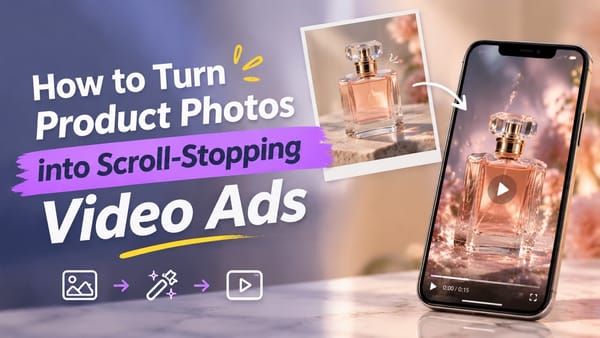
Option B: Image to Video
What if you already have a product photo?
You don't necessarily need to generate an entirely new product image.
With Image to Video, you can upload an existing image and use it as the starting point for a moving scene.
For example, imagine you have a clean product photo of your serum bottle.
You can upload it and try this prompt:
Example AI Video Prompt:
"Animate the reference image into a premium skincare advertisement. The camera slowly moves closer to the serum bottle while soft sunlight creates subtle reflections across the glass. Delicate water droplets move gently in the background. Keep the product packaging, label, colors, and overall appearance consistent with the reference image. Smooth cinematic movement, realistic lighting, luxury beauty commercial style, vertical 9:16."
This approach is especially useful for businesses that already have product photography but want to turn static images into more engaging advertising content.
One important tip: AI-generated videos can sometimes change product labels, packaging details, or small visual elements. Always check the result carefully, especially if the product needs to look exactly like the real item.
Step 4: Choose the Right AI Video Model
Different AI models can produce different visual styles and results.
You don't always need the most advanced model for every advertisement. It depends on what you're trying to create.
For example, MagicCanvas provides access to several video generation models, including:
- Seedance 2.0 Fast: A useful option to explore when you want to generate creative variations efficiently.
- Seedance 2.0 Mini: Another option for experimenting with different visual concepts.
- Google Veo 3 Fast: An option to consider when creating cinematic-style video scenes.
The available models and generation options may change over time, so it's worth checking the current MagicCanvas model selection.
My advice? Don't spend too much time trying to find one model that does everything perfectly.
Try a few prompts, compare the results, and choose the model that gives you the visual style you actually need.
For advertising, consistency and clarity are often more important than producing the most visually complicated scene.
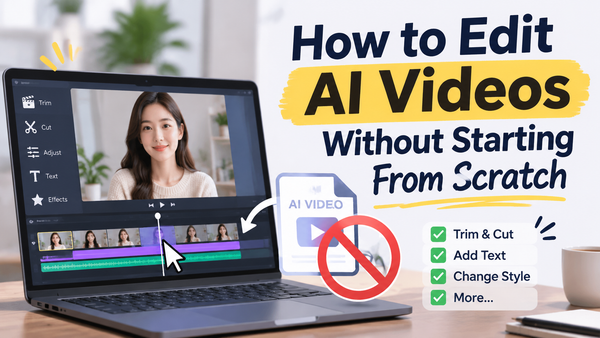
Step 5: Edit Your Video for TikTok and Instagram
Once you have your AI-generated clips, it's time to turn them into an actual advertisement.
You can use your preferred video editor to arrange the clips, add music, include captions, and create transitions.
Here are a few things worth checking:
Keep the pacing quick.
Remove unnecessary pauses and make sure every scene contributes something to the story.
Add readable captions.
Many people watch videos in situations where they can't turn the volume up. Captions help communicate your message even without sound.
Use music carefully.
Choose music that fits your product and audience. If you're running paid advertisements, make sure you have the appropriate commercial usage rights for your audio.
Show your product clearly.
Don't let transitions, visual effects, or background elements distract from what you're actually advertising.
Include a clear CTA.
Tell viewers what to do next. For example:
- Shop Now
- Discover More
- Explore the Collection
- Try It Today
A beautiful video without a clear next step can leave viewers wondering what they're supposed to do.
5 AI Video Ad Ideas You Can Try for Different Businesses
Not every business needs the same advertising style.
Here are five ideas you can experiment with using AI video generation.
1. Beauty and Skincare: The Morning Routine
Show someone getting ready in the morning and naturally incorporating your product into their routine.
Visual idea: Soft lighting, close-up product shots, skincare application, and a clean bathroom environment.
Best approach: Image to Video for animating existing product images, combined with generated lifestyle scenes.
2. Fashion: The Mini Fashion Campaign
Create a short fashion commercial featuring a model walking through an interesting environment.
Visual idea: A model wearing a new outfit, walking through a modern city street with cinematic camera movement.
Best approach: Generate several different fashion scenes and combine them into a short campaign.
3. Food and Beverage: The Satisfying Product Shot
Food advertising is naturally visual. A close-up of a drink being poured or a dessert being sliced can make people stop scrolling.
Visual idea: Slow-motion liquid pouring into a glass, ice cubes moving, and a beautifully styled product shot.
Best approach: Text to Video for creating atmospheric scenes and close-up visuals.
4. Electronics: Show the Product in Action
Instead of showing a product sitting on a table, demonstrate how it fits into someone's daily life.
Visual idea: A person using wireless headphones while commuting, working, or exercising.
Best approach: Combine product reference images with generated lifestyle scenes.
5. Lifestyle Products: Problem and Solution
Show a relatable everyday problem and introduce your product as part of the solution.
Visual idea: A messy desk transforming into an organized workspace after introducing a storage product.
Best approach: Create separate before-and-after scenes and edit them together.
The key is to choose a visual concept that makes sense for your product. Not every advertisement needs dramatic lighting, slow motion, or a cinematic camera move.
Sometimes a simple, relatable scene is much more convincing.
How to Create Multiple Ad Variations Without Starting Over
Here's a mistake many businesses make: they spend hours creating one advertisement, publish it, and hope it performs well.
But what if the opening isn't interesting? What if the audience doesn't understand the product? What if another visual style works better?
Instead of relying on one creative, create several variations.
You don't need to rebuild everything from scratch.
Start with one basic video and experiment with different elements.
Variation 1: Change the Hook
Version A: "Still struggling with your morning skincare routine?"
Version B: "Here's one simple way to upgrade your routine."
Version C: "I wish I had discovered this sooner."
Keep the rest of the video relatively similar so you can understand whether the opening makes a difference.
Variation 2: Change the Visual Style
Try:
- A natural UGC-inspired style.
- A clean, minimalist commercial.
- A cinematic product showcase.
Variation 3: Change the CTA
Try different endings, such as "Discover More," "Shop the Collection," or "See How It Works."
The goal isn't to create dozens of random videos. It's to test meaningful differences and learn what your audience responds to.
AI tools like MagicCanvas can make this process more convenient by helping you generate alternative scenes and visual concepts without repeating the entire production process.
Common Mistakes to Avoid When Creating AI Video Ads
AI makes video production easier, but it doesn't automatically make every advertisement good.
Here are a few mistakes to watch out for.
1. Making the Video Look Too Much Like AI
Unnatural movements, strange hands, distorted packaging, and unrealistic facial expressions can make an advertisement feel untrustworthy.
Always review the generated footage before publishing.
2. Forgetting the Actual Product
It's easy to get carried away with beautiful visuals.
But remember, you're making an advertisement, not a short film. The product and its main benefit should remain clear.
3. Using Too Many Effects
Transitions, animations, and camera movements can make a video more interesting, but too many effects can quickly become distracting.
Keep the editing focused.
4. Ignoring Platform Differences
A video that works well on one platform may need adjustments before being used on another.
Adapt the opening, captions, pacing, and CTA to your audience and campaign objective.
5. Making Claims You Can't Support
AI can generate convincing visuals, but that doesn't mean you should use them to suggest results your product cannot deliver.
For example, don't show unrealistic skincare transformations or imply guaranteed product results.
Your advertising should remain accurate and honest.
How to Measure Whether Your AI Video Ads Are Working
Once your videos are ready, don't judge their performance based on views alone.
Different advertising goals require different measurements.
| Campaign Goal | Metrics to Watch |
|---|---|
| Brand Awareness | Reach, impressions, video views |
| Audience Engagement | Likes, comments, shares, saves |
| Website Traffic | Link clicks, CTR, landing page views |
| Sales and Conversions | Conversion rate, CPA, ROAS |
If people watch your video but don't click, you might need a clearer CTA or a more compelling offer.
If viewers leave within the first few seconds, consider changing the opening.
If your advertisement receives clicks but doesn't generate purchases, the problem might be your landing page, pricing, or product presentation rather than the video itself.
Use performance data to decide what to change. Don't automatically assume that generating another completely different video is the answer.
Final Thoughts
Creating video ads for TikTok and Instagram doesn't have to involve a complicated production process.
With AI video tools, businesses can experiment with different advertising concepts, turn product images into moving scenes, and produce creative variations without organizing a full filming session every time.
The important thing is to start with a clear idea.
Understand your audience, choose one main message, create a strong opening, and make sure your product is easy to understand. Then use AI to bring that concept to life.
Tools like MagicCanvas can help with both Text to Video and Image to Video creation, making it easier to explore different advertising styles and build video content for your next campaign.
And remember: the goal isn't to make the most impressive AI video on the internet.
It's to make a video that gives the right person a reason to stop scrolling.
Frequently Asked Questions
1. Can I create TikTok and Instagram video ads using AI?
Yes. AI video generators can help you create advertising scenes from text prompts or existing images. You can then edit the generated clips, add captions, music, and a CTA to create a finished advertisement.
2. What is the best format for TikTok and Instagram video ads?
Vertical 9:16 video is a practical choice for TikTok and Instagram Reels. A resolution of 1080 × 1920 pixels is commonly used for full-screen mobile content. Always check the latest specifications for your chosen ad placement.
3. How long should an AI video ad be?
There isn't one perfect length for every campaign. Short videos of around 15–30 seconds are a useful starting point for many product advertisements. Focus on communicating your message clearly rather than adding extra scenes just to increase the duration.
4. Can I turn product photos into video ads with AI?
Yes. Image to Video tools can animate existing product photos by adding camera movement, lighting effects, and background motion. This is particularly useful for businesses that already have product photography.
5. Can AI video generators create realistic product advertisements?
They can generate realistic-looking scenes, but results vary depending on the model, prompt, and reference image. Product packaging, labels, and small details may change during generation, so always review the final video before using it in an advertisement.
6. Is MagicCanvas suitable for creating social media video ads?
MagicCanvas offers Text to Video and Image to Video workflows that can help creators and businesses generate advertising visuals. You can start with a written concept or an existing product image, experiment with different visual styles, and use the generated clips as part of your TikTok and Instagram video ads.