

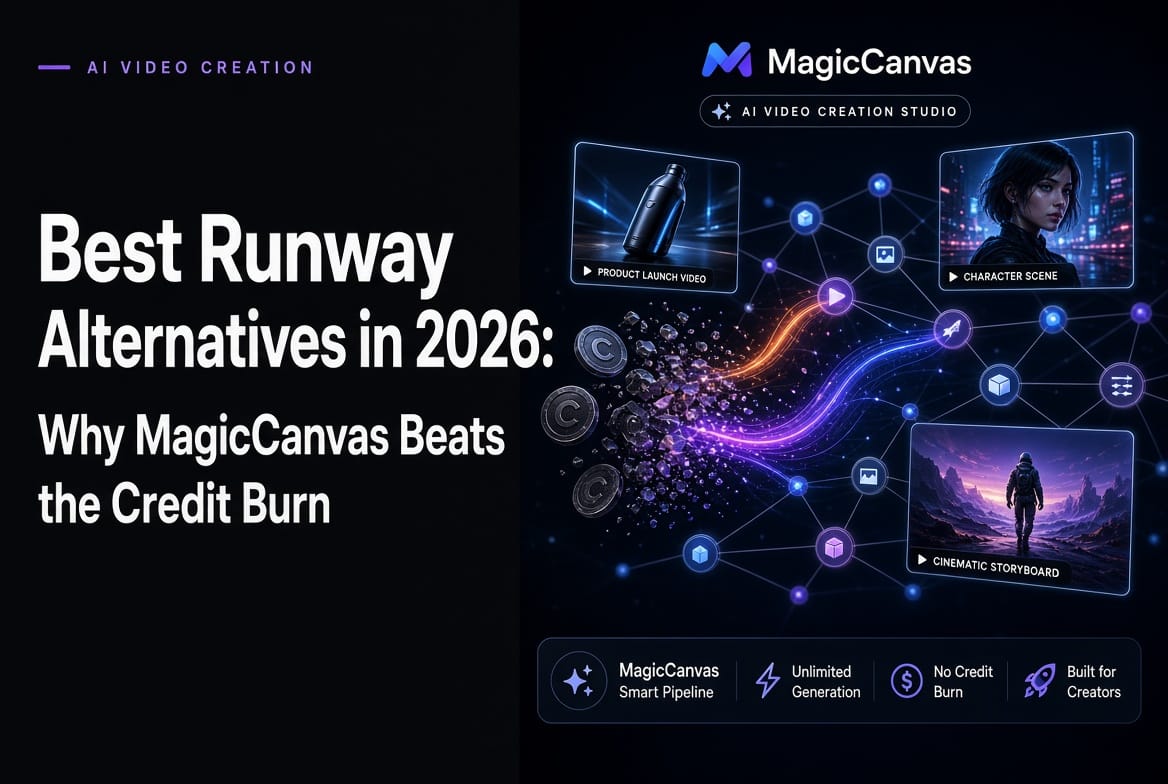
Look, I’m just going to say it: I used to defend Runway like it was my favorite band. Gen-4 was cool. The motion was cinematic. The community was hyped. And then reality hit me square in the face (and the credit balance).
One Tuesday last month I sat down to make a 12-second product demo. By the time I finished the third variation, my Standard plan credits were gone. Completely. Vanished. I stared at the “insufficient credits” message the way you stare at an empty fridge at 1 a.m. That was the moment I started aggressively hunting for Runway alternatives.
Spoiler: I found one that actually made me laugh out loud the first time I used it. It’s called MagicCanvas, and after living in it for the last few weeks I’m borderline evangelical. But I’m not here to do a pure sales pitch. I’m going to give you the unfiltered, slightly salty, first-person breakdown of the best Runway alternatives in 2026 — including the ones that still make sense depending on what you’re trying to do.
Why So Many of Us Are Quietly Leaving Runway in 2026
Let’s be honest about the pain points, because pretending they don’t exist is how you keep wasting money:
- Credits disappear at an alarming rate. Gen-4.5 still feels premium, but the cost-per-second math is brutal for anyone doing more than hobby work.
- No native audio. In 2026 that feels almost rude. Most of us end up bouncing the silent clip into another tool just to add voice or sound design.
- You’re locked into their models. Want to try Kling’s motion or MiniMax’s character consistency on the same project? Too bad.
- The interface is polished, but it’s still clip-by-clip. If you need multi-step workflows (extend → lip-sync → background swap → face consistency), you’re jumping between tabs like a circus performer.
Those frustrations are exactly why the “Runway ML alternative” search volume keeps climbing. People don’t hate Runway. They just want options that don’t feel like a luxury tax.
MagicCanvas: The One That Actually Feels Like a Creative Partner
I’ll admit I was skeptical at first. Another AI video tool promising the moon? Cool story. Then I opened MagicCanvas and the interface immediately felt different.
It’s split into two powerful modes that somehow don’t fight each other:
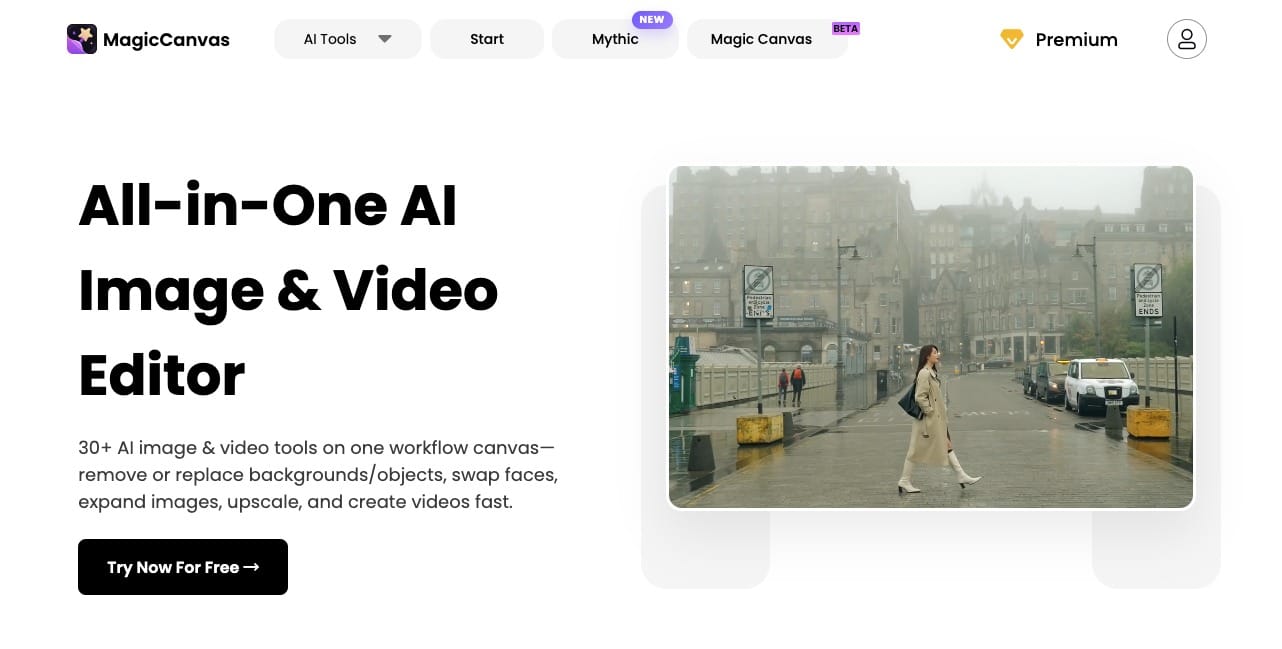
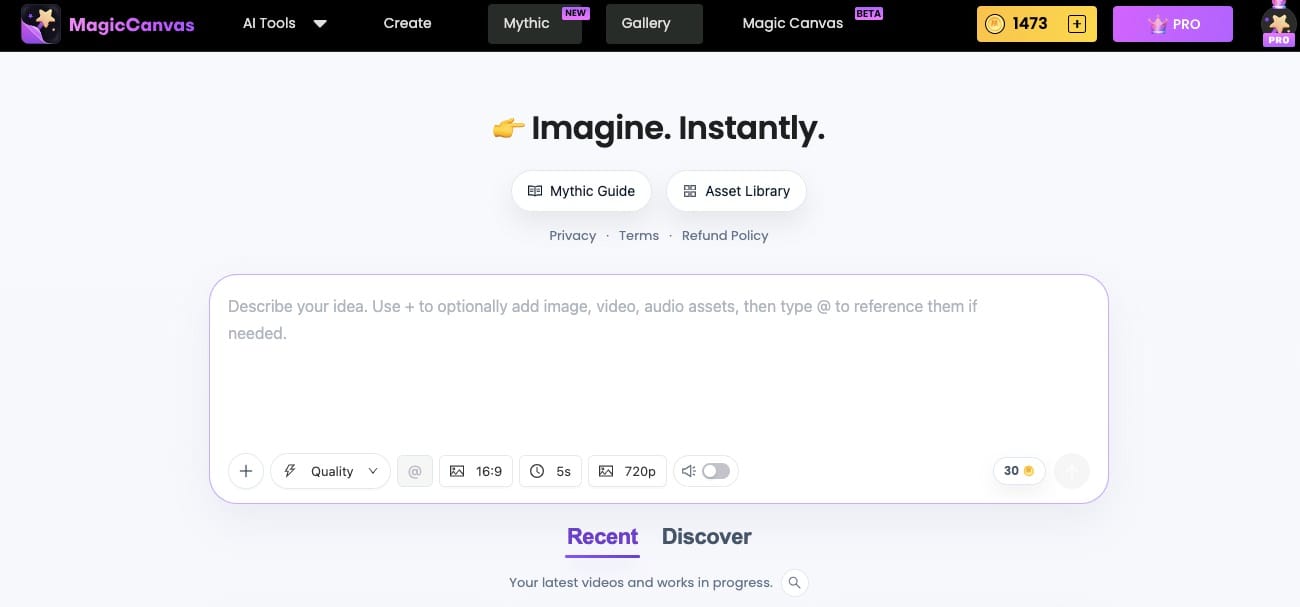
- Mythic — the fast, chat-style generator. You describe what you want, drop in reference images or video, pick a model (Mythic 2.5, Mythic Quality, Mythic Fast, Mythic Mini, or MiniMax H3 R2V), set aspect ratio and length, and hit go. It supports reference-to-video properly, which is still rarer than it should be.
- Magic Canvas (the beta one with the little badge) — this is the node-based playground. Think ComfyUI energy but actually usable by humans who don’t want to spend three days learning a new religion. You get input nodes, image processors, video processors, lip-sync, extend, face swap, background remover, AI clothes, templates… the whole toolbox living on one infinite dark canvas.
The thing that got me emotionally is how little friction there is between “I have an idea” and “I have something I can actually post.” I can generate a base clip in Mythic, drop it into the Canvas, extend it, swap the background, fix the face, add lip-sync, and upscale without exporting and re-importing twelve times. That workflow alone has saved me hours every week.
And yes, it has a free tier that doesn’t feel like a cruel joke. You can actually test the good models before you pull out a credit card. Novel concept, I know.
The Rest of the Field: Honest Quick Takes
I’m not going to pretend MagicCanvas is the only tool worth using. Different jobs need different hammers. Here’s the real-talk, slightly more detailed version of the current landscape:
Kling AI

Still the value king for pure cinematic motion. Character consistency is excellent—especially with reference images/videos and the Character Identity features in the 3.0 series—and the per-second cost remains friendlier than most premium options. Kling 3.0 (including Turbo and Omni variants) brought native 4K, multi-shot storyboarding (up to several distinct camera angles in one generation), longer continuous clips (around 10–15 seconds native, with extension options), and native audio generation that can handle multiple languages, dialects, and even multi-character dialogue. Motion control and start/end-frame tools are strong. The queue times during peak hours can still feel like waiting for a DMV appointment, but when the result lands it’s often gorgeous. Best if pure visual quality and cinematic motion on a relatively tight budget are your north star.
Pika
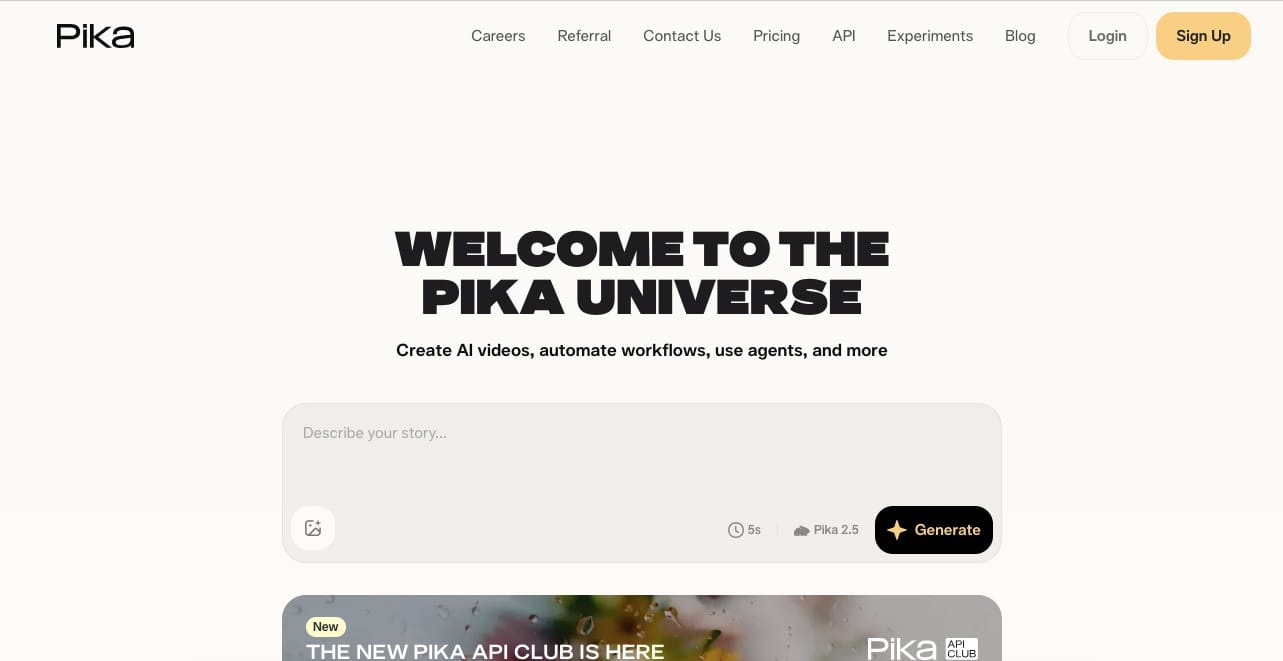
The fun one. Effects are wild (Pikaffects, swaps, additions, scene ingredients), generation is fast, and it’s perfect for short social clips that need personality and stylized flair. Newer versions improved resolution (up to 1080p), clip length (native shorts with extension pushing further via Pikaframes), and prompt adherence. It now includes solid audio tools—Pika Soundtrack and related models for motion-aware sound effects, music, ambience, and voice—plus mature lip-sync/performance features. Quality still sits a notch below the absolute top tier for serious commercial or long-form work, but for TikTok/Reels/Shorts volume and playful iteration it’s hard to beat. Great when you want speed and creative toys more than perfect photoreal consistency.
HeyGen
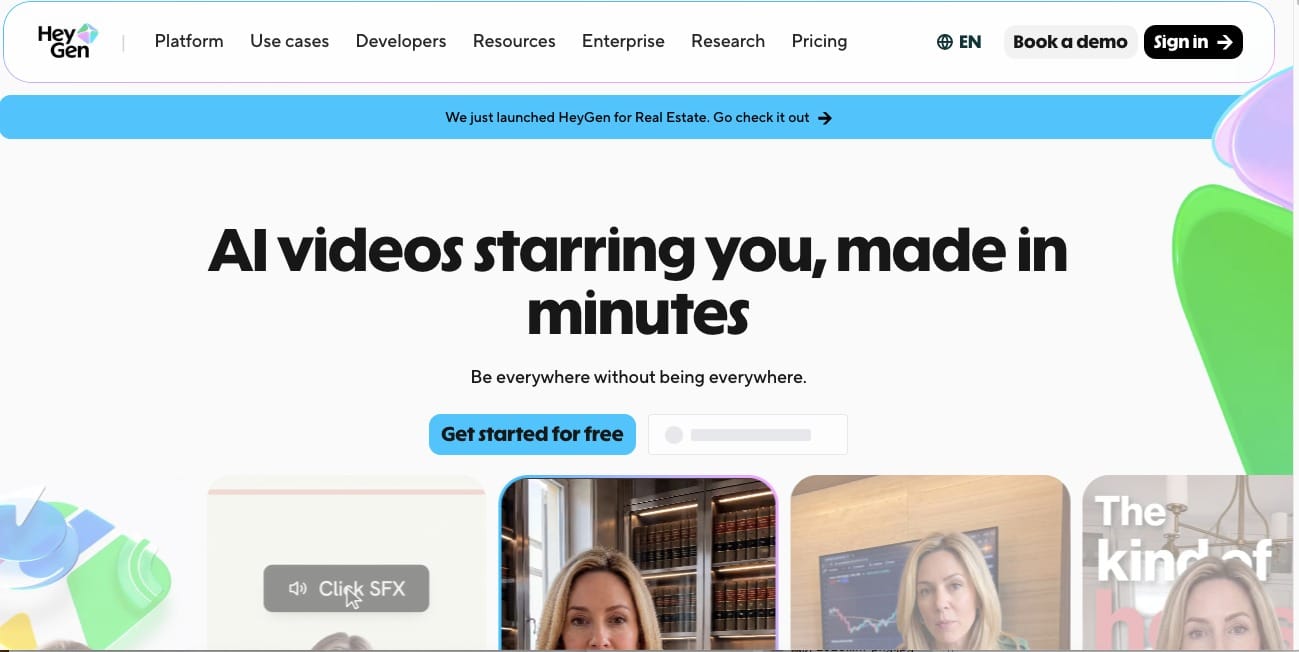
If your job is talking-head avatars, multilingual content, or scalable personalized video, this is still the professional choice. Lip-sync is industry-leading (phoneme-level accuracy, natural head/upper-body movement, micro-expressions), with support for 175+ languages and dialects, voice cloning, and the ability to create custom avatars from a short video or even a single photo (Avatar IV and later). Real-time conversational features (LiveAvatar) and tools for dubbing, translation, and long-form talking videos make it strong for marketing, training, and localization. Just don’t expect it to replace a full creative video generation and multi-step editing tool—it’s specialized for avatar-driven content.
Synthesia
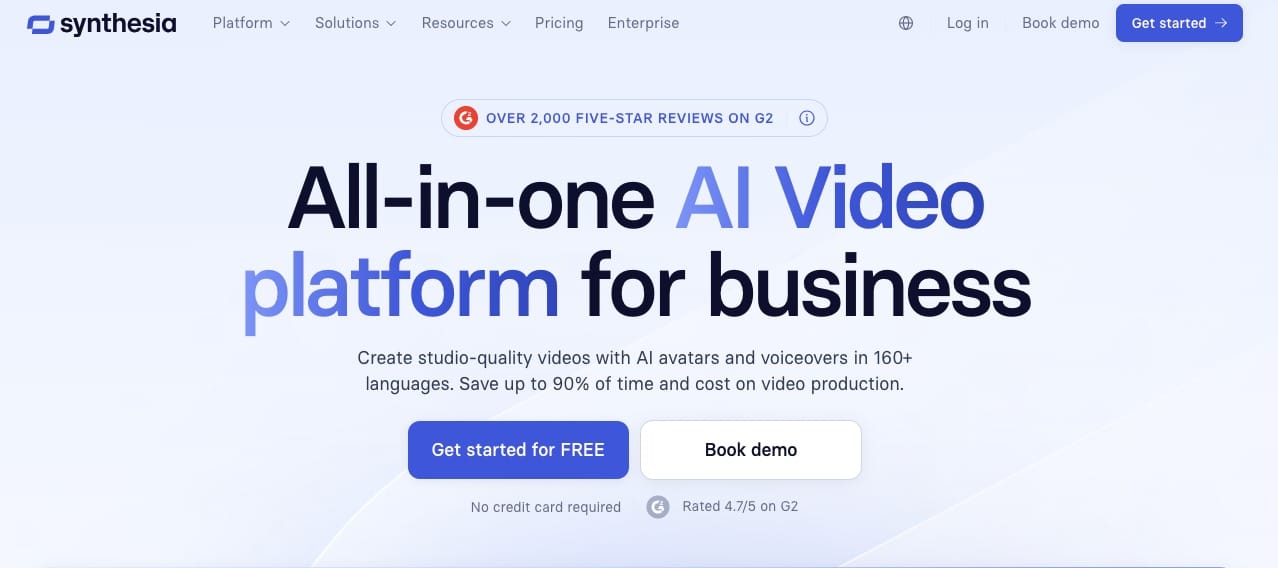
Corporate training, internal comms, and polished business video continue to live here. 160+ languages, a large library of realistic avatars, strong AI dubbing with frame-accurate lip-sync, PowerPoint/script-to-video workflows, templates, and growing interactivity (branching, quizzes, roleplay sessions). Newer updates lean into interactive training and longer coherent talking videos. Creative filmmakers and anyone chasing cinematic motion or open-ended visual storytelling will bounce off it immediately—it’s optimized for clear, professional, brand-safe avatar content rather than artistic experimentation.
Luma Dream Machine (now primarily Ray models)
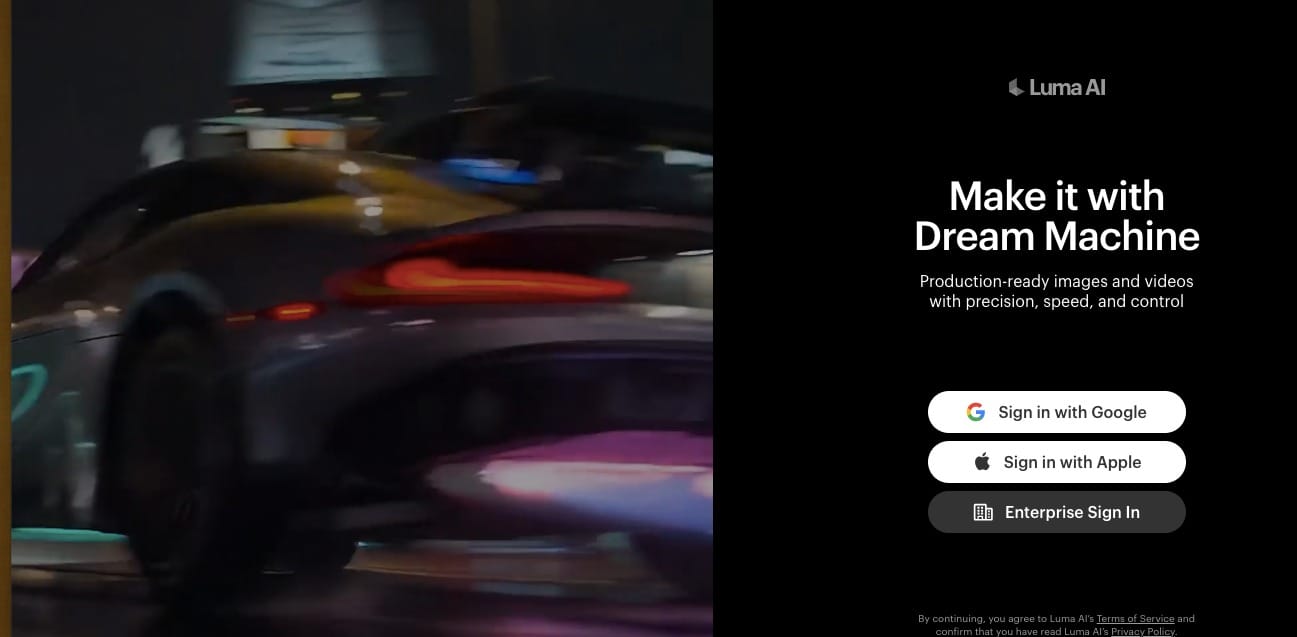
Generous free tier and solid cinematic output with strong spatial understanding, camera motion, and (in recent Ray versions) native HDR and reasoning-style event sequencing that reduces physics glitches. Features include text-to-video, image-to-video, keyframe/storyboard tools (Luma Scenes), video modification/extension, and the ability to route between models. Excellent for experimentation, concepting, product hero shots, and architectural or nature-style cinematography. Not the strongest when you need tight multi-character consistency across many shots, complex multi-step editing in one place, or the absolute longest native durations without extra work.
Runway itself
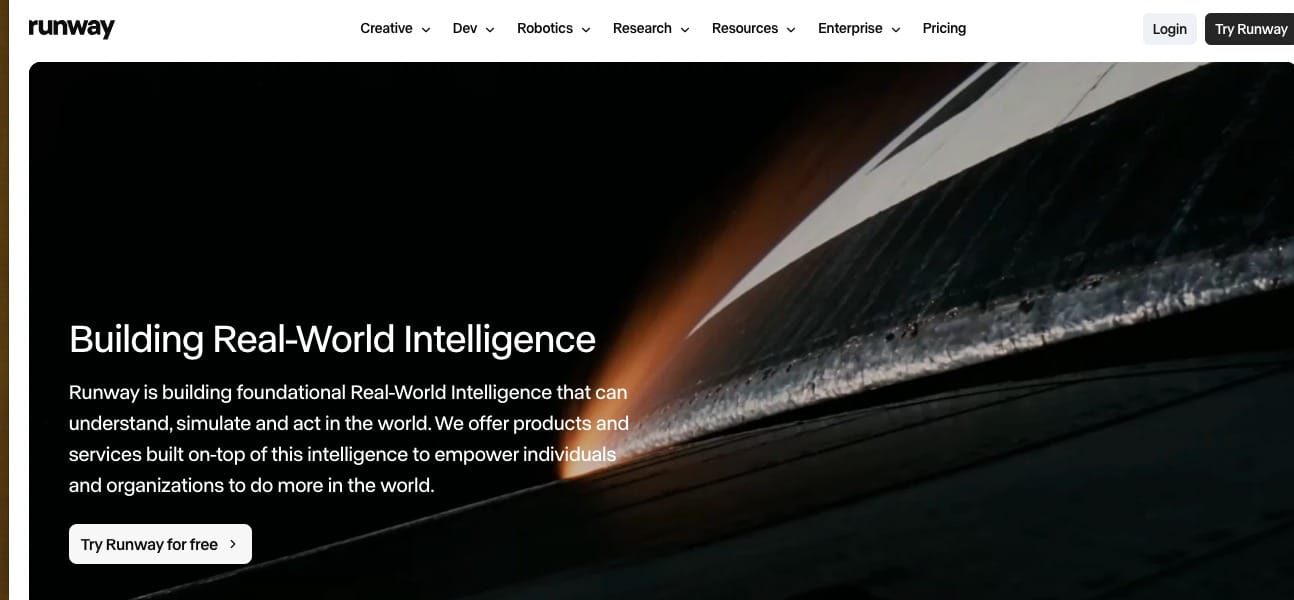
Still excellent at what it does. Gen-4 / Gen-4.5 deliver strong motion, character consistency via references, in-video editing tools (Aleph and related), motion capture/Act features, and a polished overall suite that includes upscaling, background removal, and workflow automation. If you already have a big credit pile, specifically love their latest motion model, or need the depth of their integrated editing tools, there’s no shame in staying. Just go in with eyes open about the cost curve—credits still disappear fast for anything beyond light use, and native audio remains a gap that forces you into other tools.
Feature Reality Check (The Stuff That Actually Matters)
When I compare tools now, I care about five things more than marketing slogans:
- Can I keep characters consistent across multiple shots?
- Is there native or easy audio/lip-sync?
- How painful is multi-step editing?
- What’s the real cost once I scale past the free credits?
- Does the tool feel like it’s helping me finish, or just generating pretty fragments?
MagicCanvas scores unusually high on the multi-step and “finish the job” axes because of that Canvas workflow. Most pure generators still treat every clip like a one-night stand. MagicCanvas lets you build an actual relationship with the footage.
How I Actually Decide What to Use Now
- Need a finished, multi-layered piece with editing, face work, extension, and lip-sync in one place → MagicCanvas
- Need the absolute best raw motion on a tight budget and can wait → Kling
- Pumping out fast, stylized social content → Pika
- Corporate talking heads at scale → HeyGen or Synthesia
- Just exploring and don’t want to spend anything → Luma free tier or MagicCanvas free credits
The “best” tool is the one that matches the job and doesn’t make you want to throw your laptop. For my current mix of product demos, short-form storytelling, and client work, MagicCanvas has taken the top spot simply because I finish faster and with less context-switching rage.
A Few Practical Tips If You’re Switching
- Start with the free tier on whatever tool you’re testing. Generate the same prompt across two or three platforms. The differences become obvious fast.
- Pay attention to reference handling. Tools that actually respect image/video references (instead of vaguely “inspired by” them) save massive amounts of time.
- Watch your effective cost per finished second, not the sticker price. A cheaper tool that forces three extra post-production steps can end up more expensive.
- If you do complex work, prioritize tools with real workflow surfaces (node canvases, timeline editors, or strong project systems). Pure chat-to-video is fun until you need version 7 of the same scene.
Final Thoughts From Someone Who Still Has Runway PTSD
I didn’t leave Runway because the videos were bad. I left because the overall experience started feeling expensive and fragmented. MagicCanvas is the first tool in a while that made me feel like the software was on my side instead of nickel-and-diming my curiosity.
Is it perfect? Of course not. No AI video tool in 2026 is. But it’s the first one in months that made me open the app because I was excited instead of obligated.
If you’re currently side-eyeing your Runway credit balance the same way I was, do yourself a favor: open MagicCanvas, try the Mythic generator, then drag something into the actual Canvas and play. The first time the workflow clicks, you’ll understand why I wrote this entire overly long post.
And if it doesn’t click for you? Cool. That’s why the rest of the list exists. Just promise me you won’t keep suffering in silence while your credits evaporate.
Now go make something weird.
I’ll be in the Canvas.