

I have a confession to make: I have a slightly unhealthy relationship with AI video generators.I love them.I also occasionally stare at a five-second clip and wonder why the person I asked to walk across a room suddenly has three elbows.That's the weird part of AI video in 2026. The technology is getting ridiculously good, but getting something beautiful isn't always the same as getting something specific.That's why Higgsfield AI caught my attention.
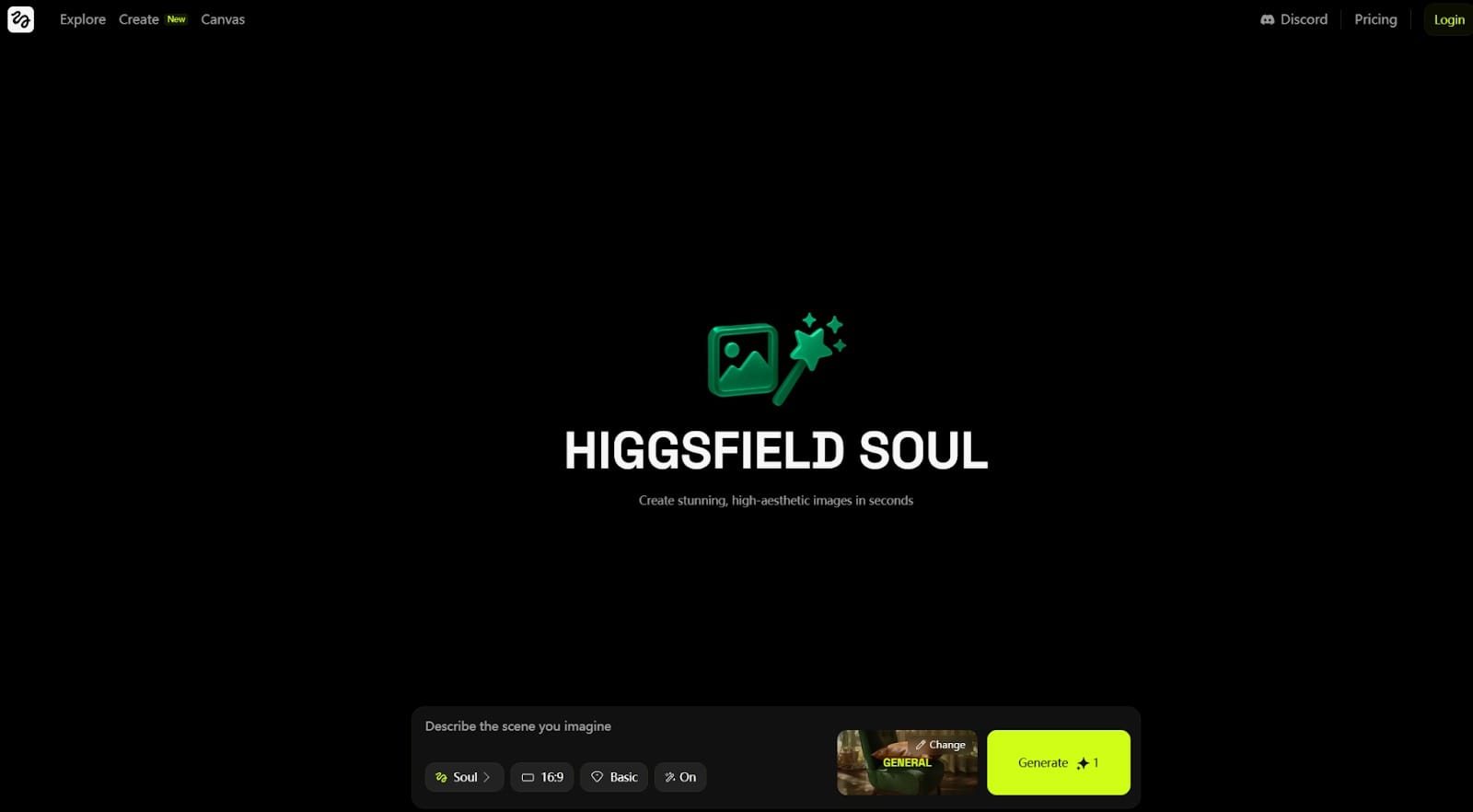
Higgsfield has built a strong reputation around cinematic camera movements. Instead of simply uploading an image and asking AI to make it move, I can choose different camera effects and create shots that feel much more deliberately directed.And honestly, that's fun.But after spending more time with AI video tools, I started asking a slightly different question:Do I want AI to control the camera, or do I want AI to understand the entire scene?That question eventually led me to MagicCanvas.And the more I looked at MagicCanvas, the more I realized that comparing the two purely as “AI video generators” misses the interesting part.Higgsfield is heavily focused on cinematic shot creation.MagicCanvas Mythic is much more interested in reference-driven, multimodal scene generation.That's a pretty important difference.
What Is Higgsfield AI?
Higgsfield AI is a generative AI platform built around visual content creation, with a particularly strong emphasis on cinematic camera movement and character-focused video.Its appeal is easy to understand.I can start with a character or image and experiment with different camera movements rather than trying to describe every camera instruction from scratch.That's especially useful for:
- Social media videos
- Music-video-style clips
- Character videos
- Commercial content
- Cinematic short-form videos
- Creators who want dramatic camera movements without being professional cinematographers
And that's probably why Higgsfield has managed to carve out its own identity in an increasingly crowded AI video market.It isn't trying to be just another text box that says:
“Describe your video here.”
It wants me to think about shots.That's a good thing.But eventually I wanted to create something more complicated than a cool shot.
Where Higgsfield AI Really Shines
The biggest thing I noticed about Higgsfield is its focus on camera movement.
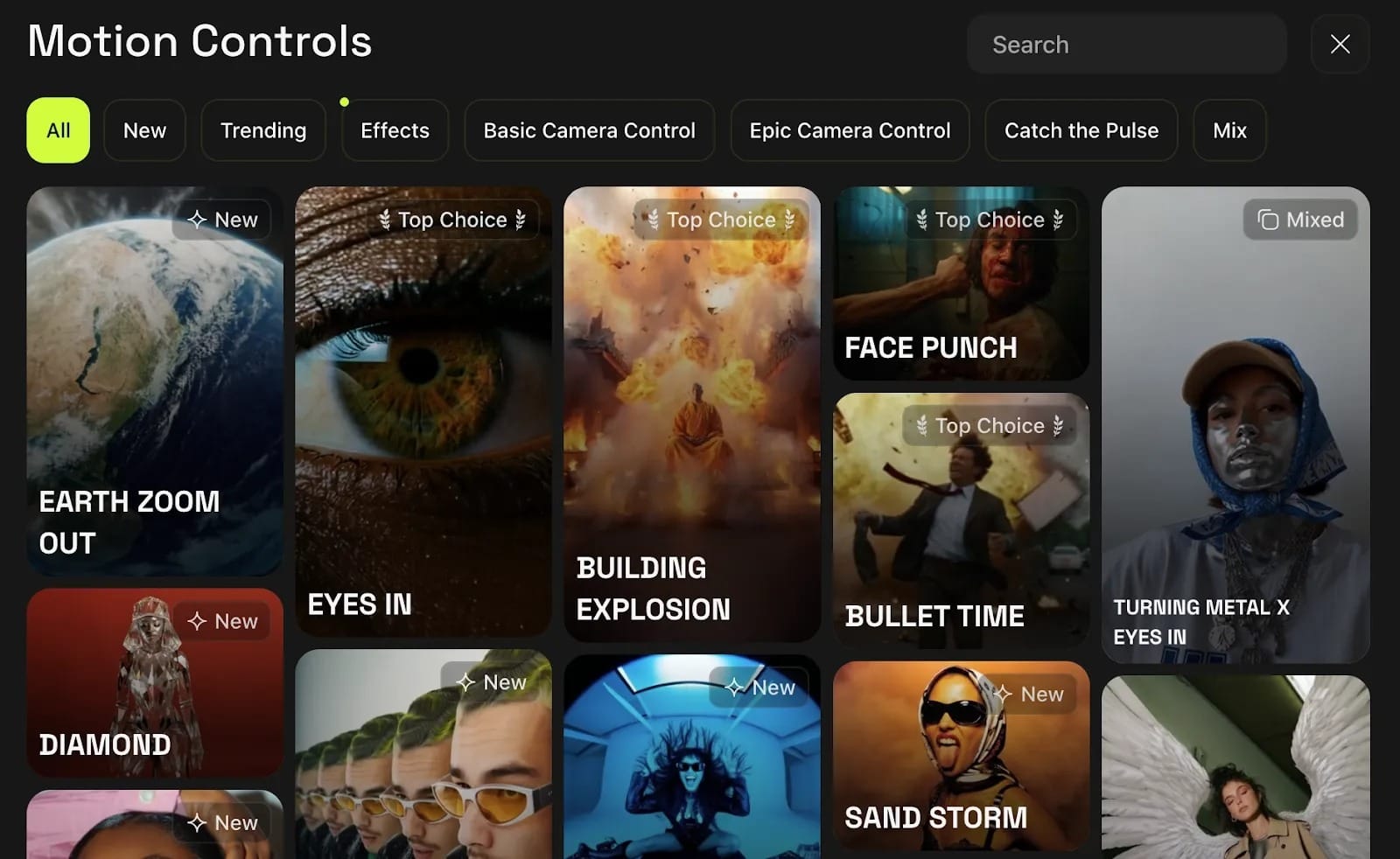
A lot of AI video generation still feels like:
Here's my image.
Please make it move.
Higgsfield can make the process feel more cinematic by giving me camera-focused options.Want an orbit?A zoom?A drone-style shot?A more dramatic movement?That's where Higgsfield becomes genuinely enjoyable.It also makes sense for creators who already have a clear visual concept and mainly want to turn that concept into a polished short clip.If my creative brief is:
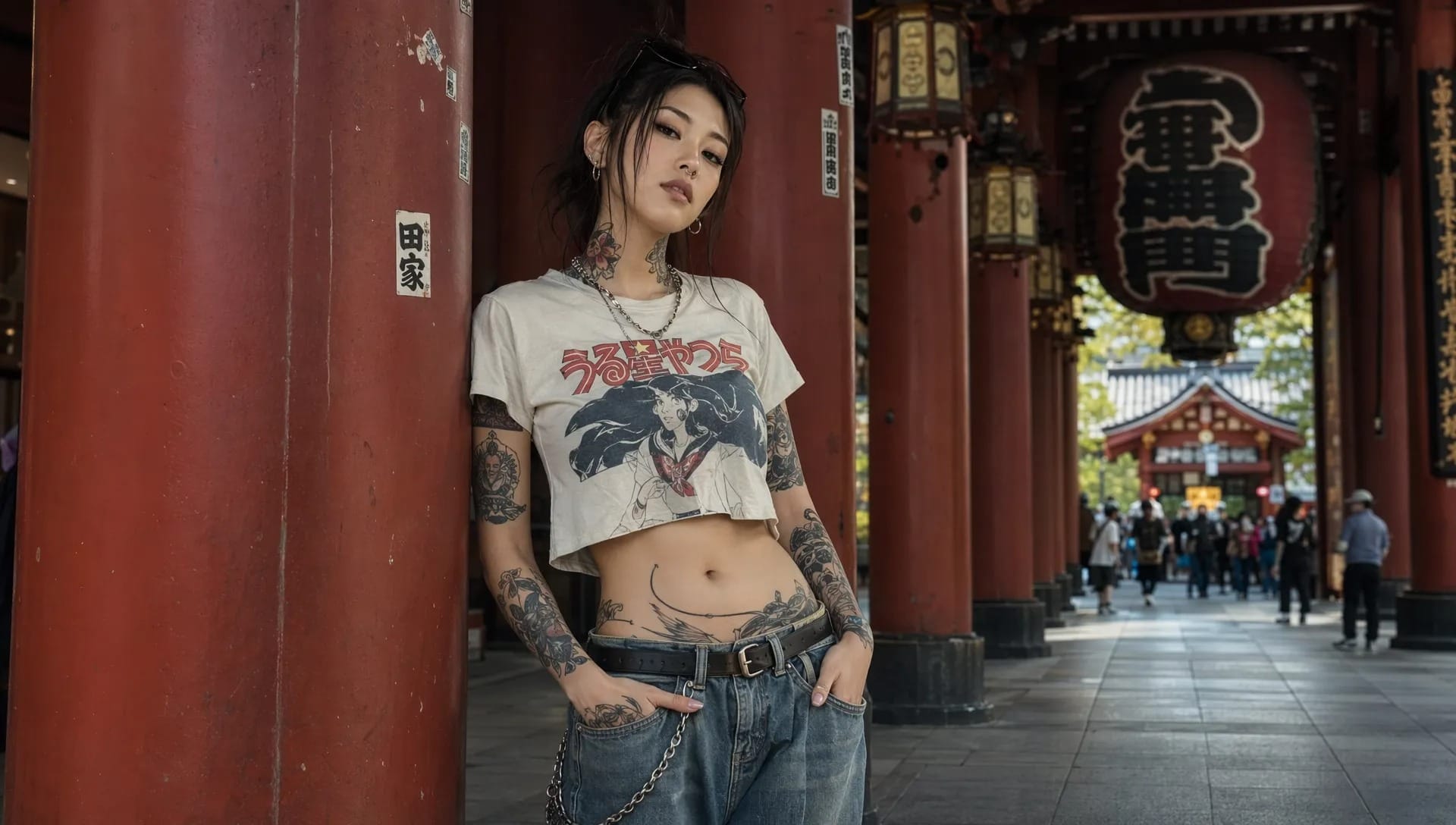
“A fashion model standing in a city while the camera slowly circles around her.She wears an urban-fashion outfit made up of a vintage cropped tee and denim jeans that reflects modern Japanese street style.” Generated photo below
Prompt: A woman slowly sips red wine from a crystal glass, her expression relaxed and quietly contemplative. The camera makes a smooth arc around her from left to right, gradually revealing her elegant presence and the subtle pleasure in her expression. The movement is slow and graceful, creating a calm, intimate mood. Soft, warm lighting falls across her face while the background remains gently blurred, drawing attention to her and the deep ruby tones of the wine. As she lowers the glass, she gives a subtle, inviting smile, adding warmth and sophistication to the scene.. Generated video below:

Higgsfield is a very reasonable tool to try.But what happens when my brief becomes:
“Two characters enter the scene from opposite directions, use different reference appearances, follow a specific movement from another video, and speak using a particular audio reference?”
Now I'm asking AI to do something much more complicated than camera choreography.I'm asking it to understand relationships between references.And that's where I started paying much more attention to MagicCanvas.
The Difference Between I2V and R2V
This is probably the most important concept to understand when comparing modern AI video tools.I2V means Image-to-Video.The basic idea is:
Upload an image → generate a video based on that image.
It's useful when I already have the exact visual I want and simply need to add movement.But R2V means Reference-to-Video.And that's a different beast.Instead of treating one image as the entire starting point, I can give the model different reference assets and tell it what each one is supposed to contribute.For example:
- Image 1 → Character 1
- Image 2 → Character 2
- Video 1 → movement reference
- Video 2 → camera reference
- Audio 1 → audio or voice reference
Then my prompt explains how everything should interact.That's much closer to directing a scene than simply animating an image.MagicCanvas's official Mythic documentation specifically recommends explicitly naming uploaded references such as Image 1, Image 2, and Video 1, rather than using vague instructions such as “use the picture above.”And once I understood this difference, Mythic started making a lot more sense.
MagicCanvas Mythic: More Than Image-to-Video
At first, I thought MagicCanvas was simply another platform that bundled a bunch of AI tools together.It does have a lot of them.The platform currently includes tools such as:
- Text to Video
- Image to Video
- Video Swap Face
- Video Background Remover
- Lip Sync
- Extend Video
- Text to Image
- AI Replace
- Magic Eraser
- AI Expansion
- Edit Away
- Swap Face
- AI Clothes
- Video Templates
That's useful on its own.But Mythic is a different layer of the product.Mythic is the more advanced video generation environment, where reference images, videos, audio, prompts, and different generation models can work together.MagicCanvas itself describes Mythic as supporting multimodal references and advanced prompting for image, video, and audio inputs.So I wouldn't describe Mythic as simply:
“MagicCanvas's image-to-video tool.”
That undersells it.A better description is:
Mythic is MagicCanvas's advanced multimodal video generation system, supporting both Reference-to-Video and Image-to-Video workflows.
That distinction matters.
How I Would Actually Use Mythic
Here's where things get fun.Let's say I want to create a short fight scene.I have:Image 1: Character AImage 2: Character BVideo 1: A fighting movement referenceAudio 1: Character A's voiceInstead of trying to cram every detail into one enormous paragraph, I can explicitly tell Mythic what each reference is doing.For example:
Reference Character A from Image 1 and Character B from Image 2. Use the movement from Video 1 as the action reference. Character A enters from the left and confronts Character B in the center of the scene. Use Audio 1 for Character A's dialogue. Keep both characters visually consistent throughout the shot.
That's fundamentally different from:
“Make this image into a fighting video.”
The second prompt gives the model one picture.The first gives it a cast, movement, voice, and direction.That's why I think R2V is one of the more interesting developments in AI video.
Mythic Prompting: The Part Most AI Video Reviews Ignore
Here's another thing I like about MagicCanvas: it doesn't just throw me into a prompt box and wish me good luck.The official Mythic Prompt Guide lays out a surprisingly practical structure for writing prompts.The basic formula is:
Subject + Motion + Environment + Camera/Shot + Audio + Aesthetic Description
I don't have to use every element every time.But the order makes sense.Start with who or what is doing something.Then explain what they're doing.After that, describe the environment, camera, sound, and visual style.For example:
A young woman walks slowly through a rainy Tokyo street, neon signs reflecting on wet pavement, slow tracking shot from behind, soft city ambience, cinematic night photography.
That's much more useful than:
“A beautiful cinematic Tokyo video.”
AI isn't a mind reader.Unfortunately.I've tried.
Reference Control Is Where Mythic Gets Really Interesting
The official guide breaks reference control into several useful patterns.
Multiple image references
I can use multiple images of the same character or product to improve consistency across different views.For example:
Reference the woman in Image 1, Image 2, and Image 3 and keep her facial features, hairstyle, and clothing consistent.
This is especially useful when I don't want the character to become a completely different person halfway through the video.Because apparently AI characters sometimes believe in reincarnation.
Multiple independent subjects
I can also use different images for different subjects.For example:
Image 1 = character A
Image 2 = character B
Image 3 = product
Then the prompt tells Mythic how those elements should appear together.That opens up much more complicated scenes than traditional single-image I2V.
Video as a motion reference
This is another feature I think deserves more attention.A video reference doesn't necessarily mean:
“Use this entire video.”
I can use it specifically as a motion reference.For example:
“Reference the movement from Video 1 and preserve the motion details.”
So I can give the model a movement I like and apply that movement to a different subject or scene.
Video as a camera reference
This is slightly different.I can use a reference video to tell Mythic how the camera should behave.That's useful when I like the camera language of one video but want completely different characters or scenery.So I can think about video references in two ways:Motion reference → How the subject movesCamera reference → How the camera movesThat distinction is surprisingly useful when writing prompts.
Mythic Isn't Just About Visuals
Here's another feature that I think is easy to overlook.Mythic can also work with audio and on-screen text.The official guide includes patterns for:
- Voice-over
- Dialogue
- Subtitles
- Speech bubbles
- Slogans
- On-screen text
Prompt: Illustrated comic style. Three people sit together eating fried chicken from Image 1 in a warm and cheerful mood. As the scene gradually blurs, the text "Joy Lives in MagicCanvas" appears in the center of the frame.
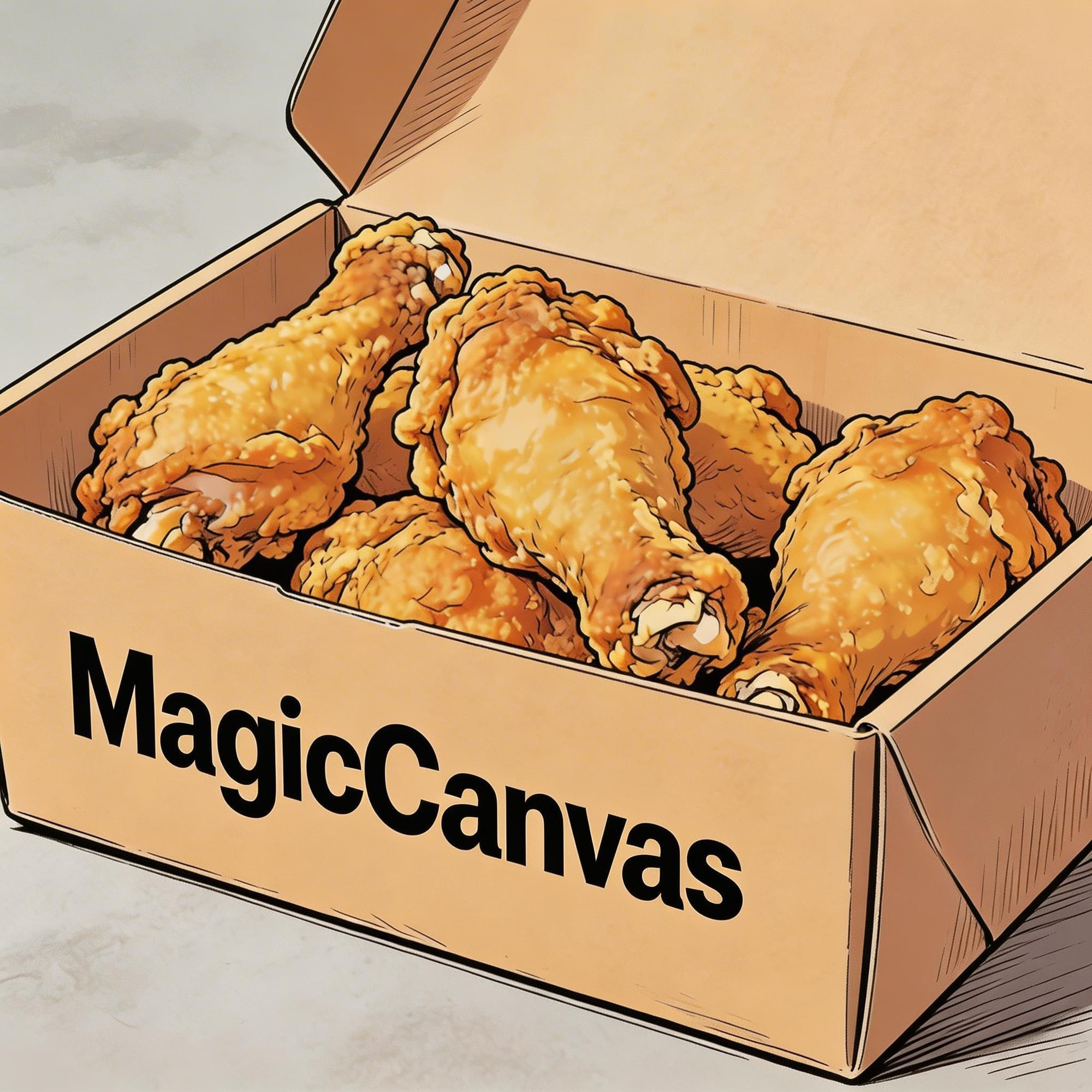
For example, I can prompt a dialogue scene where two characters from a reference image talk to each other and specify what each character says.I can also request subtitles that match the dialogue or narration.And for stylized content, I can even specify speech bubbles.
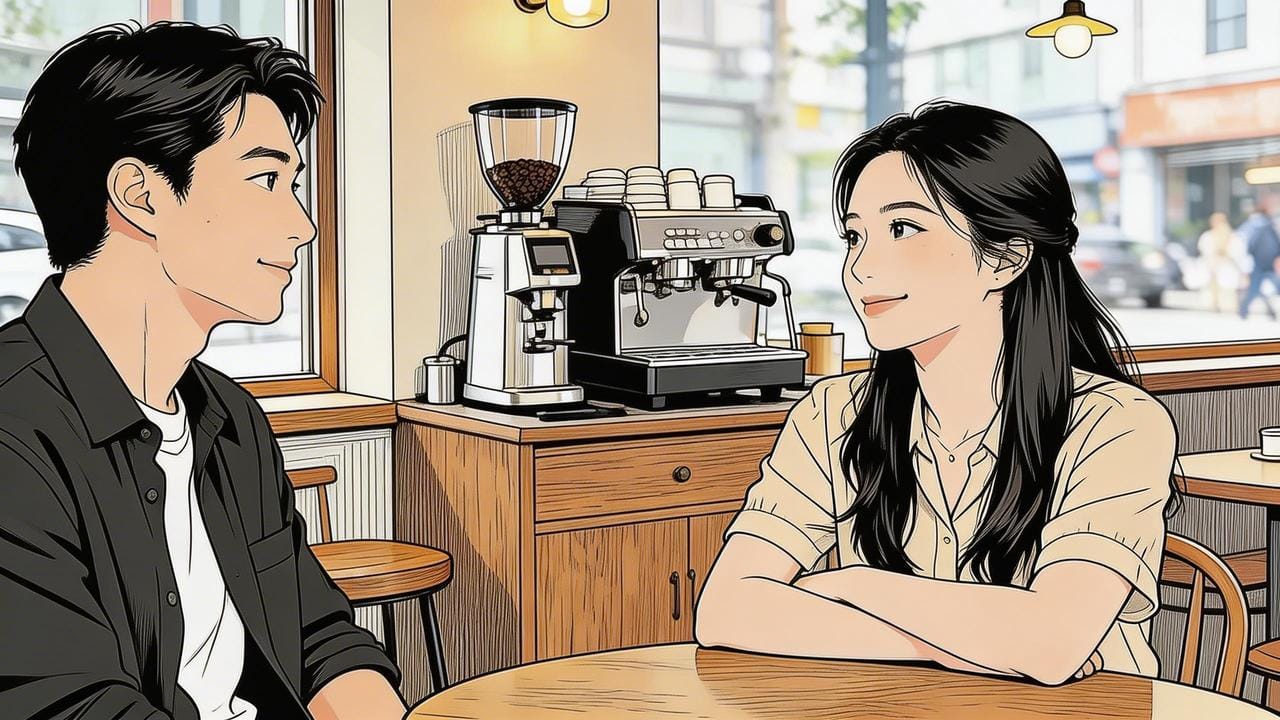
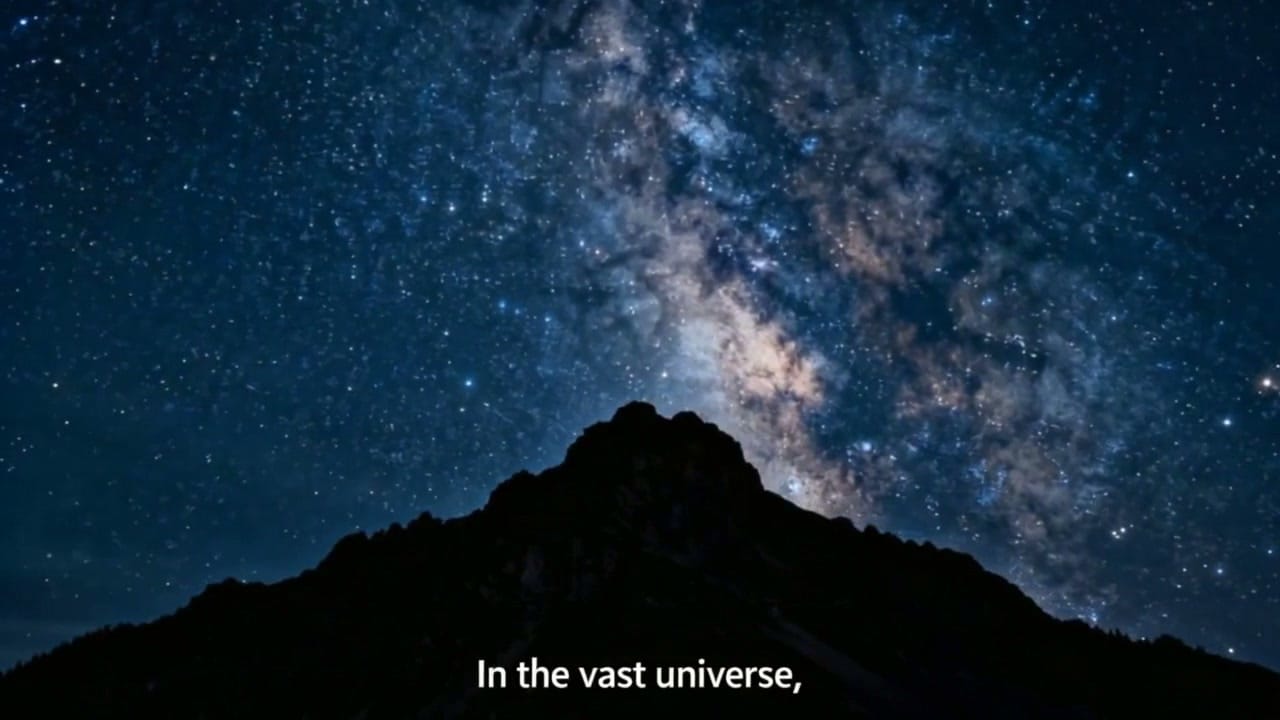
That means I don't necessarily have to think about the video as:
Visuals first. Everything else later.
I can think about visuals, dialogue, sound, and text as part of the same generation prompt.That's a much more interesting creative workflow.
I Also Like That Mythic Has Different Models
MagicCanvas doesn't force every project through a single model.The Mythic selector includes different model families and generation modes.Among them are:
- Mythic 2.5
- Mythic Quality
- Mythic Fast
- Mythic Mini
- MiniMax H3 R2V
- Mythic I2V 2.5
- Mythic I2V Quality
- Mythic I2V Fast
- Mythic I2V Mini
- MiniMax H3 I2V
- HappyHorse R2V
- HappyHorse I2V
- Spicy I2V
The naming is also worth understanding.Mythic 2.5 corresponds to Seedance 2.5.The Quality, Fast, and Mini variants correspond to different Seedance 2.0 variants.And the I2V versions are specifically Image-to-Video models.So I can choose between different approaches depending on what I'm actually trying to create.If I'm animating a specific image:
I2V.
If I'm combining multiple references:
R2V.
If I'm experimenting quickly:
Fast.
If I want a quality-focused generation:
Quality.
That makes the model selector more than a list of impressive-sounding names.It's a creative decision.
What About Editing?
This is another area where Mythic goes beyond basic generation.The official prompting guide recommends a very simple rule for editing:Define the video portion and timing first. Then describe what should be added, removed, or replaced.For example:
At 0–5 seconds in this clip, remove the people in the background.
Or:
At 3–6 seconds, replace the red car with the reference vehicle from Image 1.
This timing-first approach is important because video editing isn't the same as generating a scene from scratch.The model needs to know when the change should happen before it knows what should change.That may sound obvious.AI occasionally needs obvious things explained.
And Then There's Magic Canvas
One more thing I don't want to mix up with Mythic is Magic Canvas itself.Mythic is primarily the advanced video generation side.Magic Canvas is the node-based workflow environment.Instead of simply generating one clip, I can connect different AI operations together into a larger workflow.The platform's workflow system is designed around node-based pipelines that can connect multiple AI tools and processing steps.So I think about MagicCanvas in three layers:
AI Tools
For individual tasks.
Mythic
For advanced AI video generation using different models, references, audio, video, and image inputs.
Magic Canvas
For building larger, repeatable AI workflows.Once I look at it this way, the product becomes much easier to understand.It's not just:
“Another AI video generator.”
It's closer to a creative workspace where different generation and editing approaches can live together.
Higgsfield AI vs. MagicCanvas: Which One Would I Use?
Honestly?It depends on what I'm trying to make.If I want to create a character shot with dramatic camera movement, Higgsfield is still very interesting.Its camera-focused approach is probably the first thing I'd explore.But if my project starts sounding like a mini film production meeting, I'd rather have MagicCanvas.If I need:
- Multiple character references
- Multiple image references
- Motion references
- Camera references
- Audio references
- R2V generation
- I2V generation
- Different video models
- On-screen text
- Dialogue
- Subtitles
- Video editing
- Repeatable AI workflows
then MagicCanvas gives me a much broader creative playground.And that's the distinction I'd make between the two.
Higgsfield makes me think about the shot.
MagicCanvas Mythic makes me think about the scene.
That's a subtle difference.But once you start making more complicated AI videos, it becomes a pretty big one.
My Final Verdict
I don't think Higgsfield is bad.Actually, I think its camera-focused approach is exactly why it has managed to stand out in such a crowded market.If your priority is cinematic camera movement, character shots, and visually striking short-form videos, Higgsfield is worth experimenting with.But I wouldn't treat it as the final answer to AI video generation.For me, the more interesting direction is reference-driven video creation.Instead of asking:
“How do I make this picture move?”
I'm increasingly asking:
“What if I give AI the characters, environment, movement, camera, audio, and visual references—and let it figure out how they belong in the same scene?”
That's where MagicCanvas Mythic becomes particularly interesting.It gives me both R2V and I2V, different model options, multimodal references, prompt-based control, text and dialogue generation, and editing capabilities. And when I want to go beyond a single generation and build a repeatable process, there's the node-based Magic Canvas workflow on top of that.The funny thing is that AI video started by trying to make pictures move.Now I'm much more interested in whether AI can actually direct a scene.And if Higgsfield is teaching AI to think more like a cinematographer, MagicCanvas Mythic is pushing me toward something slightly different:thinking like a director.That's the part I find much harder to stop playing with.And probably the reason my “five-minute AI video experiment” somehow keeps turning into a three-hour project.