


I used to think background removal was something only people with expensive software and endless free time could pull off. Then I spent three hours one Saturday night trying to erase a chaotic living-room backdrop from a product photo with the free version of a tool that kept selecting my product’s shadow instead of the actual background. By the time I gave up, the image looked like it had been attacked by a very determined but visually impaired raccoon.That was the night I finally admitted I needed help.I’m not a professional photographer. I’m just someone who needs clean images that don’t scream “I took this next to my laundry pile.” Whether it’s product shots for my little online shop, a halfway-decent headshot for a freelance profile, or a quick photo for a presentation that was somehow due yesterday, messy backgrounds have been quietly sabotaging me for years. Then I found MagicCanvas and its background remover, and the whole process stopped feeling like a part-time job.
The Moment It Clicked
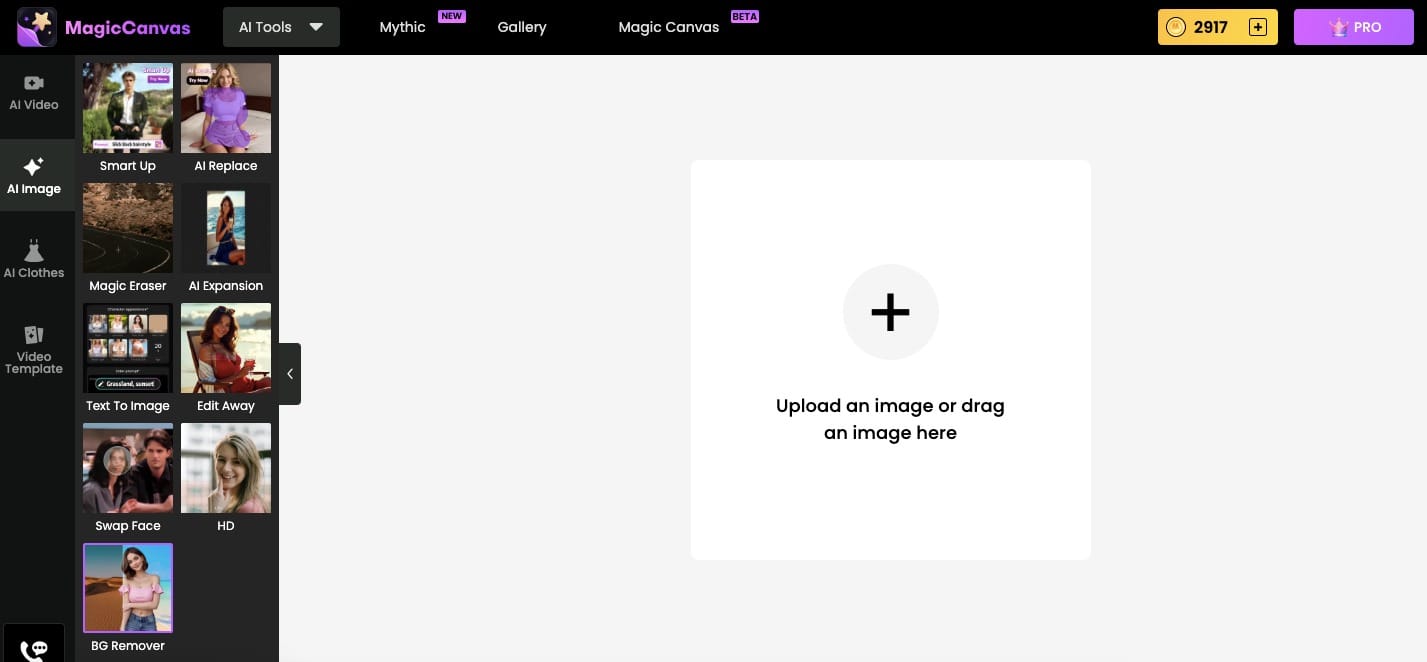
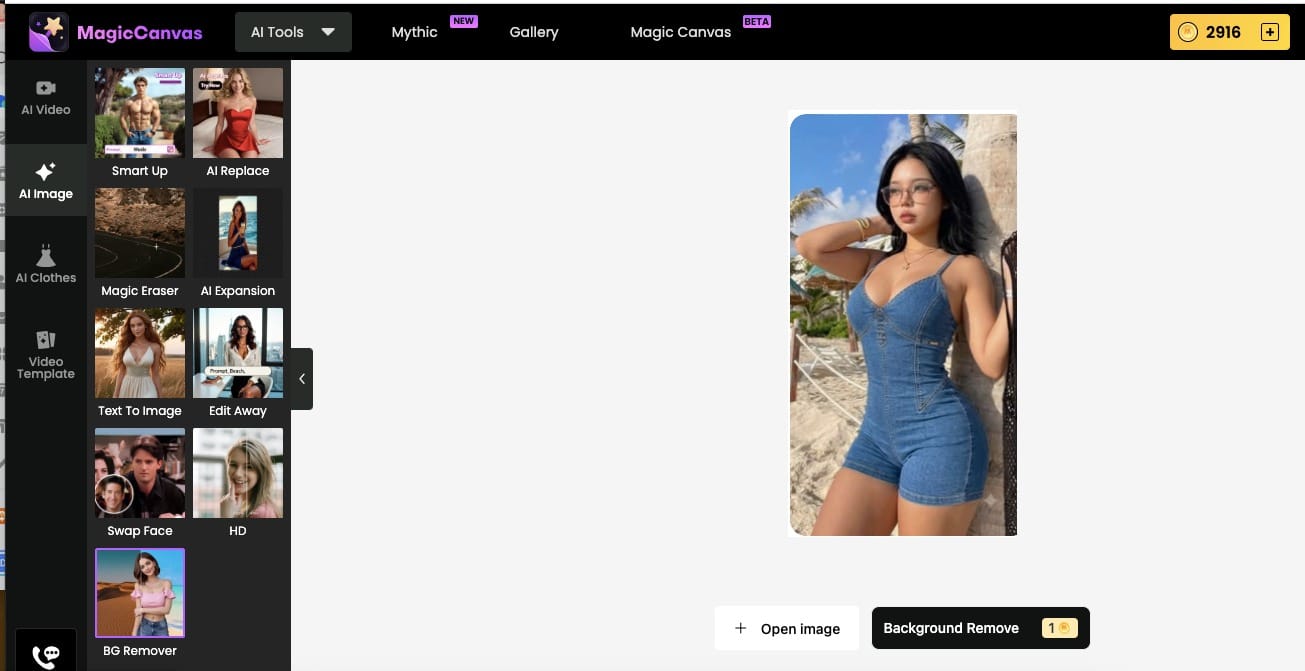
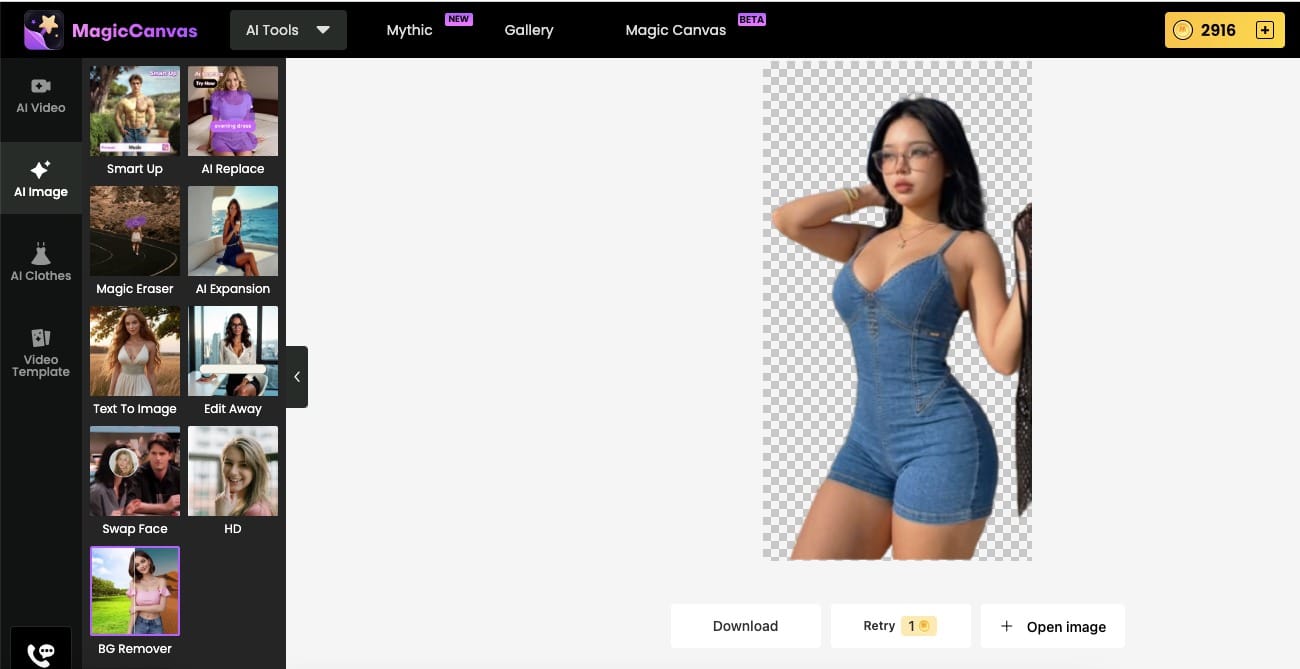
The first time I used it felt almost illegal in how easy it was. I uploaded a photo of a denim romper I’d been trying to sell (yes, the one with the slightly too-enthusiastic model pose against a beige wall). One click on Background Remover and the wall vanished. Transparent. Clean edges. No weird leftover pixels around the straps. I actually sat there staring at the screen like I’d just witnessed a minor miracle.Then I realized I could drop in a new background. Suddenly the same romper was standing in a soft studio light, then against a sunny outdoor wall, then on a minimalist white backdrop that looked like it belonged on a real brand site. Same photo. Completely different energy. And it took less time than it usually takes me to decide what to have for lunch
Where This Thing Actually Saves My Sanity
Product photos that don’t look homemade
If you sell anything online—clothes, candles, handmade jewelry, whatever—you already know the pain. Customers scroll fast. A busy background makes even a great product look cheap. I used to spend evenings carefully cloning out clutter or paying someone else to do it. Now I batch a whole drop of new items in the time it used to take me to edit three. Clean, consistent, marketplace-ready images without the soul-crushing manual work. My conversion rate noticed. So did my stress levels.
The “I need a decent headshot by tomorrow” emergency
We’ve all been there. LinkedIn still has that photo from 2019 where you’re squinting into the sun. Or you need something semi-professional for a class presentation, a pitch deck, or a dating profile that doesn’t look like it was taken in a bathroom. Background Remover pulls you out of whatever chaos you were standing in and drops you onto a clean, neutral backdrop. Instant upgrade. No awkward Photoshop skills required.
Social content that doesn’t scream “phone photo”
I make a lot of casual content—outfit checks, flat lays, random product flat-lays for stories. Backgrounds are usually my bedroom, my kitchen counter, or whatever wall happened to be behind me. One tap and suddenly the same photo looks intentional. I’ve used it for collages, for switching seasonal vibes, even for making a single photo work across different platforms without reshooting. It’s the difference between “I threw this together” and “I meant to do this.”
The “everything looks better with a proper backdrop” effect
Furniture, food, packaging, even pets (yes, I’ve done the dog). Whatever you’re photographing, a distracting background steals focus. MagicCanvas lets me keep the subject sharp and replace the rest with something that actually supports the image instead of competing with it. Studio white for clean e-commerce. Soft gradients for lifestyle shots. Textured walls when I want a bit more personality. Same original photo, completely different story.
What Surprised Me Most
I expected the removal to be decent. I didn’t expect the edges to stay so clean on complicated things like hair, straps, and sheer fabric. I also didn’t expect how addictive the “try a new background” part would become. Once the background is gone, the photo feels like a blank canvas again. You start experimenting. You start having fun instead of just fixing problems.And because it’s all inside MagicCanvas, I can keep going—crop, adjust lighting, add a subtle shadow if I want the product to sit more naturally on the new background—without jumping between five different apps like some kind of digital refugee.
The Quiet Win Nobody Talks About
The real benefit isn’t just prettier pictures. It’s the mental space I got back. I used to dread photo days because I knew the editing would take longer than the actual shooting. Now I shoot, upload, remove, swap, and move on. The creative energy stays on the product and the story instead of getting drained by pixel-level cleanup.I’m still not a professional retoucher. I don’t need to be. MagicCanvas’s background remover just quietly removed the part of the process I hated most and left me with results that look like I know what I’m doing.If you’ve ever stared at a photo and thought “this would be perfect if it wasn’t for that ugly wall / messy desk / random stranger in the background,” you already know the feeling. This tool exists for that exact moment of quiet frustration. And once you try it, going back to manual erasing starts to feel slightly unhinged.
Frequently Asked Questions
Does the background remover work on more than just people?
Yes. People, products, animals, food, furniture—basically anything with a clear subject. I’ve used it on clothing, candles, even a slightly chaotic flat-lay of jewelry. It handles complicated edges better than I expected.
Can I actually change the background, or just remove it?
Both. You can leave it transparent for overlays and designs, or drop in a new background from the library or your own uploads. That’s where it goes from “useful” to “I might have a problem.”
What file types does it accept?
JPG, PNG, and most common formats you’d actually have on your phone or camera. I’ve never had it reject something reasonable.
Is it only for single images or can I do batches?
You can work one by one when you want control, or handle multiple images when you’re prepping a whole product drop. The time savings on catalogs is real.
Do I need design experience?
Zero. If you can upload a photo and click a button, you’re qualified. The tool does the heavy lifting; you just decide what the final image should feel like.
Will the edges look fake or cut-off?
On most photos they look surprisingly natural. Fine details like hair and thin straps come out cleaner than anything I ever managed manually. You can still refine if something needs a tiny touch-up, but I rarely have to.I used to treat background removal like a necessary evil. Now it’s just… part of the workflow. A fast, slightly addictive part that makes everything else look better. If your photos have been held hostage by bad backgrounds, MagicCanvas is the quiet jailbreak you didn’t know you needed.