
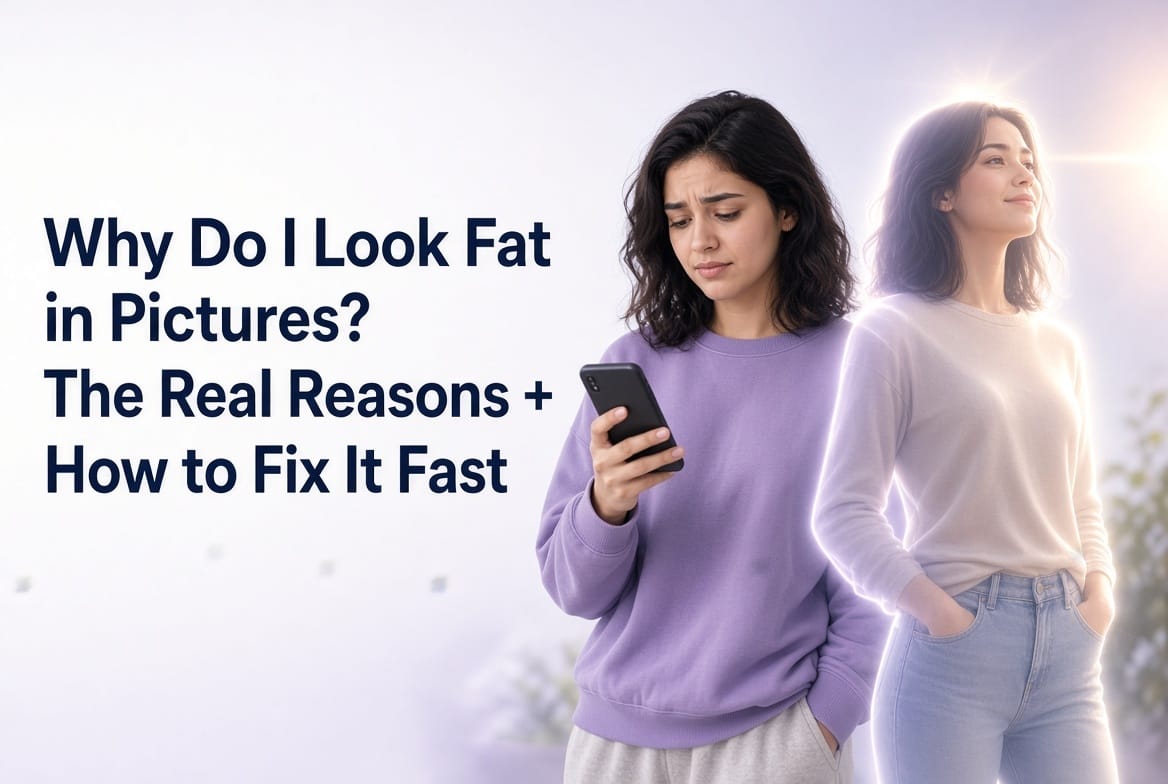
Okay, let’s be honest for a second.
You take a selfie. You feel cute. The lighting is soft, your hair is behaving, you even sucked in a little. You hit the shutter, look at the result… and suddenly you’re staring at a slightly wider, slightly puffier, slightly not-you version of yourself.Cue the internal monologue:“Did I gain five pounds between the mirror and the camera?”“Is my phone personally attacking me?”“Why does my face look like it’s trying to escape sideways?”I’ve been there more times than I care to admit. There was a phase where I would take thirty selfies, delete twenty-nine, and keep the one where I looked only mildly offended by my own existence. I started believing the old myth that “the camera adds ten pounds.” Spoiler: it doesn’t. But it does play some pretty dirty optical tricks, and once you understand them, you stop taking every unflattering photo so personally
The Real Reasons You Look “Off” in Photos
First, the camera is not your enemy. It’s just… kind of dumb about perspective.Most phone cameras use wide-angle lenses. When you hold your phone at arm’s length (which is basically every selfie ever), the parts of you closest to the lens get stretched. Your nose can look bigger, your face can look rounder, your shoulders can look broader. It’s the same reason your hand looks like a giant meat paddle when you stick it too close to the lens. Physics, not personal failure.Then there’s the angle. Shoot from below and suddenly you have a double chin that wasn’t invited. Shoot from too high and your head starts looking like it’s floating on a stick. Lighting can carve shadows that make soft cheeks look fuller. And of course, a single frozen frame catches you mid-blink, mid-breath, mid-awkward-expression that nobody would notice in real life.The mirror is kinder because it’s live, reversed, and constantly updating. Photos are ruthless little time capsules. One unlucky millisecond and you’re left wondering if you’ve been lying to yourself in the bathroom mirror this whole time.I used to get genuinely annoyed. Not “I need to go to the gym” annoyed (though that sometimes followed), but “why does this piece of glass and metal keep making me look like a different species?” annoyed. I tried better lighting. I tried the classic 45-degree chin tilt. I tried standing farther back and cropping. All of it helped… a little. But some days I just wanted the photo to look like the version of me I felt like, not the version the lens decided to serve.That’s when I found MagicCanvas’s Smart Up feature. And no, this is not the part where I pretend I became a lighting genius overnight. This is the part where I discovered I could stop fighting the camera and just… gently correct the record.
Enter Smart Up (Or: How I Stopped Arguing With My Own Face)
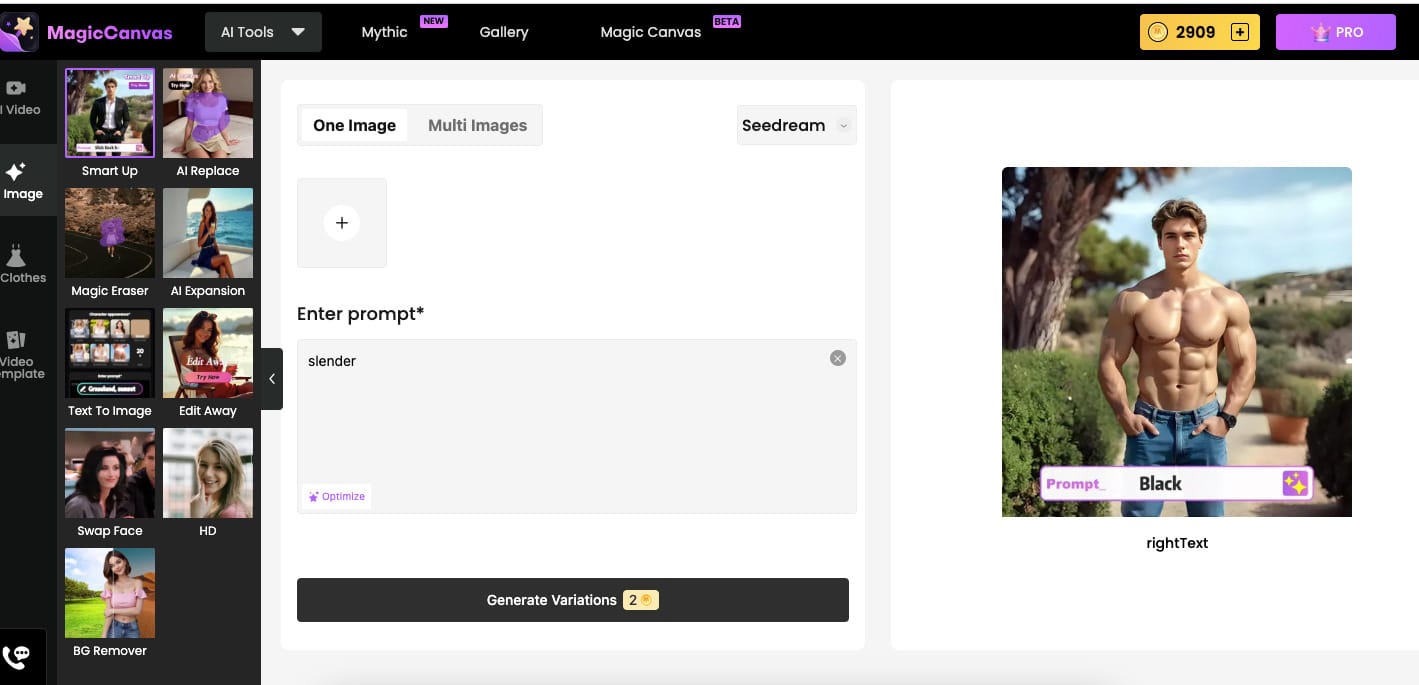
Smart Up is basically the “undo button” for unflattering photos, but with personality. You upload a picture of yourself, type what you want, and it reshapes, restyles, or completely transforms the image while still looking like you.Want to look a bit more slender? Type “slender” or “slim.”
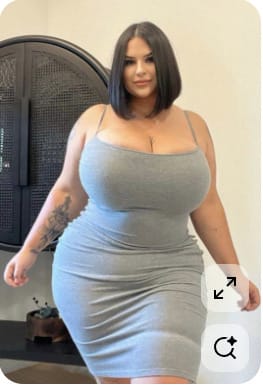
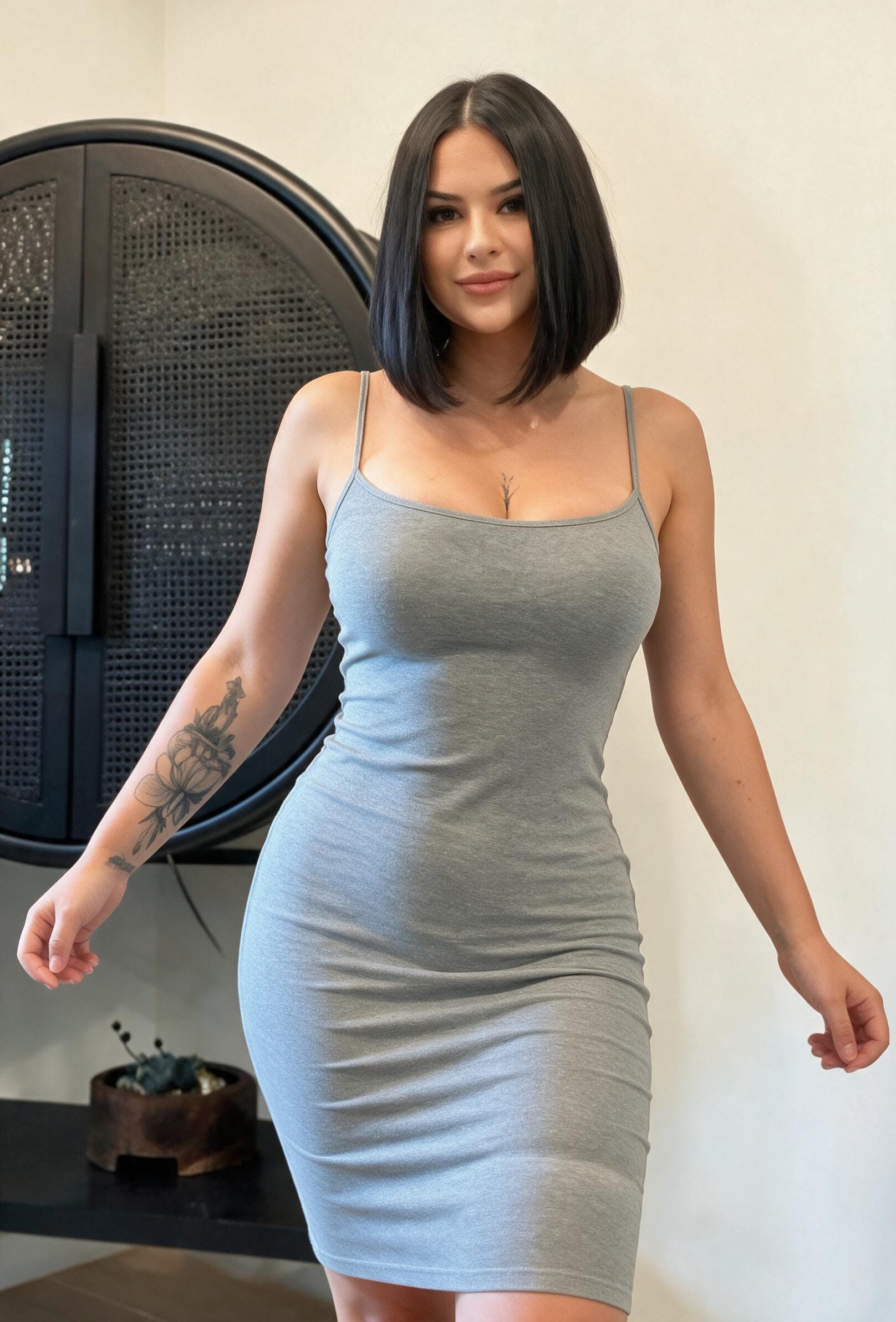
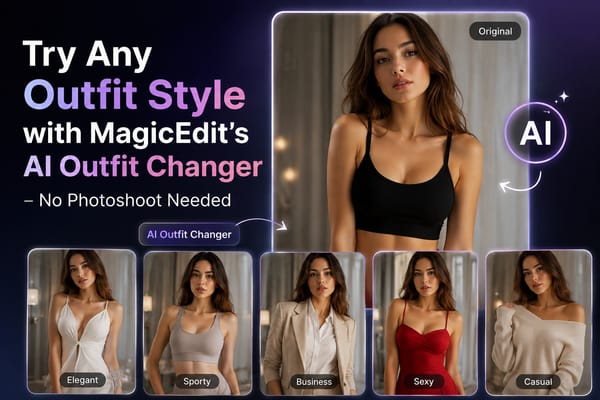
Want to try on a leopard dress you don’t own? Upload a photo of the dress next to your selfie and write “wearing leopard dress.”Feeling bridal but missing the bouquet? Drop in a flower reference and type “holding flowers.”Suddenly craving main-character energy? “Black suit, muscle, slick black hairstyle” and boom — different vibe, same face.The multi-image upload is what sold me. It’s not just “make me thinner.” It’s “here’s me + here’s the exact outfit/object/vibe I want,” and the AI figures out how to blend them without turning you into a plastic mannequin. The results stay surprisingly natural — same skin texture, same little freckles, same slightly chaotic hair energy.

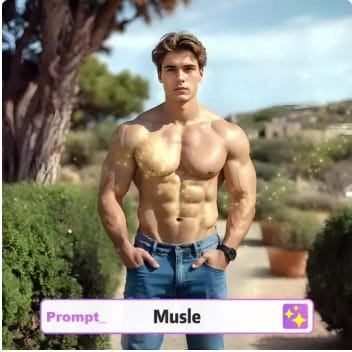
Just… adjusted.I tested it the way any reasonable person would: I fed it my most mid selfie and asked for “slender, soft lighting, looking mildly smug.” The difference was enough to make me laugh out loud. Not because it was fake, but because it finally matched the version of myself I see when I’m having a good day.
A Few Things I’ve Learned Along the Way
- Subtle prompts often look more natural than extreme ones. “Slightly more slender” tends to feel better than “waif-thin.”
- Reference images help a lot when you want specific clothing or objects. The leopard dress example in particular works ridiculously well.
- You can still keep the original photo. I usually save both — the real moment and the “best version of the real moment.”
- It’s weirdly confidence-boosting. Once you know you can gently adjust a photo, you stop deleting so many of them. You start keeping the ones that almost worked.
I’m not saying every photo needs fixing. Some of my favorite pictures are the ones where I look a little tired, a little soft, a little human. But on the days when the camera decides to be extra dramatic, it’s nice to have options.
Final Thought From Someone Who Used to Hate Her Own Selfies
Looking “fat” in photos was never really about weight for me. It was about the gap between how I felt and how the image looked. That gap used to bother me more than it should have. These days I just shrug, open MagicCanvas, and give the photo a second chance.Sometimes I make myself a little more slender.Sometimes I put myself in a leopard dress I don’t own.Sometimes I just fix the weird shadow under my chin and call it a day.Either way, the photo finally feels closer to the person I actually am when the camera isn’t watching.And honestly? That little bit of control is more fun than it has any right to be.If you’ve ever deleted a photo because it didn’t feel like you, maybe give Smart Up a try. Worst case, you waste two minutes. Best case, you stop letting a wide-angle lens decide your mood for the rest of the afternoon.Your future selfies will thank you.(And so will the version of you that used to take thirty shots just to keep one.)
Frequently Asked Questions
1. Why do I look fatter in pictures than in the mirror?
Cameras (especially phone cameras) use wide-angle lenses and capture a single frozen moment from a fixed distance and angle. When the camera is close to your face, it exaggerates perspective — making features closer to the lens appear larger. Mirrors show a live, reversed, constantly moving reflection that your brain is used to. Neither is 100% “accurate,” but the photo version often feels harsher because it’s unfamiliar and static.
2. Does the camera really add 10 pounds?
No. Cameras don’t add weight. What they do is change perspective. Wide-angle lenses, close shooting distances, and certain angles can make your face or body appear wider or less defined than they do in real life. The “camera adds 10 pounds” saying is just a common way people describe this optical effect.
3. Why do selfies make me look especially bad?
Selfies are usually taken at arm’s length (about 30–50 cm from your face) with a wide-angle front camera. At that distance, the lens stretches the center of the frame, so your nose, cheeks, or forehead can look bigger while the rest of your face appears slightly compressed. Raising the phone a bit higher and moving it farther away (then cropping) already improves most selfies a lot.
4. Can I fix unflattering photos without looking fake?
Yes. Subtle adjustments work best. MagicCanvas’s Smart Up feature lets you upload a photo and use simple prompts like “slender,” “slim,” or more specific ones such as “natural proportions, soft lighting.” You can also upload a second reference image (a dress, jacket, or object) and describe what you want. The results stay realistic — same skin texture, same facial features — just more balanced.
5. What’s the difference between Smart Up and regular photo editing apps?
Most editing apps only let you smooth skin, brighten the image, or do basic reshaping with manual tools. Smart Up understands natural language prompts and can combine multiple images. You can say “wearing a black suit, slick black hairstyle, more defined shoulders” or upload a photo of a leopard dress and write “wearing leopard dress.” It handles both body reshaping and creative style changes in one step.
6. Will using an AI tool make my photos look obviously edited?
It depends on how you use it. Extreme prompts can look unnatural, but moderate ones (slightly more slender, better posture, softer shadows, or realistic clothing swaps) usually look like a well-taken photo rather than heavy editing. The key is keeping the changes subtle enough that the result still feels like you.
7. Is it better to fix the photo or just take a better one next time?
Both. Learning better angles, lighting, and distance will give you stronger original photos. But when a good moment is slightly ruined by bad perspective or awkward lighting, a quick Smart Up adjustment can save it instead of deleting the whole picture. Many people keep both versions — the real moment and the polished one.